When to Use an AI App Builder vs Build It Yourself
AI app builders save time but make tradeoffs. Here's a practical framework for deciding when to use one and when to build from scratch.
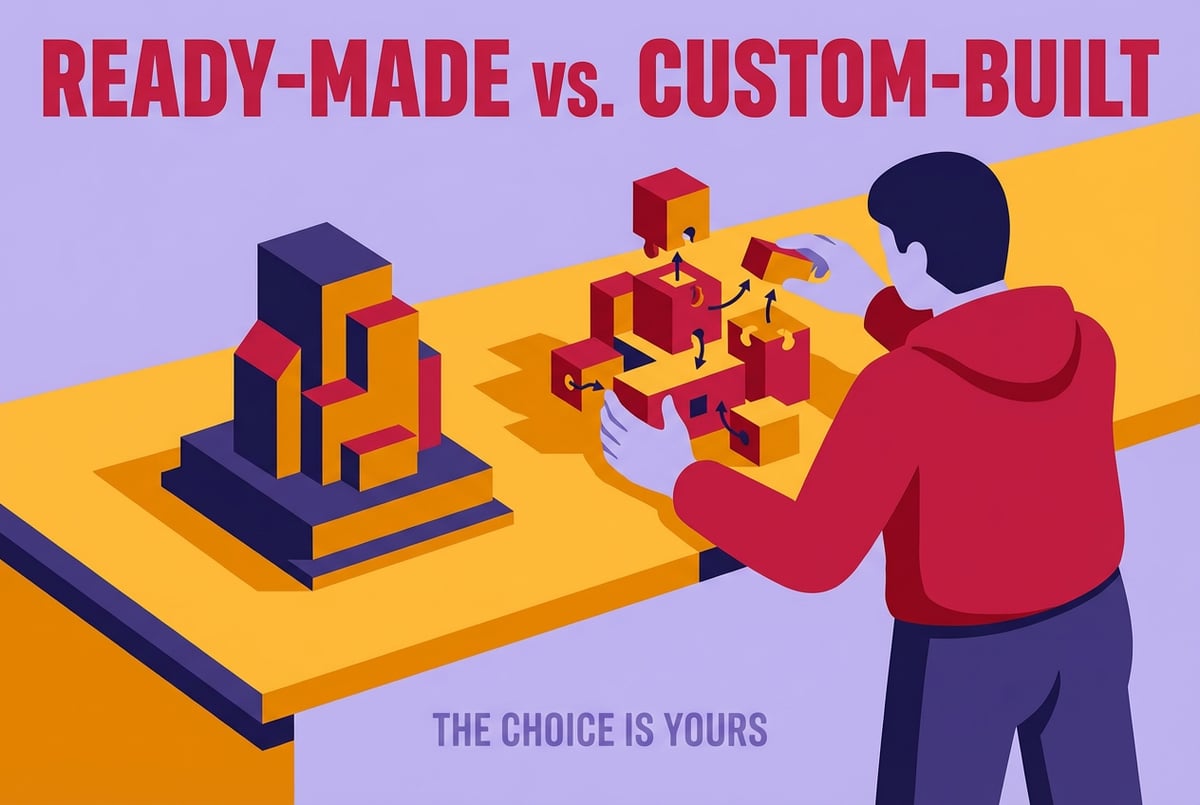
The Real Question Isn’t Speed — It’s Fit
Every week, more developers and technical founders face the same fork in the road: should I use an AI app builder, or build this myself?
On the surface, it looks like a question about speed. AI app builders are fast. You can go from idea to something working in hours instead of weeks. But speed isn’t the real variable here. The real question is whether the tool’s constraints fit the problem you’re solving — and whether you’ll still feel good about that choice six months from now when users are hitting edge cases, you need a custom auth flow, or you want to change something fundamental about how data is stored.
This article gives you a practical framework for making that call. We’ll cover what AI app builders are actually good at, where they fall short, what it costs to build from scratch, and how to think through the decision based on your actual situation — not just the demos.
What “AI App Builder” Actually Means
The term gets used loosely. Before you can decide whether to use one, it helps to be clear about what you’re comparing.
Most tools marketed as AI app builders fall into a few categories:
Frontend-first generators — Tools like Lovable and Bolt are strong at spinning up React UIs from a prompt. They produce clean-looking interfaces fast. The backend is typically thin or delegated to an external service like Supabase.
- ✕a coding agent
- ✕no-code
- ✕vibe coding
- ✕a faster Cursor
The one that tells the coding agents what to build.

Browser-based IDEs with AI agents — Replit Agent lives in this space. It gives you a full dev environment in the browser and uses an AI agent to build code, run it, and iterate. More flexible, but also more complex.
No-code/low-code platforms — These abstract away code entirely through visual interfaces and logic builders. Powerful for some use cases, but constrained by what the platform supports. The difference between no-code, low-code, and code-first platforms is worth understanding before you choose.
AI-assisted code editors — Tools like Cursor, Windsurf, and Claude Code aren’t app builders. They’re coding tools. You still write the app yourself; the AI just helps you go faster. These belong in a different category.
For this article, we’re focusing primarily on the first two: tools that take a prompt or description and produce a working application you can run and deploy, without requiring you to write most of the code yourself.
What AI App Builders Are Good At
There are specific scenarios where AI app builders genuinely shine, and it’s worth being honest about them.
Prototyping and validation
If you need to show something to users, investors, or stakeholders — and the goal is to get feedback, not run a production system — an AI app builder is hard to beat. You can go from concept to a live, clickable app in a day. The cost of being wrong is low. You can throw it away and start over.
For early-stage founders, this matters a lot. Getting something in front of users before you’ve invested weeks in infrastructure is often the smarter move.
Internal tools
Most internal tools don’t need to scale to millions of users. They need to work reliably for a team of 10 or 50. An AI app builder can knock out a basic CRM, dashboard, or workflow tool quickly, and the constraints of the platform matter less when your user base is small and forgiving.
Non-technical domain experts
If you understand the problem deeply but aren’t a developer, AI app builders give you agency you didn’t have before. Domain experts building their own tools is a real and growing category. A healthcare ops person who knows exactly how scheduling should work can build a scheduling tool without hiring an engineer.
Simple, well-defined apps
CRUD apps with clear data models, simple auth requirements, and limited external integrations are a good fit. An admin panel for managing content, a basic SaaS landing page with a waitlist form, a simple booking app. These hit the sweet spot.
Where AI App Builders Fall Short
This is where it gets important, because the marketing for these tools often glosses over the limitations.
Databases and auth are genuinely hard
Most AI app builders struggle with databases and auth in ways that matter for production apps. You might get a working login form, but session management, token rotation, password reset flows, role-based access control — these require real thought and real implementation. The generated code often works for the happy path and breaks on edge cases.
Database schema design is similar. A simple data model looks fine until your requirements change and you realize the schema has no clean migration path.
Vendor lock-in is a real risk
Remy doesn't write the code. It manages the agents who do.
Remy runs the project. The specialists do the work. You work with the PM, not the implementers.
When the platform controls both your app infrastructure and your hosting, you’re locked in by default. If pricing changes, the platform shuts down, or you outgrow what it supports, migration is painful. It’s worth understanding how to avoid getting locked into your AI app builder before you’re in that position.
Production apps fail in specific ways
Why AI-generated apps fail in production is worth reading if you’re considering shipping something at scale. The short version: generated code often lacks error handling, retry logic, rate limiting, proper logging, and the dozen other things that make production software reliable. You won’t notice in testing. You’ll notice when real users hit it.
The iteration wall
Most builders work well for the first 80% of a project. As complexity grows, the AI starts making decisions that conflict with earlier decisions. You end up fighting the tool instead of building with it. This is the most common pattern — impressive early progress, then a wall. There’s a whole category of app builder mistakes that turn prototypes into dead ends.
Complex business logic doesn’t map well to prompts
If your app has sophisticated rules, multi-step workflows, or edge cases that require careful handling, expressing that clearly through a chat-style interface is hard. The AI makes assumptions. You spend time correcting them. At some point it’s faster to just write the code.
The Real Cost of Building From Scratch
Building yourself has costs too, and it’s easy to underestimate them.
Infrastructure time is expensive
Auth, databases, deployment pipelines, environment management, email sending, file storage — all of this has to be wired up before you can write a single line of business logic. The hidden cost of wiring up your own infrastructure is real. For solo founders or small teams, this can consume weeks.
Even with modern frameworks and managed services, the setup burden is significant. If you’ve done it before, you have templates and muscle memory. If you haven’t, you’re Googling configuration docs for days.
Developer time has opportunity cost
Every hour spent on boilerplate is an hour not spent on the thing that actually differentiates your product. If you’re a technical founder, your time building the scaffold is time not spent talking to users, designing the core feature, or thinking about the business.
Speed to feedback matters
The faster you can get something in front of users, the faster you learn whether the idea is worth pursuing. Building from scratch has a longer runway before you get that feedback.
A Framework for Deciding
Here’s a practical way to think through the decision.
Ask these questions first
1. Is this for validation or production?
If you’re validating an idea, an AI app builder is almost always the right call. The constraints don’t matter if you’re going to rebuild it anyway. If you’re building production software that will carry real users and real data, the calculation changes.
2. How complex is your data model?
Simple, mostly flat data with a few relationships? AI builders handle this fine. Complex relational schemas with migrations, versioning, and audit requirements? Build it yourself, or use a tool that gives you full control over the database layer.
3. Do you need custom auth?
Plans first. Then code.
Remy writes the spec, manages the build, and ships the app.
Email/password login with basic sessions? Most builders handle it. SSO, multi-tenant auth, complex role hierarchies, compliance requirements? You’ll be fighting the platform. Build it.
4. What are your scaling requirements?
An internal tool with 20 users has very different needs than a consumer app expecting 100,000 signups. Most AI app builders aren’t designed for serious scale, and the ones that are cost more as you grow.
5. Do you need to own the codebase long-term?
If this is a product you plan to maintain and iterate on over years, code ownership matters. Can you export the code? Can you run it without the platform? If the answer is no, that’s a meaningful risk.
6. How much does correctness matter?
For a demo or internal tool, “mostly works” is acceptable. For anything involving money, healthcare, legal data, or user security, you need to be confident in the implementation. AI-generated code for these domains needs careful review.
The decision matrix
| Scenario | Recommendation |
|---|---|
| Idea validation / MVP prototype | AI app builder |
| Internal tool for a small team | AI app builder |
| Non-technical founder building solo | AI app builder |
| Simple SaaS with standard auth | AI app builder (with caution) |
| Complex business logic | Build yourself |
| Custom auth or multi-tenant | Build yourself |
| Production app at scale | Build yourself |
| Domain with compliance requirements | Build yourself |
| Long-term owned product | Build yourself or hybrid |
The hybrid approach is often underrated. You can use an AI builder to generate the scaffold and first pass, then take ownership of the code and build from there. This works well if you can actually read and reason about the generated output.
The Middle Path: AI-Assisted Coding
There’s a third option that many people overlook when framing this as “app builder vs build it yourself.”
AI coding agents — tools like Cursor, Claude Code, and Windsurf — let you build from scratch while still getting significant leverage from AI. You write the architecture. You own the codebase. The AI helps you generate implementations, debug, and iterate.
This combines the control of building yourself with some of the speed of AI-assisted generation. It’s a better fit for technical founders who want to ship fast but aren’t willing to give up code ownership. If you’re comparing your options in that space, the comparison between Cursor, Windsurf, and Claude Code is useful context.
The tradeoff is that you still have to wire up infrastructure. You get AI help writing the code, but you’re still the one deciding what to build and how to structure it.
Where Remy Fits in This Decision
Remy takes a different approach than either side of this choice. It’s not an AI app builder in the traditional sense, and it’s not just an AI coding assistant.
With Remy, you write a spec — an annotated markdown document that describes what your application does. The spec carries the precision: data types, validation rules, edge cases, business logic. Remy compiles that spec into a full-stack app: real TypeScript backend, real SQL database, real auth with sessions and verification codes, deployed on a real URL.
Remy is new. The platform isn't.
Remy is the latest expression of years of platform work. Not a hastily wrapped LLM.
The key difference from most AI app builders is that the spec is the source of truth, not the generated code. When you want to change something, you change the spec. The code is recompiled. This solves the iteration wall that plagues most app builders — you’re not trying to prompt your way through accumulated complexity. You have a structured document that both you and the AI can reason about.
It also solves the “mostly works” problem. Because the spec has explicit annotations for edge cases and business rules, the compiled output handles those cases instead of guessing at them.
For technical founders, Remy hits a useful middle ground. You’re not dragging UI components around. You’re writing structured descriptions of what the app does. It’s a higher level of abstraction than TypeScript, but it’s precise — not vague. If you want to understand more about the underlying approach, spec-driven development is a good starting point.
You can try Remy at goremy.ai.
Specific Use Cases, Decided
Sometimes the abstract framework isn’t enough. Here are concrete answers for common scenarios.
”I want to validate a SaaS idea this week.”
Use an AI app builder. Bolt, Lovable, or Replit are fine depending on your preference. Get something in front of users. Don’t invest in infrastructure until you know the idea has legs. Read up on the best AI app builders to pick the right one for your stack.
”I’m building an internal dashboard for my team.”
AI app builder, probably. If your data model is simple and your team is small, the constraints won’t matter. If you need to connect to complex internal systems or have specific security requirements, consider building yourself.
”I’m building a B2B SaaS with paying customers.”
Build yourself, or use Remy. Once real money is involved, the production quality bar goes up significantly. You need proper auth, error handling, logging, and the ability to iterate reliably. This is exactly where most AI builders show their limits. If you’re thinking through what that process looks like, how to build a SaaS app from idea to launch covers the full arc.
”I’m a non-technical founder with a clear idea.”
AI app builder for the prototype. Be honest about what you’re building though — if the app has complex logic, you’ll hit the wall eventually and need technical help. Best no-code app builders is a good overview if you want to stay fully in no-code territory.
”I want to ship fast but I’m a developer.”
AI-assisted coding tools are your best bet. You keep ownership, you keep control, and the AI handles the tedious parts. Or use Remy if you want a full-stack app compiled from a spec rather than assembled piece by piece.
What Technical Founders Often Get Wrong
A few patterns come up repeatedly when technical founders navigate this decision.
Treating the prototype as the product. It’s tempting to ship the AI-generated prototype and call it done. Most of the time, that catches up with you. Production software needs to be robust in ways that prototypes don’t. The technical founder’s checklist before launching is worth going through before you make that call.
One coffee. One working app.
You bring the idea. Remy manages the project.
Undervaluing their own time. Building from scratch feels like the “real” approach. But if you spend two weeks on infrastructure that a tool could handle in a day, those two weeks had a cost. The question isn’t “is this the proper way to build?” — it’s “what is the best use of my time right now?”
Overvaluing the builder’s constraints. The flip side: some technical founders use an AI builder, get 60% of the way there, and then spend more time working around the platform’s limitations than they would have spent just building it. If you’re fighting the tool, stop using it.
Ignoring lock-in until it’s a problem. The time to think about platform dependency is before you’ve built your entire product on it, not after. Check what you can export, what the migration path looks like, and what happens if pricing doubles.
Frequently Asked Questions
Is it worth using an AI app builder if I already know how to code?
Yes, in specific situations. For prototyping, validation, and internal tools, an AI builder can save you significant time even if you’re capable of building the same thing from scratch. The tradeoff is control. If you need control — over architecture, the database, deployment, custom logic — coding yourself (possibly with AI assistance) is often better.
Can AI app builders handle production workloads?
Some can, with caveats. The core limitation isn’t usually raw performance — it’s reliability, error handling, and the operational concerns (logging, monitoring, alerting) that make production software maintainable. Most AI-generated code works in testing and breaks in production in subtle ways. If you’re shipping to real users, budget time for hardening.
What’s the difference between vibe coding and using an AI app builder?
Vibe coding typically refers to iterating through prompts without a structured plan — just throwing requests at an AI and shaping what comes back. AI app builders give that process more structure: a UI, a deployment target, integrated services. But the underlying dynamic is similar. Whether vibe coding is good enough for production depends on the app and your standards.
How do I avoid getting locked into an AI app builder?
Check whether you can export the full source code in a standard format, whether the generated code can run outside the platform, and whether your data is exportable. Prefer tools that give you a real git repo over those that abstract it away entirely. Build on standard technologies (React, Node, Postgres) rather than proprietary runtimes.
What if I start with an AI builder and want to switch later?
This is possible but often messy. The cleaner path is to use the builder for the prototype, treat the generated code as a reference or starting point, and rebuild the production version yourself. Don’t assume the generated prototype code is production-ready just because it works.
Are AI app builders getting good enough to replace traditional development?
For specific use cases — internal tools, simple SaaS, prototypes — they’re already good enough. For complex, production-grade applications with sophisticated requirements, they’re not there yet. The gap is narrowing, but the constraints around databases, auth, and complex business logic are real engineering problems, not just tool maturity gaps.
Key Takeaways
- AI app builders are best for prototyping, validation, internal tools, and simple apps with standard requirements.
- Building yourself gives you control, reliability, and ownership — at the cost of time and setup complexity.
- The decision hinges on: production vs. prototype, complexity of your data model, auth requirements, and how long you need to own the codebase.
- AI-assisted coding (Cursor, Claude Code, etc.) is a third option that combines speed with control.
- Remy takes a different approach — you write a spec, and it compiles a full-stack app with a real backend, real database, and real auth. The spec stays in sync as you iterate, which solves the wall most builders hit as complexity grows.
- Regardless of what you use, understand the lock-in risk before you’re deep in the build.
If your next project calls for a full-stack app and you want to describe what it does rather than wire up every piece yourself, try Remy at goremy.ai.