What Is Gemini Omni Flash? Google's Conversational Video Editing API Explained
Gemini Omni Flash lets you edit video through conversation—swap characters, change lighting, and restyle scenes via the API. Here's how it works.

How Gemini’s Video Editing API Actually Works
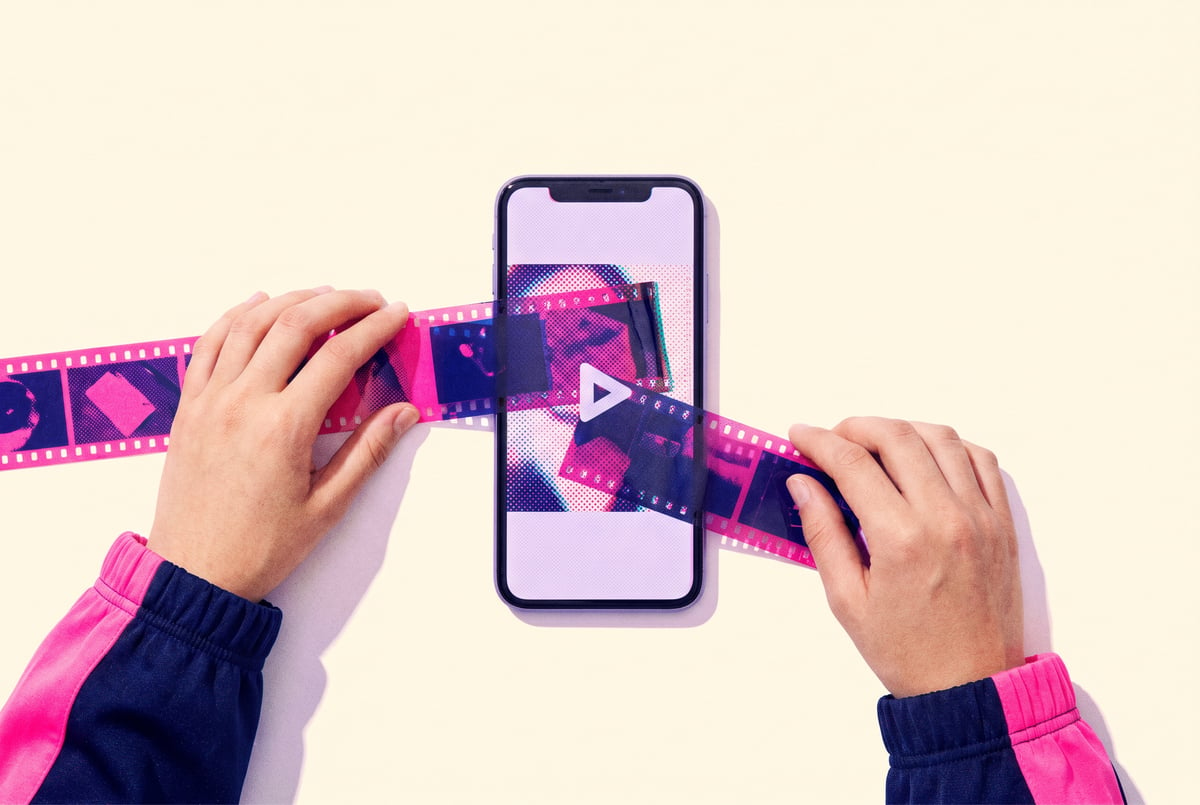
Video editing has always required either expensive software expertise or hours of manual work. Gemini Omni Flash changes that by letting you describe what you want changed — and the API handles the rest. Swap a character’s outfit, shift the lighting from golden hour to overcast, restyle a scene in a different visual aesthetic — all through a conversational back-and-forth with the model.
This article breaks down what Gemini Omni Flash is, what it can actually do, how developers are using it via the API, and what its limitations are right now.
What “Omni Flash” Actually Means
Google’s Gemini model family has grown significantly since the original release. The “Flash” designation refers to the lightweight, low-latency tier of Gemini models — fast inference, lower cost per token, and optimized for high-volume production workloads. Gemini 2.0 Flash, for instance, processes requests significantly faster than the Pro tier while maintaining strong reasoning and multimodal performance.
“Omni” points to something more interesting: the model’s ability to handle multiple modalities simultaneously — text, image, audio, and video — within a single unified architecture. Rather than routing inputs through separate specialized models, an omni model can read a video frame, understand its context, interpret a natural-language instruction, and generate a modified output without switching systems mid-task.
When these two concepts combine, you get a model that’s fast and capable of understanding video content holistically — which is the foundation for conversational video editing.
Remy is new. The platform isn't.
Remy is the latest expression of years of platform work. Not a hastily wrapped LLM.

How This Differs from Traditional Video AI
Most existing AI video tools work in one direction: you give an input, you get an output. Change the prompt, run it again, get a different output. It’s not conversational — it’s iterative batch processing.
Gemini Omni Flash enables a different model: you can have a multi-turn dialogue with the API about a specific video. You might say “adjust the background to look like a studio” and then follow up with “actually, make it warmer and add some bokeh” — and the model retains context about the original clip and your previous instructions. That’s the “conversational” part of conversational video editing.
Core Capabilities: What You Can Do with the API
The Gemini API’s video capabilities span understanding, analysis, and generation. Here’s what’s practically available today.
Video Understanding and Scene Analysis
Before you can edit anything, you need to know what’s in it. Gemini Omni Flash can analyze video clips and return structured information about:
- Object identification and tracking across frames
- Scene transitions and segment boundaries
- Speaker identification and dialogue
- Color grading characteristics
- Lighting conditions and shadow direction
- On-screen text and graphics
This understanding layer is what makes subsequent editing instructions accurate. When you tell the model to “change the character’s jacket to navy blue,” it knows which object is the jacket, where it is in each frame, and how to handle occlusion when the character turns.
Character and Object Modification
One of the most-requested use cases is character-level editing — changing clothing, accessories, or visual appearance without re-shooting. The API supports this through a combination of video understanding and Veo-powered video generation, Google’s video generation model that handles the actual frame synthesis.
The workflow looks like this:
- You upload a video clip to the API
- Gemini Omni Flash analyzes it and segments the relevant elements
- You provide a natural-language edit instruction
- The model generates modified frames using Veo
- The edited output is returned, preserving motion, timing, and camera work
Lighting and Color Grading
Lighting changes are technically challenging in traditional post-production because they require understanding three-dimensional space from a two-dimensional video. Gemini’s spatial reasoning capabilities let you make instructions like:
- “Change the lighting to look like late afternoon”
- “Make this look like it was shot indoors with fluorescent lighting”
- “Add a hard rim light from the left side”
The model infers the existing light sources, their directions, and how modifications would affect shadows, highlights, and reflections across the sequence.
Scene Restyling
Style transfer at the video level — applying a visual aesthetic to an entire scene — is another core capability. You can ask the model to:
- Apply a cinematic film grain and color palette
- Restyle footage to look animated or illustrated
- Match the visual style of a reference clip or describe one in text
- Shift the apparent time of day or season
This is distinct from simple color filters. The model makes globally consistent changes that account for how light, texture, and shadow interact differently across a clip.
How the API Is Structured

The Gemini API, accessed through Google AI Studio or the Vertex AI platform, handles video through a multimodal input structure. Here’s a simplified look at how a video editing request is structured.
Input Handling
The API accepts video files directly (MP4, MOV, AVI, and other common formats), or you can provide video via Google Cloud Storage URI. For longer videos, the File API is used to upload content first, then reference it in subsequent requests.
Supported video lengths and resolutions vary by model tier. Flash models are optimized for shorter clips — typically under a few minutes — at standard resolutions. For production workflows with longer content, you’d typically break the video into segments.
Multi-Turn Conversation Structure
The conversational editing model uses the standard Gemini multi-turn chat format. Each message in the conversation carries context, including the original video reference and all previous instructions. This means the model can handle follow-up refinements without re-uploading the source material.
A typical session might look like:
- Turn 1: “Analyze this clip and describe the main elements.”
- Turn 2: “Change the background to a white studio environment.”
- Turn 3: “The subject’s skin tones look off now — adjust the lighting to compensate.”
- Turn 4: “Export a version with and without the background change for comparison.”
Each instruction builds on the previous state, not the original input. That’s what makes the workflow feel genuinely conversational rather than just re-prompting.
Output Formats
Depending on the edit type, outputs can be:
- Modified video files (when frame-level synthesis is involved)
- Structured JSON descriptions of detected elements
- Timestamped edit recommendations (the model suggests rather than executes)
- Frame-by-frame analysis data for use in downstream tools
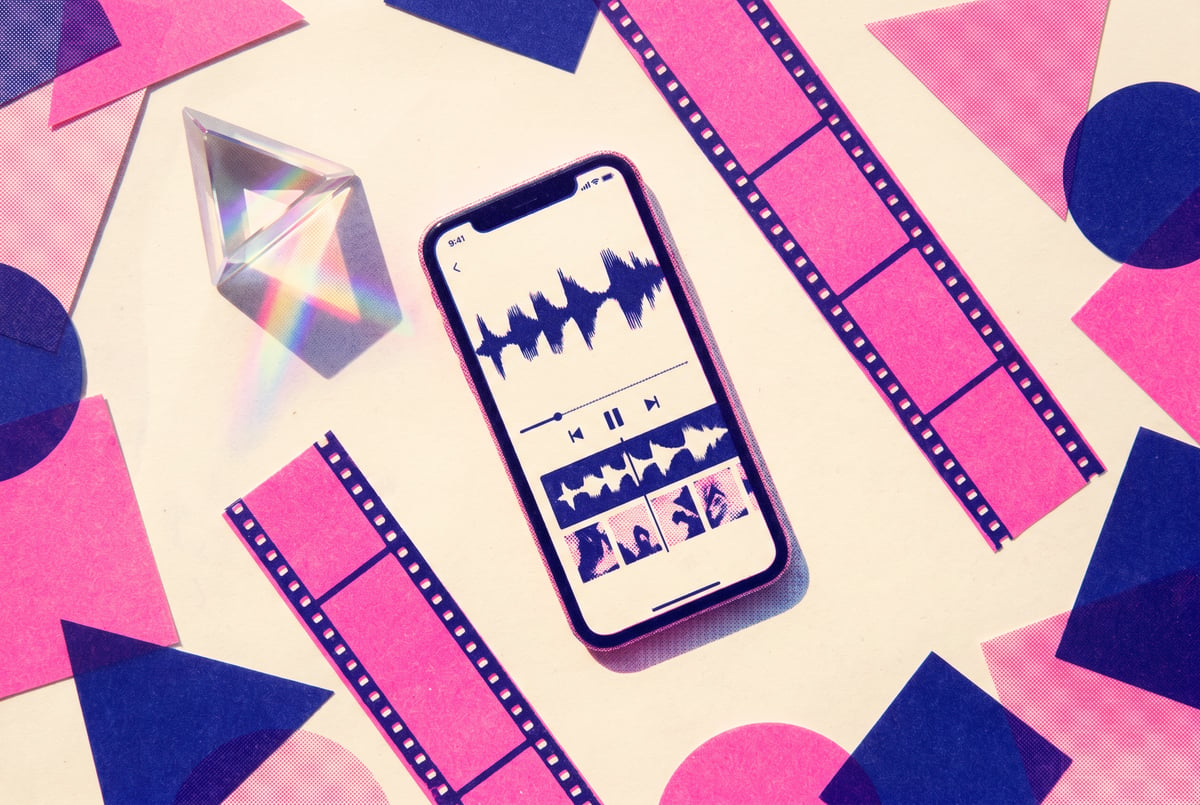
For many production use cases, the model functions more as a video intelligence layer — interpreting and planning edits — while separate rendering tools execute them. This hybrid approach is often faster and more controllable than end-to-end AI video generation.
Practical Use Cases Across Industries
Marketing and Advertising
Ad creative teams use conversational video editing to adapt a single master clip for multiple audiences. Change the background to match a regional market, swap product colors for different variants, or adjust the visual tone to fit a platform — without reshooting. Agencies working at scale can automate these variations through the API, feeding thousands of clips through a workflow that applies brand-consistent edits programmatically.
E-commerce Product Video
Product videos need consistency across a catalog. If lighting conditions varied across shoot days, Gemini Omni Flash can normalize color grading and lighting across the full set. If a product SKU changes colors or gets a packaging update, the model can apply those updates to existing video assets rather than requiring new production.
Content Localization
Localizing video content goes beyond subtitle translation. Background elements, on-screen text, cultural visual cues — all of these can be edited through the API to create region-appropriate versions of the same clip. This is significantly faster than traditional localization workflows that require round-tripping between editors and agencies.
Social Media Repurposing
A single long-form video can be restyled multiple times for different platforms — warmer and high-contrast for Instagram, cleaner and more neutral for LinkedIn, higher energy for TikTok. The conversational interface makes it easy to describe platform-specific aesthetics without knowing the technical parameters behind them.
Limitations to Know Before You Build
Gemini Omni Flash is genuinely capable, but there are constraints worth understanding before you architect a production workflow around it.
Temporal Consistency at Scale
Maintaining consistency across long clips — especially when characters or objects need to be tracked over many frames — remains a challenge. Short clips (under 60 seconds) produce more stable results. For longer content, segment-by-segment processing with explicit consistency instructions helps.
Photorealism Ceiling
Generated or modified frames can show artifacts when the original content is high-resolution or contains complex fine detail (hair, fabric texture, reflective surfaces). The model handles these well in many cases, but demanding production quality may still require a human touch in post.
Cost at Volume
The Flash tier is significantly cheaper than Pro, but high-volume video processing adds up. If you’re processing thousands of clips, build cost monitoring into your workflow architecture from the start. Google’s API pricing is token-based, and video frames consume tokens quickly.
API Rate Limits
The API enforces rate limits that can affect real-time or near-real-time applications. If your use case requires immediate response (e.g., live editing for a broadcast), you’ll need to architect around these limits carefully.
Content Policy Enforcement
Like all Gemini API capabilities, video editing is subject to content safety filters. Edits that would produce harmful, deceptive, or policy-violating content are blocked. This is generally appropriate but can occasionally flag legitimate edge cases, particularly in advertising or creative contexts.
Using Gemini Omni Flash Without Writing API Code
Most teams interested in conversational video editing don’t want to manage API infrastructure, authentication, rate limiting, and model orchestration from scratch. That’s where MindStudio fits in.
MindStudio’s AI Media Workbench gives you access to Gemini, Veo, and 200+ other AI models in a single environment — no API keys to manage, no separate accounts. You can chain video analysis, editing instructions, and output delivery into a fully automated workflow without writing a line of code.
A practical example: you could build a MindStudio workflow that watches a Google Drive folder for new video uploads, automatically runs them through Gemini Omni Flash for scene analysis, applies a predefined set of brand-consistent edits, and delivers the output to Slack or Airtable — all triggered without any manual intervention.
For teams that do want code-level control, MindStudio’s Agent Skills Plugin provides the same video capabilities as typed method calls that any AI agent (Claude Code, LangChain, CrewAI) can invoke without managing the infrastructure layer directly.
You can try MindStudio free at mindstudio.ai.
How It Compares to Other Video AI Tools
Gemini vs. OpenAI’s Video Capabilities
OpenAI’s Sora produces impressive text-to-video results, but it’s designed primarily for generation from scratch rather than editing existing footage. Gemini Omni Flash is built around the edit-existing-content use case, which is more practical for most production workflows where raw footage already exists.
Gemini vs. RunwayML
Other agents start typing. Remy starts asking.
Scoping, trade-offs, edge cases — the real work. Before a line of code.
RunwayML has strong video editing capabilities including inpainting, background removal, and style transfer. The difference is interface and programmability. Runway is primarily a visual product with some API access. Gemini Omni Flash is API-first, designed for developers building video editing into larger automated workflows.
Gemini vs. Adobe Firefly Video
Adobe’s Firefly is tightly integrated with the Creative Cloud ecosystem. If your team already works in Premiere Pro or After Effects, Firefly’s integration path is more natural. Gemini Omni Flash is the right choice if you’re building API-driven pipelines outside the Adobe ecosystem.
Frequently Asked Questions
What is Gemini Omni Flash used for?
Gemini Omni Flash is Google’s multimodal API model optimized for speed and efficiency across text, image, audio, and video. In the video context, it’s used for analyzing existing footage, interpreting natural-language editing instructions, and either executing or planning edits to clips — from lighting adjustments to character modifications and scene restyling.
How does conversational video editing work with the Gemini API?
The API accepts video files and maintains a multi-turn conversation context across requests. You can upload a clip, ask the model to analyze it, then issue sequential editing instructions that build on each other. The model retains context from previous turns, so you can refine or adjust edits without starting over.
Is Gemini Omni Flash available to developers now?
Yes. Gemini 2.0 Flash and its multimodal video capabilities are available through the Google AI Studio and Vertex AI platforms. Access is available with a Google account, and the Flash tier is priced to be accessible for development and production workloads at scale.
What types of video edits can Gemini Omni Flash make?
Current capabilities include lighting and color grading changes, background replacement, object and character modification, scene restyling with different visual aesthetics, on-screen text editing, and style transfer. The model also handles video analysis tasks like scene segmentation, object tracking, and transcription.
What are the main limitations of Gemini Omni Flash for video editing?
Key limitations include temporal consistency challenges in longer clips, photorealism constraints with complex textures, API rate limits for high-volume workloads, and content policy filters that can occasionally block legitimate creative edits. Cost at scale is also worth factoring in, since frame-level video processing consumes tokens quickly.
How does Gemini Omni Flash compare to Veo?
These are complementary rather than competing tools. Gemini Omni Flash handles understanding, reasoning, and instruction interpretation — it’s the “brain” of the operation. Veo is Google’s video generation model that handles the actual frame synthesis. In a production video editing pipeline, they typically work together: Gemini interprets what needs to change, Veo generates the modified frames.
Key Takeaways
- Gemini Omni Flash combines Flash-tier speed with full multimodal (omni) capability across text, image, audio, and video in a single model.
- The conversational API structure lets you issue multi-turn editing instructions that build on each other, rather than re-prompting from scratch.
- Core video editing capabilities include lighting changes, character modification, background replacement, and scene restyling.
- The API is developer-first and pairs well with Veo for end-to-end video editing pipelines.
- For teams that want these capabilities without managing API infrastructure, MindStudio’s AI Media Workbench provides Gemini and Veo access in an automated, no-code workflow environment — try it free at mindstudio.ai.