What Is Seedance 2.5? ByteDance's 30-Second AI Video Model With 50 Multimodal References
Seedance 2.5 generates 30-second videos using up to 50 image and video references. Learn what's new, how it works, and when to use it over Gemini Omni.

ByteDance’s Seedance 2.5, Explained
ByteDance — the company behind TikTok — has quietly built one of the more capable AI video generation models available today. Seedance 2.5 can produce videos up to 30 seconds long, accept up to 50 image and video references simultaneously, and maintain visual consistency across complex multi-character scenes. For anyone tracking the AI video generation space, that’s a meaningful set of specs.
This article breaks down what Seedance 2.5 actually does, how its multimodal reference system works, where it fits in the broader video generation landscape, and when you’d pick it over something like Google’s Gemini-powered video tools.
What Seedance 2.5 Is
Seedance 2.5 is ByteDance’s latest text-to-video and image-to-video generation model. It’s designed for longer, more controlled video outputs than most competing tools currently offer. Where many AI video generators cap out at 5–10 seconds or struggle with consistency across multiple reference inputs, Seedance 2.5 is built specifically to handle complex multi-reference generation at longer durations.
The “2.5” positioning suggests this is an intermediate upgrade rather than a full generational leap — but the jump in reference count (up to 50 multimodal inputs) and duration (up to 30 seconds) makes it practically different from its predecessors in ways that matter for production use.
Everyone else built a construction worker.
We built the contractor.
One file at a time.
UI, API, database, deploy.

ByteDance has positioned Seedance 2.5 as a model for professional and creative workflows — not just a demo toy. It’s part of a broader push from the company to establish itself in the generative AI infrastructure space, separate from its consumer products.
The 50-Reference Multimodal System
The headline capability of Seedance 2.5 is its multimodal reference system. You can feed the model up to 50 references — a mix of images and short video clips — and the model uses all of them to guide the output.
How the Reference System Works
Most AI video generators take a text prompt, maybe a single reference image, and generate from there. Seedance 2.5 treats references differently: they function as a visual vocabulary the model draws on throughout the generation process.
You might provide:
- Character reference images (face, outfit, body type)
- Background or environment references
- Style references (lighting, color grading, mood)
- Motion references from short video clips (camera movement, gesture style)
- Object references (specific props or items that need to appear)
The model synthesizes across all of these simultaneously, rather than treating any single reference as the dominant signal. This is what makes the 50-reference ceiling meaningful — it’s not just about volume, it’s about multi-dimensional control over the output.
Why Reference Count Matters
In practice, maintaining visual consistency across a 30-second video with multiple characters, locations, or objects is hard. Small details drift. Faces change. Lighting shifts mid-clip.
The ability to anchor generation to a rich set of references dramatically reduces this drift. A brand video that needs a specific character appearance, environment, and product to remain consistent across a half-minute clip is far more feasible with 50 references than with 3.
This makes Seedance 2.5 particularly relevant for:
- Brand content production (consistent visual identity)
- Short-form narrative video (character consistency across scenes)
- Product visualization (specific item appearance across camera angles)
- Style-locked creative work (matching an existing aesthetic)
30-Second Video Generation: Why Duration Matters
Thirty seconds might not sound like much, but in AI video generation terms it’s a significant threshold.
Most publicly available models in 2024–2025 have targeted 5–15 second clips. The reasoning is partly computational — longer videos require maintaining coherent motion, physics, and visual consistency across more frames — and partly practical, since most early use cases were short-form social clips.
The Production Implications of 30-Second Outputs
A 30-second clip is long enough to be a complete unit of content for:
- Social media ads (standard 15s and 30s formats)
- Product explainer intros
- Title sequences
- Short narrative scenes
- Presentation B-roll
It also changes how you can chain clips together. If you need a 2-minute video, generating a single 10-second clip and repeating the process twelve times introduces significant consistency challenges between clips. Generating six 30-second clips with shared reference sets is a fundamentally different workflow — one where consistency is much more manageable.
Quality Across the Full Duration
Generating longer clips at high quality is harder than it sounds. Models often produce strong outputs for the first few seconds, then drift — motion becomes inconsistent, details change, the scene loses coherence.
Seedance 2.5’s training appears to prioritize temporal consistency, meaning the model is specifically optimized to maintain visual and motion coherence across the full clip duration, not just the opening frames.

Seedance 2.5 vs. Gemini Video Generation
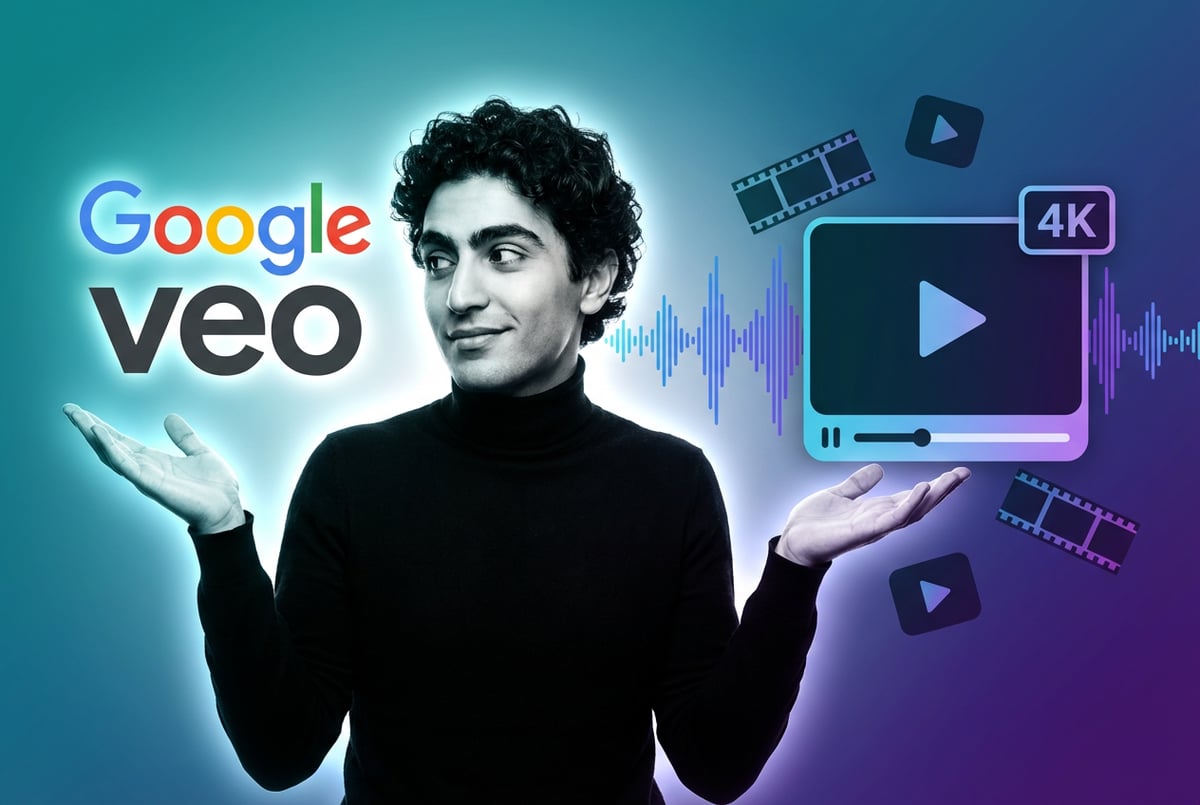
The comparison that comes up most often is Seedance 2.5 vs. Google’s video generation capabilities, particularly through the Gemini model family.
Here’s a straightforward breakdown of where each approach differs:
| Capability | Seedance 2.5 | Gemini Video |
|---|---|---|
| Max video duration | ~30 seconds | Varies by implementation |
| Reference inputs | Up to 50 multimodal | Limited multimodal |
| Primary strength | Reference-anchored consistency | Multimodal reasoning + generation |
| Integration depth | Standalone / API | Deeply integrated with Google ecosystem |
| Text-to-video quality | High, style-controllable | Strong, especially with complex prompts |
| Accessibility | API / platform access | Available via Gemini Advanced, Vertex AI |
When to Use Seedance 2.5
Seedance 2.5 is the better choice when:
- You need to maintain specific visual references across a full clip
- You’re working with brand assets, characters, or proprietary visual elements
- You need the full 30-second duration with consistent output
- You’re building a workflow where multiple reference images are already part of your production process
When to Use Gemini-Based Video Tools
Google’s Gemini-powered video generation tools make more sense when:
- You’re already working in the Google ecosystem (Workspace, Vertex AI)
- You need tight integration with text and other multimodal inputs as part of a larger pipeline
- Your use case benefits from Gemini’s broader reasoning capabilities alongside generation
- You need the reliability of a managed enterprise service with strong SLA guarantees
Neither is universally better. The choice depends on what you’re building and how you’re building it.
Key Use Cases for Seedance 2.5
Advertising and Brand Content
The combination of reference-anchored generation and 30-second output makes Seedance 2.5 well-suited for ad production workflows. Brand teams can feed product images, character references, and environment references to generate on-brand video content at scale — without per-clip inconsistency problems.
Narrative and Short Film Production
Indie creators and production studios can use Seedance 2.5 to generate scene sequences where character consistency matters. The ability to reference the same character across multiple shots — maintaining face, costume, and mannerism — makes it practical for pre-visualization or even direct output in stylized productions.
Product Visualization
E-commerce and product teams can generate multi-angle video of physical products by providing image references and environment references. A single product shoot can inform a range of generated video contexts — lifestyle settings, neutral backgrounds, comparison shots.
Social Media Content at Scale
For content teams producing high-volume social media output, Seedance 2.5’s reference system allows consistent visual identity across many clips. The same character or brand aesthetic can anchor dozens of generated videos without repeated manual setup.
How MindStudio Lets You Use AI Video Models Without the Setup Overhead
If Seedance 2.5’s capabilities fit your workflow, the next question is how to actually access and use it — especially if you want to integrate video generation into a larger production pipeline rather than using it as a standalone tool.
This is where MindStudio’s AI Media Workbench becomes relevant.
MindStudio gives you access to major AI image and video generation models — including Sora, Veo, FLUX, and others — from a single workspace, no API keys or separate accounts required. You can generate, refine, upscale, and edit video outputs using 24+ built-in media tools (background removal, subtitle generation, clip merging, face swap, and more), all in one place.
More importantly, MindStudio lets you chain video generation into automated workflows. Rather than generating clips one at a time, you can build an agent that:
- Takes a product image and brief as inputs
- Generates a video using your reference set
- Adds subtitles or overlays automatically
- Outputs to a Slack channel, Google Drive, or directly to a CMS
That’s the kind of workflow that makes high-volume video production practical for small teams. The average build time on MindStudio is under an hour, and you don’t need to write any code to get there.
You can try MindStudio free at mindstudio.ai — no credit card required to start.
Frequently Asked Questions
What is Seedance 2.5?
Seedance 2.5 is a video generation model developed by ByteDance. It generates videos up to 30 seconds long and accepts up to 50 multimodal references — images and video clips — to guide the output. It’s designed for use cases that require visual consistency across complex, multi-reference generation.
How does the 50-reference limit work in Seedance 2.5?
You can provide up to 50 images and video clips as reference inputs. The model uses these as a combined visual context, drawing on character references, environment references, style references, and motion references simultaneously. This allows precise control over the look and feel of the output without being locked to a single dominant reference.
How does Seedance 2.5 compare to other AI video generators?
Seedance 2.5 differentiates itself primarily through its reference capacity and clip duration. Most competing models offer shorter outputs (5–15 seconds) and more limited reference inputs. It competes directly with models like Google’s Veo and OpenAI’s Sora, but with a specific advantage in reference-anchored consistency over longer clips.
Is Seedance 2.5 available to use publicly?
Seedance 2.5 is accessible via API and through certain platforms that have integrated ByteDance’s generation models. Access varies by region and use case. It is not a consumer app in the same way as some other tools — it’s primarily aimed at developers, creative teams, and production workflows.
What kinds of videos can Seedance 2.5 generate?
The model supports text-to-video and image-to-video generation. It handles a wide range of styles — realistic, cinematic, animated — and works well for advertising, narrative content, product visualization, and brand-consistent social media output. The reference system makes it particularly suited for any use case requiring specific character, object, or environment consistency.
When should I use Seedance 2.5 over Sora or Veo?
Use Seedance 2.5 when your workflow requires multiple specific visual references and you need output longer than 10–15 seconds. Sora and Veo have their own strengths — Sora in cinematic realism, Veo in Google ecosystem integration — but neither currently matches Seedance 2.5’s reference capacity at the 30-second duration. If reference-anchored consistency is your primary need, Seedance 2.5 is worth evaluating first.
Key Takeaways
- Seedance 2.5 is ByteDance’s AI video generation model, capable of producing 30-second clips with up to 50 multimodal reference inputs.
- The 50-reference system allows detailed control over character, environment, style, and motion consistency across the full clip duration.
- It’s best suited for brand content, narrative video, product visualization, and high-volume social media production where visual consistency matters.
- Compared to Gemini-based video tools, Seedance 2.5 has a clear advantage in reference-anchored generation; Gemini tools have an edge in Google ecosystem integration and broader multimodal reasoning.
- Platforms like MindStudio let you integrate AI video generation — across multiple models — into automated production workflows without needing to manage APIs or build infrastructure from scratch.
Other agents ship a demo. Remy ships an app.
Real backend. Real database. Real auth. Real plumbing. Remy has it all.
If you’re evaluating AI video tools for a real production workflow, Seedance 2.5 belongs on your shortlist — especially if you’re working with reference-heavy creative briefs or need output longer than a standard short clip. And if you want to put any of these models to work inside an automated pipeline, MindStudio’s AI Media Workbench is a practical place to start.