How to Use Effort Levels in Claude to Get Better Results Without Overspending
Claude's effort levels control how many reasoning tokens it spends per task. Learn when to use low, medium, high, max, and ultra code for best results.

What Claude’s Effort Levels Actually Do
Not every task needs Claude at full power. Asking it to draft a one-sentence subject line using the same deep reasoning it would apply to a complex coding problem wastes tokens and money — and doesn’t produce better results. Claude’s effort levels give you direct control over how much reasoning the model applies before it responds.
Understanding this system is one of the most practical Claude optimization skills you can develop. It affects both output quality and cost, and most people either ignore it entirely or crank everything to maximum by default.
This guide covers how effort levels work, when to use each one, and how to build smarter workflows that match reasoning depth to task complexity.
How Claude’s Extended Thinking System Works
Claude’s extended thinking capability lets the model “think before it answers” — working through problems internally using what Anthropic calls thinking tokens or reasoning tokens. These are tokens the model spends on internal scratchpad reasoning before producing its final response.
You don’t see this reasoning in the output unless you explicitly request it. But it influences the quality of Claude’s answer significantly, especially on tasks that require multi-step logic, complex tradeoffs, or careful planning.
The Token Budget Concept
One coffee. One working app.
You bring the idea. Remy manages the project.

When you enable extended thinking via the API, you set a budget_tokens parameter. This tells Claude how many tokens it can spend on internal reasoning. The minimum is typically 1,024 tokens; the practical upper range extends to several hundred thousand tokens for very demanding tasks.
Think of it as giving Claude a longer scratch pad. A small budget forces it to think briefly and answer quickly. A large budget lets it work through a problem from multiple angles before committing to a response.
The catch: you pay for those reasoning tokens. They’re charged at the model’s standard token rate, so a task with a 50,000-token thinking budget costs meaningfully more than the same task with a 2,000-token budget.
Effort Levels as a Practical Abstraction
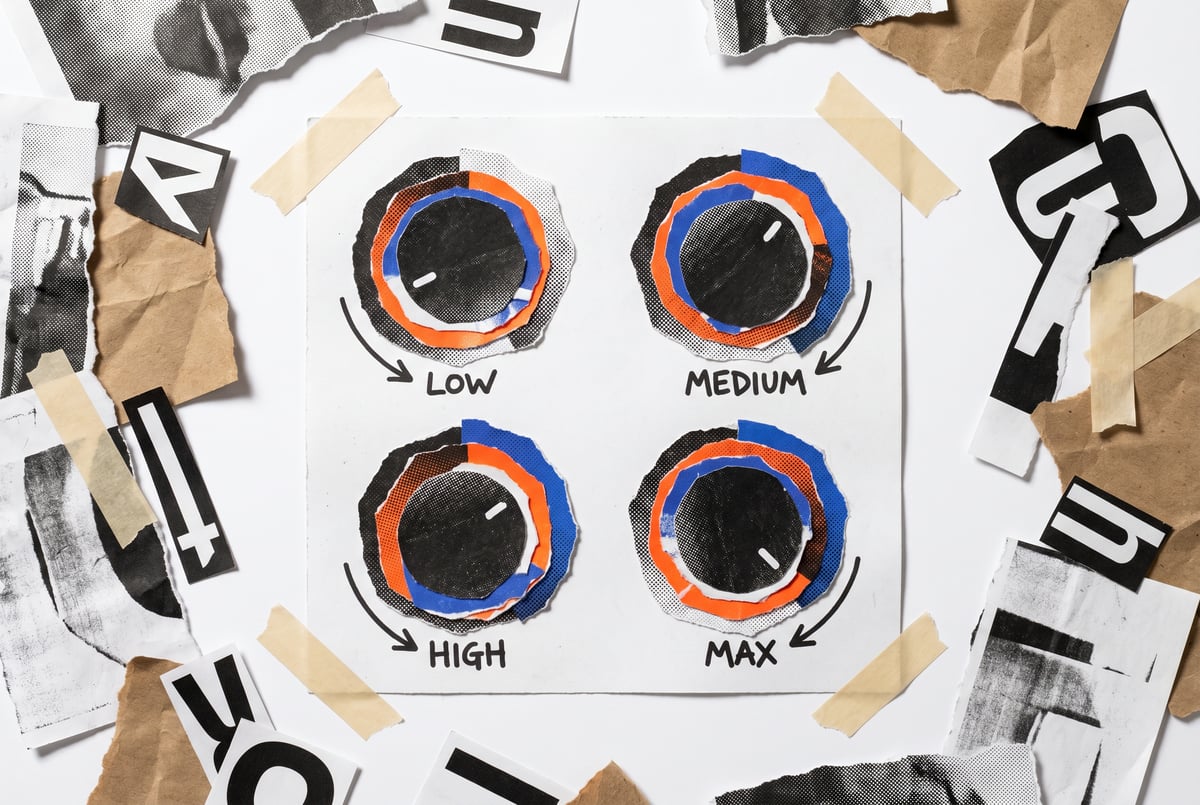
Rather than manually tuning exact token counts, many interfaces and API wrappers expose effort levels as presets. These map thinking budgets to simple labels — low, medium, high, max — so you can make quick decisions without doing mental math on token economics.
The exact token ranges behind each label can vary by implementation, but the general logic holds:
| Effort Level | Approximate Thinking Budget | Best For |
|---|---|---|
| Low | ~1,000–4,000 tokens | Simple tasks, formatting, quick answers |
| Medium | ~5,000–15,000 tokens | Most everyday professional tasks |
| High | ~16,000–50,000 tokens | Complex reasoning, analysis, planning |
| Max | ~51,000–100,000+ tokens | Hard problems, research synthesis, architecture design |
Some specialized configurations (sometimes labeled “ultra” or task-specific max modes) push budgets even higher for domains like code generation where reasoning depth pays off most.
When to Use Low Effort
Low effort is for tasks where extended reasoning adds no value.
If Claude already knows the answer — or the task is purely mechanical — more thinking time doesn’t help. It just costs more.
Good use cases for low effort:
- Reformatting or restructuring text
- Simple classification (positive/negative sentiment, yes/no categorization)
- Short-form generation (email subject lines, button copy, meta descriptions)
- Extracting specific data from structured input
- Language translation for common languages
- Basic summarization of short content
What to avoid at low effort:
Don’t use low effort for tasks that require comparing options, making nuanced judgments, or following multi-step logic chains. The model will still attempt the task, but may produce shallower or less accurate results.
A common mistake is setting low effort for “easy-looking” tasks that actually require subtle reasoning. For example, classifying customer feedback as urgent vs. non-urgent looks simple but involves inferring context, tone, and business impact. That’s a medium-effort task at minimum.
When to Use Medium Effort
Medium effort is the right default for most professional tasks. It gives Claude enough thinking budget to reason carefully without burning unnecessary tokens.
Good use cases for medium effort:
- Writing and editing longer documents (reports, proposals, blog posts)
- Answering nuanced customer questions where context matters
- Extracting and synthesizing information from multiple inputs
- Creating structured outputs like project plans or meeting agendas
- Moderate code generation (writing functions, debugging small issues)
- Research synthesis for well-defined questions
Medium effort hits the sweet spot where output quality improves meaningfully compared to low, but the cost increase is proportional. For most business automation workflows, medium effort is where you want to start.
A practical heuristic:


If you’d expect a thoughtful human to need a few minutes to answer well — not a quick reaction, not a deep research session — that’s a medium-effort task.
When to Use High Effort
High effort is for tasks where mistakes are expensive or where the problem genuinely requires working through multiple layers of complexity.
The model uses the extended thinking budget to explore different approaches, check its own reasoning, and consider edge cases it might miss with a shorter budget.
Good use cases for high effort:
- Complex code generation or refactoring (systems with dependencies, edge cases, performance considerations)
- Legal or compliance document review
- Strategic analysis with tradeoffs across multiple dimensions
- Debugging hard-to-reproduce software issues
- Designing database schemas or API architectures
- Scientific or mathematical reasoning
- Writing detailed technical documentation
The difference between medium and high effort is most pronounced on tasks where there’s a right answer that requires real logic to find — not just well-written prose.
For creative tasks, high effort can improve structural coherence and thematic consistency, but the quality jump is less dramatic than for analytical tasks.
When to Use Max (and Why You Don’t Always Need It)
Max effort throws the full thinking budget at the problem. This is appropriate when:
- You’re working on genuinely hard problems where thoroughness matters more than speed
- The cost of an error is high (infrastructure design, high-stakes analysis)
- You need the model to explore solution spaces it might otherwise prune too early
- You’re debugging an issue that has resisted lower-effort attempts
But max effort is not a universal improvement. On tasks that don’t require deep reasoning, it can introduce verbosity, over-qualification, and diminishing returns. Claude might produce a technically thorough response that’s actually harder to act on than a crisp medium-effort answer.
The “ultra” and coding-specific modes
Some implementations expose a mode above max for specific domains — particularly code. When a coding task involves complex architecture decisions, subtle language behavior, or highly interdependent logic, a higher-than-standard budget can noticeably improve Claude’s output.
Use these sparingly. They’re justified when the problem is genuinely hard and you’ve already identified that lower effort settings aren’t getting you there.
The Real Cost of Mismatched Effort
Over-using high or max effort on simple tasks is the most common mistake, but under-using effort on complex tasks causes real problems too.
Cost of over-reasoning:
- Higher token spend per task (can be 10–50x more tokens than low effort)
- Slower response times
- Wordier outputs that require more editing
- Higher per-task cost in production workflows
Cost of under-reasoning:
- Incorrect or shallow answers on complex tasks
- Missed edge cases in code
- Analysis that misses important nuance
- Errors that require human review and correction
The right mental model: effort level is a resource allocation decision. Match the depth of thinking to the actual difficulty of the task.
For high-volume workflows, even small per-task cost differences compound quickly. A pipeline processing 10,000 items per day at high effort instead of medium effort might cost 3–5x more for no meaningful quality gain — if the tasks don’t actually require it.
How to Choose the Right Effort Level
Here’s a simple decision framework:
1. Ask: Is there a “correct” answer that requires reasoning to find?
- Yes → Medium or above
- No (format, style, quick lookup) → Low
2. Ask: How complex is the reasoning path?
- Single step → Low or Medium
- Multi-step with dependencies → High
- Multiple competing approaches need exploration → Max
3. Ask: What’s the cost of a mistake?
- Low stakes, easy to review → Low or Medium
- High stakes or hard to catch errors → High or Max
4. Ask: Has a lower effort level already failed on this task?
- If you’ve tried medium and results are inconsistent → try High
- If High isn’t reliable → Max
This last point matters. Start low and move up only when you see the output quality justify it. Don’t assume max is always safest — it often isn’t.
Effort Levels in Agentic Workflows
When Claude is operating as part of an autonomous agent — taking actions, making decisions, calling tools — effort level selection becomes more nuanced.
An agent handling a customer inquiry might use:
- Low effort to classify the inquiry type
- Medium effort to draft a response
- High effort to escalate edge cases that require careful policy reasoning
Mixing effort levels within a workflow is a legitimate optimization strategy. Route simple steps to low effort, reserve high effort for decision points that affect downstream actions.
This is where platform-level control matters. If you’re building workflows that deploy Claude alongside other models and tools, you want fine-grained control over reasoning depth per step — not a blanket setting.
Building Effort-Optimized Claude Workflows in MindStudio
If you’re running Claude in production — whether for customer support, document processing, research pipelines, or content automation — you need more than just prompt engineering. You need infrastructure that lets you configure model behavior per step and swap effort levels based on task type.
MindStudio is a no-code platform where you can build multi-step AI workflows using Claude and 200+ other models. When you’re building an agent in MindStudio, you can configure Claude’s model settings per step — which means you can assign low effort to formatting steps, medium effort to standard generation steps, and high effort to reasoning-heavy decision points, all within the same workflow.
This matters because most real-world workflows aren’t uniform. A document processing pipeline might involve simple extraction (low effort), classification (medium), and a nuanced compliance check (high). Running all three steps at the same effort level wastes money on the easy parts and potentially under-serves the hard parts.
MindStudio also gives you access to the full range of Claude models — Claude 3.7 Sonnet with extended thinking, Claude 3.5 Haiku for cost-efficient tasks, and others — without needing separate API keys or account setups. You can route different steps to different models based on cost/quality tradeoffs.
For teams processing high volumes of AI tasks, this kind of per-step optimization can reduce costs substantially while maintaining or improving output quality where it counts. You can try MindStudio free at mindstudio.ai.
Common Mistakes to Avoid
Setting max effort as the default

It feels safe, but it’s wasteful. Most tasks don’t benefit from the maximum thinking budget. Start at medium, test outputs, and escalate only when needed.
Not testing effort levels against each other
If you’re deploying Claude at scale, run the same prompts through different effort levels and compare outputs. You may find medium effort matches high effort on 80% of tasks at half the cost.
Ignoring task type when selecting effort
Text formatting and code architecture require very different reasoning depths. Treat effort level as task-specific, not model-specific.
Using extended thinking for purely creative tasks
Claude’s extended thinking mode is optimized for logical and analytical reasoning. For open-ended creative writing, you may get marginally different (not better) results at higher effort. Test before committing.
Forgetting about latency
Higher effort levels increase response time. For user-facing applications where latency matters, that tradeoff needs to be explicitly weighed. A slightly less thorough answer returned in 3 seconds may serve users better than a perfect answer returned in 20.
Frequently Asked Questions
What are Claude effort levels?
Claude effort levels are a way to control how much internal reasoning the model does before generating a response. They map to token budgets for Claude’s extended thinking feature — the internal scratchpad reasoning the model uses before producing output. Higher effort levels allocate more tokens for thinking, which improves performance on complex tasks but increases cost and response time.
Does higher effort always produce better results?
No. Higher effort improves results on tasks that genuinely require multi-step reasoning, complex tradeoffs, or careful logical analysis. For simple or mechanical tasks (formatting, classification, short-form generation), higher effort typically produces similar quality to low or medium effort at greater cost. The quality improvement is most pronounced on analytical, coding, and multi-step reasoning tasks.
How much does it cost to use extended thinking in Claude?
Extended thinking tokens are billed at the standard token rate for whichever Claude model you’re using. The cost impact depends on how large a thinking budget you’re allocating. A task with a 50,000-token thinking budget costs dramatically more than the same task at 2,000 tokens. For high-volume production workflows, choosing appropriate effort levels is a meaningful cost optimization lever.
What’s the difference between extended thinking and a better prompt?
Both can improve output quality, but they work differently. A better prompt gives Claude clearer instructions and more relevant context. Extended thinking gives Claude more computation time to reason through the problem. For hard analytical or coding tasks, extended thinking can surface insights that no amount of prompt engineering would achieve — because the model needs more reasoning steps, not just better instructions. For most tasks, good prompting matters more.
When should I use the maximum effort level?
Use max effort when the task is genuinely hard, the cost of an error is high, and lower effort levels have produced inconsistent or incorrect results. Examples include: complex system architecture design, hard debugging problems, detailed legal or compliance analysis, and multi-variable optimization problems. Don’t use it as a default — it increases cost and latency without proportional quality gains on simpler tasks.
Can I mix effort levels within a single workflow?
Yes, and it’s often the right approach. Agentic workflows frequently involve steps with different complexity levels — a routing step (low effort), a generation step (medium effort), and a review or validation step (high effort). Assigning effort levels per step rather than using a blanket setting can significantly reduce costs while maintaining output quality where it matters most. Platforms like MindStudio let you configure this per step when building Claude-based workflows.
Key Takeaways
- Effort levels control reasoning depth: More effort = more internal thinking tokens before Claude responds, which improves performance on complex tasks.
- Match effort to task complexity: Low for mechanical tasks, medium for most professional work, high for complex reasoning, max only when the problem genuinely demands it.
- Cost scales with effort: Higher effort levels increase both token cost and response latency — test before defaulting to max.
- Agentic workflows benefit most from per-step effort control: Different steps in a workflow have different complexity demands; treating them uniformly is inefficient.
- Test empirically: Run key prompts across effort levels and compare. You’ll often find medium effort outperforms your assumptions on most tasks.
Understanding how to use Claude effectively in production workflows is one of the highest-leverage things you can do to reduce AI costs without sacrificing output quality. Start with medium effort as your default, establish benchmarks, and tune from there.