
How to Make the Viral Dithered Website Effect for Under $1
Learn how the viral dithered animated website effect is made using AI image and video tools, then coded into a live site for pocket change.
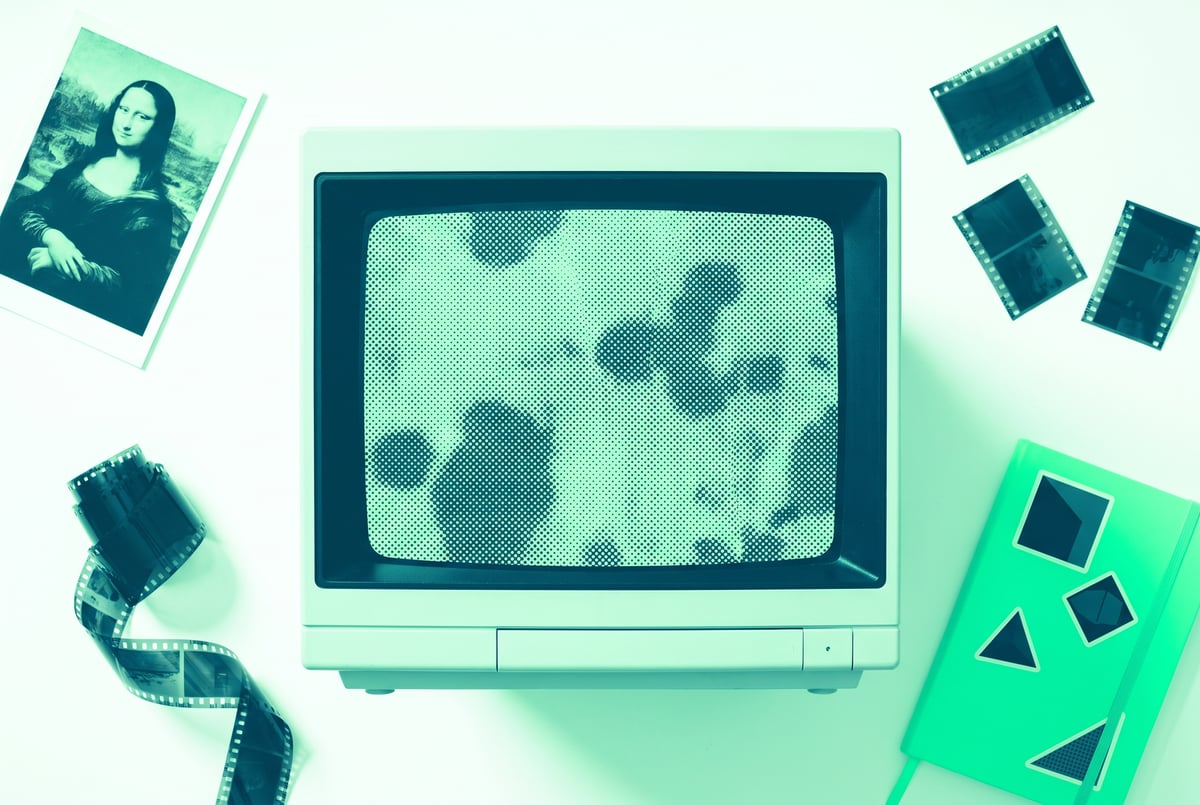
What is the viral dithered website effect?
The dithered website effect is a design trend where a site’s background looks like an old-school, low-resolution animation made of black and white dots, but it’s actually moving. The motion comes from AI-generated video that’s been chopped into a handful of frames and run at a low frame rate, giving it a jumpy, static-like quality instead of smooth playback. Builders are recreating it for well under a dollar using AI image generators, image-to-video models, and a coding assistant to stitch it all together.
TL;DR
- The effect combines a still AI-generated image, an image-to-video conversion, and a dithering filter applied over a low frame rate to create that retro, staticky motion.
- Renaissance-style paintings, gothic architecture, and grand historical scenes tend to produce the most convincing results because the effect thrives on visual grandiosity.
- Tools like Higgs Field act as aggregators that give access to models such as Nano Banana Pro for images and Seedance 2.0 for video, without needing separate accounts for each.
- Generating the image first, rather than jumping straight to video, produces higher-quality motion because the video model has a clean reference to conform to.
- The whole visual pipeline (image plus a few seconds of video) typically costs around a dollar or less, with the coding step costing little to nothing if you’re already on an AI coding plan.
- A coding assistant like Claude handles the actual dithering, frame extraction, and website assembly, meaning no traditional programming background is required.
- Small touches like mouse-reactive effects and font pairing help sell the illusion that every pixel is rendered live, even though the background is a looping video.
One coffee. One working app.
You bring the idea. Remy manages the project.

How does the dithering effect actually work?
The trick is less about clever real-time rendering and more about disguising a video as something more mechanical. Here’s the sequence:
- Generate a still image. An AI image model creates a stylized painting or scene, often something with the weight of a Renaissance fresco or a gothic cathedral.
- Convert it to video. An image-to-video model takes that still and animates it slightly (a slow pan, a zoom, falling ash, drifting light) to create a few seconds of motion.
- Extract frames at a low rate. Instead of playing the video smoothly, it’s chopped into individual frames and played back at roughly 11 frames per second. This is what creates the choppy, staccato jump between images rather than fluid motion.
- Apply dithering. A black-and-white dot pattern, the kind used on old low-resolution displays to simulate detail and shading, gets layered over the frames.
- Set it as the background and layer real website content (text, navigation, buttons) on top, along with cursor-reactive effects to reinforce the feeling of interactivity.
The result reads as a live, procedurally rendered pattern. In reality, it’s a short looping video with a filter on it. Viewers tend to assume every dot is being calculated in real time, which is part of why the effect feels more technically impressive than it is to build.
Which AI tools are used to build it?
The pipeline doesn’t require a single specialized platform. It relies on stacking a few widely available AI tools:
- Image generation: Models like GPT Image and Nano Banana Pro (accessible through aggregator platforms such as Higgs Field) generate the base artwork. Aggregators are useful here because they host many models in one place instead of requiring separate signups.
- Image-to-video conversion: Seedance 2.0 was highlighted as a solid choice for this step, mainly because it’s inexpensive and doesn’t require top-tier video quality since the footage gets heavily processed afterward anyway.
- Coding assistant: A model from the Claude family handles turning the processed frames into an actual working website, including the frame-chopping, dithering application, and layout.
No traditional web development background is needed. The heavy lifting (design taste aside) is offloaded to AI agents that can take instructions in plain language and produce working code.
Why do Renaissance and gothic styles work so well?
Grand, historical imagery seems to pair naturally with the choppy, low-fidelity motion of the dithering effect. Frescoes, rose windows, cathedral interiors, fleets of ships, and similar epic scenes carry a sense of scale and weight that survives the degradation into dots and jumpy frames. Warm, pastel color palettes tend to complement this style particularly well.
Not every prompt works, though. Attempts at more literal or dynamic subjects, like a galloping horse, produced mixed results, and some prompts describing motion and physique in certain ways triggered content filters unexpectedly. The safer, more reliable territory is architectural or painterly scenes: gothic windows, ancient ruins, falling ash, candlelit interiors. These tend to hold up visually even after being chopped into low-frame-rate, dithered frames.
Remy is new. The platform isn't.
Remy is the latest expression of years of platform work. Not a hastily wrapped LLM.
What does this cost to build?
The visual assets are the cheapest part of the process. Generating a batch of images from a model like Nano Banana Pro costs a small number of tokens, often just cents. Turning a still image into a short video clip (a handful of seconds at 1080p using something like Seedance 2.0) is estimated at roughly 25 to 50 cents per generation. Since only a few seconds of footage are needed to loop convincingly, most builders can produce usable assets for well under a dollar total.
The bigger cost consideration is the coding step, though even that tends to be minor. If you’re already paying for a coding-capable AI plan, assembling the site into working code is effectively included in that subscription. If not, expect to spend a small amount in tokens, often cited as around ten cents, to have the assistant handle frame extraction, dithering, and page assembly.
Is this trend worth trying yourself?
For anyone building websites, portfolios, or landing pages who wants a distinctive visual hook, this is a low-cost experiment. The total spend is small, the tools involved (image generators, video generators, coding assistants) are widely accessible, and no formal design or programming background is required to get a usable result. The main investment is time spent generating multiple image and video variations to find one that holds up under the dithering filter, since not every image translates well once it’s chopped into low-frame-rate, high-contrast dots.
The tradeoff is that the effect is stylistically loud. It suits sites that want to feel artistic, moody, or experimental rather than clean and corporate. It also depends on taste, since picking the right image style (grand, painterly, architectural) matters more than technical execution.
Frequently Asked Questions
What is dithering in web design?
Dithering is a visual technique that uses patterns of black and white (or limited-color) dots to simulate shading and detail, originally used on old displays with limited color capability. In this trend, it’s applied over looping video frames to create a retro, textured background effect.
Do I need to know how to code to make this effect?
Not in the traditional sense. The workflow relies on AI image and video generators for the visuals, and a coding-capable AI assistant (such as one from the Claude family) to write and assemble the actual website code based on plain-language instructions.
Which AI models are best for this effect?
Image generators like Nano Banana Pro or GPT Image work well for the base artwork, and Seedance 2.0 has been used for converting that image into a short animated clip. These are accessed through aggregator platforms rather than requiring separate direct accounts.
Why generate a still image before making the video?
Feeding an image-to-video model a pre-generated still, instead of typing a prompt and generating video directly, tends to produce higher-quality, more controlled motion. Since images are much cheaper to generate than video, it also lets you test many options before committing money to the video step.
Seven tools to build an app. Or just Remy.
Editor, preview, AI agents, deploy — all in one tab. Nothing to install.
How much does it cost to build one of these sites?
The image and video assets typically cost under a dollar combined. The coding and assembly step is often free or nearly free if you already have an AI coding subscription, making the entire visual effect achievable for a small out-of-pocket cost.