How to Build a Website Front End With Claude Opus 5.5
A practical workflow for building a front end with Opus 5.5 using mood boards, sketches, design skills, and worker agents.
What does it take to build a front end with Opus 5.5?
Building a front end with Opus 5.5 means giving the model a tight brief, visual references, and a rough sketch before it writes a single line of code, then splitting the remaining work across worker agents once the core layout is locked in. The model doesn’t need vague instructions like “make it premium.” It needs a clear purpose for the page, a mood board of specific design decisions, and a sketch showing where things go. From there, you build the hero section first, review it at multiple screen widths, then hand off independent components (like a gallery or a booking form) to separate worker agents while the main agent keeps ownership of shared layout and design tokens.
TL;DR
- Specific briefs beat vague prompts. Telling Opus 5.5 what a page needs to accomplish (understand a location, compare options, complete a booking) gives it decisions to make, rather than asking it to guess at “premium” design.
- Mood boards capture decisions, not just aesthetics. Attaching a landscape reference, a typography reference, and an interaction reference, each with a short caption explaining what to take from it, works better than pointing the model at an entire competitor website.
- Sketches tell the model where things go, references tell it how they should feel. A rough hand-drawn layout combined with curated images gives Opus far more to work with than a text description alone.
- Build the hero section first and review it before moving on. Catching a layout problem in one section is cheaper than discovering it after the whole page is built.
- Worker agents need separate files to avoid conflicts. Splitting a gallery component and a booking drawer across two workers only works cleanly if they aren’t both editing the same stylesheet.
- Gemini 3.8 Flash through Anti-Gravity offers a free-tier alternative. It can run the same brief and references as Opus, either as a standalone build or as cheaper workers under an Opus-led architecture, though free quotas are subject to change.
- Testing is a separate step from previewing. A page loading in the browser doesn’t confirm it works. Running through the actual user flow (switching options, submitting forms, checking keyboard navigation) is what catches real problems.
One coffee. One working app.
You bring the idea. Remy manages the project.

How do you set up the project before writing a prompt?
Start by opening the coding environment and creating a task with Opus 5.5 selected as the model. In a setup like Bamboo, this means picking Claude Code as the harness and Opus 5.5 from the model picker, making sure the harness is updated and signed into an account with access to the model. Reasoning effort can start at medium and be raised if the implementation needs deeper reasoning.
Before any code gets written, install relevant design and testing skills. A front-end design skill gives the model general visual direction. A more focused design skill adds specific commands for structuring and refining pages. A web app testing skill gives the agent a way to verify its own output, typically through a browser automation workflow like Playwright. Running both a general design skill and a more specific one on the same page isn’t necessary and can create conflicting guidance, so picking one main design skill paired with a testing skill is the cleaner setup.
Skills get installed through the project terminal, and the menu that surfaces available commands simply reads what the harness exposes. It doesn’t install anything automatically or carry skills between different agent setups. That has to be done per harness.
How do mood boards and sketches actually improve the output?
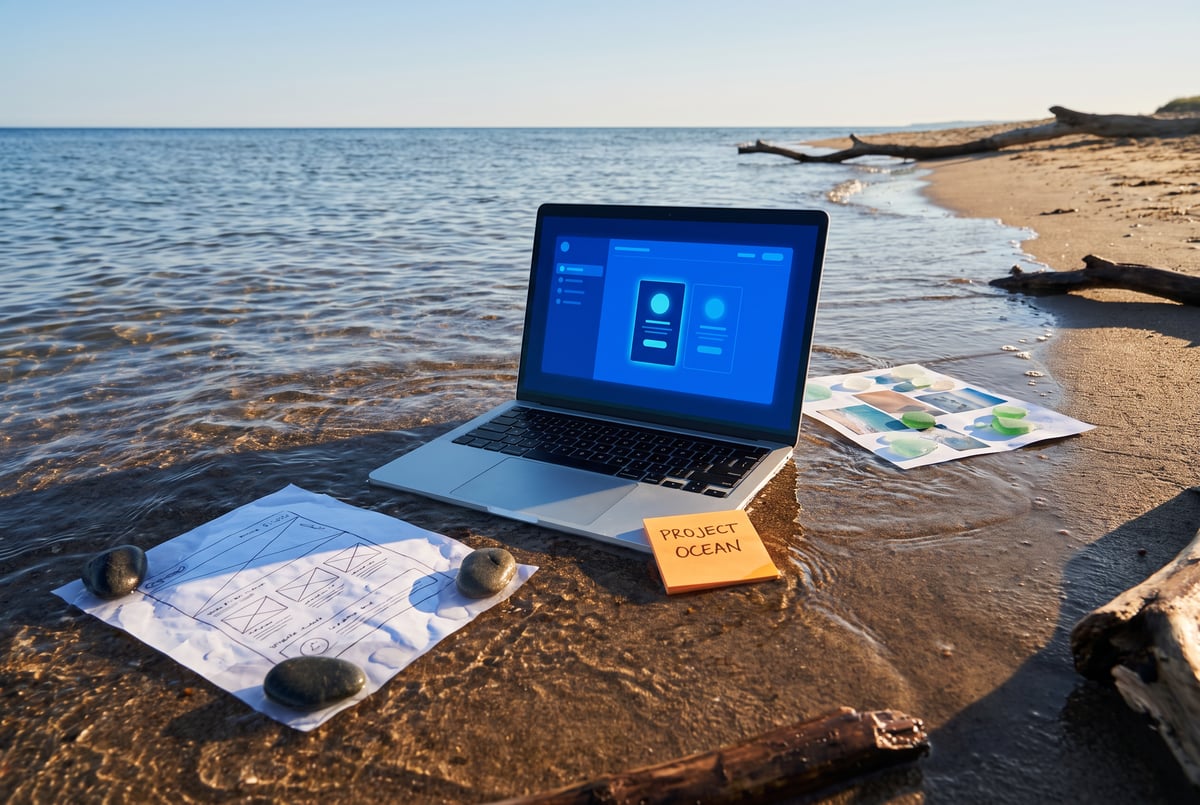
The core problem with text-only prompts is that “cinematic” or “premium” means nothing concrete to a model. A mood board solves this by collecting specific visual decisions: one image for how a photograph should be cropped and given depth, another for how headline text should be proportioned against a background, another for how an interactive panel like a booking drawer should open. Each image gets a short caption explaining exactly what to take from it, rather than letting the model interpret the whole image however it wants.
A sketch adds the second half of the picture: layout. A rough drawing showing where the hero heading sits, where the booking button goes, and how sections stack below the fold tells the model the structure of the page. Combined, the sketch handles placement and the references handle feel. Attaching both directly to the build message, along with a written brief covering the audience and required behavior, gives the model far more to work with than a one-line design request.
It also helps to record the approved direction in a persistent file (often called something like a design or product spec) so that later edits and additional sections stay consistent with decisions made early on, rather than drifting as the project grows.
How should the actual build be sequenced?
Built like a system. Not vibe-coded.
Remy manages the project — every layer architected, not stitched together at the last second.
Start with the most important section first, usually the hero, because it sets the visual language for everything that follows. Send a build prompt that specifies the tech stack, the desired feel, any required animation constraints (such as respecting reduced-motion settings), and explicit boundaries like not inventing fake reviews or fake booking availability. Ask the model to write out its color palette, type scale, spacing, and component rules into a shared design file as it works, so that rule set exists before more sections get added.
Once the hero is built, open it in a live preview and actually check it: does the heading sit cleanly over the background image, is it legible, does a button that needs to stay visible on mobile actually stay visible when the viewport narrows? Resize the preview and test before asking for more sections. If something’s off, point at the specific element in the browser, attach a screenshot if the problem depends on surrounding layout, and give a precise correction rather than a general complaint. Fixing one section at a time is cheaper than discovering a structural problem after the whole page exists.
How do worker agents speed up the rest of the build?
Once the hero and shared structure are solid, independent sections like an interactive gallery and a booking form can be delegated to separate worker agents running under a main architect agent. The architect keeps ownership of page layout and shared design tokens, while each worker owns its own component and its own styles. This only works cleanly if the workers aren’t fighting over the same files. Giving two workers access to the same stylesheet creates conflicts; giving them genuinely separate files lets them run in parallel without stepping on each other.
Instructions to workers should be concrete: what interactions the component needs (keyboard controls, labeled form fields, validation, focus handling), what should be kept local versus live (like a demo booking confirmation instead of a real backend), and a request to report back what was changed, what was tested, and what’s left outstanding. Those checkpoints let the architect coordinate the next round of work instead of guessing at progress.
Is there a lower-cost way to run this workflow?
Yes. Gemini 3.8 Flash, available through Google’s Anti-Gravity tooling within its free weekly quota, can run the same workflow: same brief, same image attachments, same design files, with its own skill installation. This requires setting up Anti-Gravity’s official agent connection (not just its terminal command) inside the coding tool’s provider settings. A new agent harness won’t inherit context from a previous session automatically, so if part of the project was already built with Opus, the Flash agent needs to read the existing code and design file before continuing.
A mixed setup is also possible: Opus as the architect, with Flash workers handling the independent components. This still costs money for the Opus portion, and multiple Flash workers draw from the same free-tier usage limits, so starting with a small number of workers and watching usage is more sensible than assuming unlimited capacity. Free tiers and quotas are set by the provider and can change, so they shouldn’t be treated as a permanent allowance.
How do you know the final build actually works?
Remy doesn't build the plumbing. It inherits it.
Other agents wire up auth, databases, models, and integrations from scratch every time you ask them to build something.
Remy ships with all of it from MindStudio — so every cycle goes into the app you actually want.
A preview loading correctly is not the same as a working page. Running an accessibility and responsiveness audit, followed by a polish pass for visual inconsistencies, catches issues that aren’t obvious at a glance. Beyond that, the real test is walking through the actual user journey: switching between options in a gallery, navigating it by keyboard, submitting both valid and invalid form data, and checking the layout at both phone and desktop widths. A testing agent can automate much of this and report back screenshots and console errors, but someone still needs to review the diff of changed files afterward, confirming the agent touched only what it should have and didn’t pull in an unnecessary dependency for a small effect.
Frequently Asked Questions
Do I need both a general design skill and a specific one installed at the same time?
No. Running two design skills on the same page tends to create conflicting guidance. Picking one main design skill, paired with a testing skill for verification, is the more reliable setup.
Can I just point the model at a competitor’s website instead of making a mood board?
You can, but it tends to produce less controllable results. Curating specific reference images for specific decisions (cropping, typography, interaction style), each with a caption explaining what to take from it, gives the model clearer direction than asking it to copy an entire existing site.
What’s the benefit of using worker agents instead of one agent doing everything sequentially?
Worker agents let independent components, like a gallery and a booking form, get built in parallel rather than one after another. The gain only materializes if each worker has its own files to avoid rewriting the same stylesheet as another worker.
Is Gemini 3.8 Flash a real substitute for Opus 5.5 in this workflow?
It’s a lower-cost option that can run the same brief, references, and skills. Results and available quota depend on the provider’s free-tier limits at the time, which can change, so it’s worth treating as a budget-friendly alternative rather than a guaranteed equivalent.
What’s the biggest mistake to avoid in this workflow?
Skipping the review step after each major section. Letting the model build the entire page before checking the hero at different screen widths means any structural problem has to be fixed across a much larger amount of code.