What Is Qwen 3.5 Omni? Alibaba's Multimodal Model That Builds Apps From Your Camera
Qwen 3.5 Omni handles text, image, audio, and video and can build a website from a camera description. Here's what it does and how to use it.
Alibaba’s Bet on a Model That Sees, Hears, and Builds
Qwen 3.5 Omni is Alibaba’s latest multimodal AI model — one that handles text, images, audio, and video in a single unified system. But the feature that’s getting the most attention isn’t just what it can process. It’s what it can build.
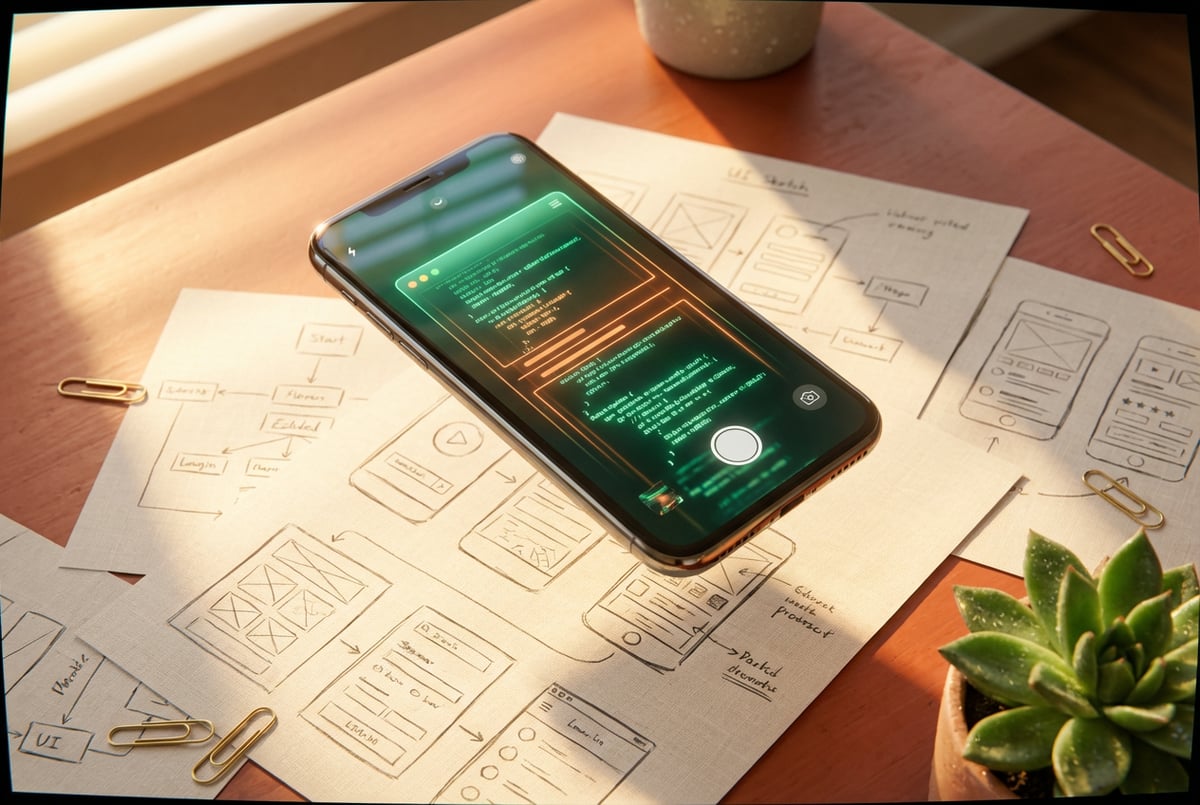
Point a camera at a sketch, a whiteboard layout, or a rough UI mockup, and Qwen 3.5 Omni can generate working code for it. That’s a meaningful leap from models that simply describe what they see. This one acts on it.
This article covers what Qwen 3.5 Omni actually is, how it works under the hood, what sets it apart from other multimodal models, and how you can put it to use — with or without writing a single line of code.
What Qwen 3.5 Omni Actually Is
Qwen 3.5 Omni is part of Alibaba’s Qwen model family, developed by the Qwen team at Alibaba Cloud. It’s an omnimodal model — meaning it accepts and generates across multiple modalities at once, not just text.
Where most LLMs handle one input type well and bolt on others as an afterthought, Qwen 3.5 Omni was designed from the start to process text, images, audio, and video together. The model doesn’t route inputs to separate specialized submodels — it processes them through a unified architecture that treats multimodal context as a first-class concern.
The result is a model that can, for example:
- Watch a short video clip and answer questions about what happens in it
- Listen to an audio recording and summarize the key points
- Look at a hand-drawn UI sketch and output HTML and CSS for it
- Hold a spoken conversation with real-time audio output
Everyone else built a construction worker.
We built the contractor.
One file at a time.
UI, API, database, deploy.

This isn’t a wrapper around separate vision, speech, and text models. It’s one model doing all of that.
The Architecture Behind It: Thinker-Talker Design
Qwen 3.5 Omni uses what the Qwen team calls a Thinker-Talker architecture. It’s worth understanding because it explains how the model achieves something that sounds simple but is technically tricky: generating text and speech at the same time.
The Thinker Component
The Thinker is the reasoning core. It processes all incoming inputs — text, image frames, audio tokens, video — and produces a coherent internal representation. This is where the model does its actual thinking: understanding context, making inferences, planning a response.
The Talker Component
The Talker is a streaming speech decoder. It takes the Thinker’s output and converts it to natural-sounding speech in real time — not after the fact, but as the model reasons. This allows for low-latency voice responses without the usual gap you’d experience with a text-to-speech layer bolted on at the end.
The two components work in parallel. The Thinker reasons; the Talker speaks. This architecture makes Qwen 3.5 Omni genuinely useful for real-time voice applications, not just text-based tasks.
What Qwen 3.5 Omni Can Actually Do
Here’s a grounded breakdown of the model’s core capabilities.
Text Understanding and Generation
Like any capable LLM, Qwen 3.5 Omni handles standard text tasks: summarization, reasoning, coding, translation, Q&A, document analysis. The Qwen3 family is competitive with top-tier models on standard benchmarks for math reasoning, coding, and instruction following.
Vision: Images and Video
The model processes still images and video frames. Practically, this means:
- Document understanding — Reading PDFs, charts, tables, screenshots
- Scene analysis — Describing what’s in an image in detail
- Visual reasoning — Answering questions that require understanding spatial relationships, text in images, or sequences of events
- Code generation from visuals — This is the headline feature: upload an image of a UI, and the model can write functional code for it
Video understanding works similarly — the model processes frames across time and can answer questions about what happened, summarize content, or identify key moments.
Audio: Speech and Sound
Qwen 3.5 Omni can:
- Transcribe spoken audio with high accuracy
- Understand the emotional tone or context of speech
- Respond to voice input with generated speech output
- Process audio content from video (separate from the visual track)
The real-time speech output via the Talker component makes this genuinely useful for voice assistant applications — not just transcription pipelines.
Multimodal Reasoning
The most interesting capability is when all of this works together. A user could, for example, record a video walkthrough of a physical space and ask the model to identify problems or generate a structured report. Or speak a description of what they want built while holding up a sketch on camera.
This kind of combined input — visual + audio + instruction — is where Qwen 3.5 Omni differentiates from models that handle each modality separately.
Building Apps From a Camera: How It Works
The phrase “builds apps from your camera” is attention-grabbing, but it’s worth being precise about what’s actually happening.
Vision-to-Code
Remy doesn't write the code. It manages the agents who do.
Remy runs the project. The specialists do the work. You work with the PM, not the implementers.
When you show Qwen 3.5 Omni an image — a sketch, a wireframe, a screenshot of an existing UI — it analyzes the layout, identifies interface elements (buttons, inputs, nav bars, cards), and generates code that recreates it.
This works for:
- Hand-drawn wireframes photographed on paper
- Whiteboard diagrams
- Screenshots of existing websites or apps
- Design mockups from tools like Figma or drawn in a notebook
The output is typically HTML, CSS, and JavaScript for web UIs, or component-level code for frameworks like React. The model infers the intended structure from what it sees.
What This Is (and Isn’t)
To be clear: this isn’t one-click deployment. The model generates code, not a live running application. You’d still need to review, adjust, and deploy that code.
But the productivity gain is real. Going from a rough sketch to a functional HTML template in seconds — rather than spending time manually translating a visual idea into markup — is genuinely useful for prototyping, demos, and communicating UI intent to developers.
It also works the other way: describe something verbally while showing the camera at a reference, and the model can combine both inputs to generate more accurate output.
How Qwen 3.5 Omni Compares to Other Multimodal Models
Several major labs now ship multimodal models. Here’s how Qwen 3.5 Omni sits relative to the others.
vs. GPT-4o
OpenAI’s GPT-4o is the clearest comparison — it’s also an omnimodal model with text, vision, and audio capabilities. GPT-4o has a strong advantage in ecosystem integration and API reliability. Qwen 3.5 Omni is competitive on vision-to-code tasks and offers open-weight access, which GPT-4o does not.
vs. Gemini 1.5 / 2.0
Google’s Gemini models, particularly Gemini 1.5 Pro and the newer 2.0 series, are strong at long-context multimodal reasoning — especially for long video and audio. Qwen 3.5 Omni’s Thinker-Talker architecture gives it an edge in real-time voice output latency.
vs. Claude 3.5 / 3.7
Anthropic’s Claude models have strong vision capabilities and are widely respected for code generation, but they don’t natively output speech. For voice-first applications, Qwen 3.5 Omni has a structural advantage.
Open Weights: A Key Differentiator
One thing that sets Qwen 3.5 Omni apart from GPT-4o and Gemini is that it’s available as an open-weight model. You can download and run it yourself, which matters for:
- Privacy-sensitive applications
- On-premises deployments
- Cost control at scale
- Fine-tuning on proprietary data
This is consistent with Alibaba’s broader approach to the Qwen family — making models available through Hugging Face alongside cloud API access.
How to Access and Use Qwen 3.5 Omni
There are a few different ways to use the model depending on your setup.
Option 1: Alibaba Cloud Model Studio
Alibaba offers API access to Qwen 3.5 Omni through its Model Studio platform. This is the easiest path for developers who want to build on top of the model without hosting it themselves. You get API keys, usage-based pricing, and access to the full multimodal feature set.
Option 2: Hugging Face
The model weights are available on Hugging Face. If you have the compute (ideally a multi-GPU setup for the full model), you can load and run it locally using the Transformers library or compatible inference frameworks.
This route requires more technical setup but gives you full control — no API rate limits, no data leaving your infrastructure.
Option 3: No-Code Platforms
For people who want to use Qwen 3.5 Omni without managing APIs or infrastructure, platforms that aggregate AI models are a practical alternative. This is where something like MindStudio comes in.
Using Multimodal Models Without the Setup Headache
If you’re not a developer — or even if you are, but you’d rather focus on building something useful than managing model infrastructure — MindStudio is worth knowing about.
MindStudio is a no-code platform with 200+ AI models available out of the box, including multimodal models built for vision, audio, and code generation tasks. You don’t need API keys, separate accounts, or infrastructure setup. You pick the model you want, build a workflow around it, and deploy.
That’s practically useful for the kind of thing Qwen 3.5 Omni enables. Imagine building an agent that:
- Accepts an image upload (a UI sketch or wireframe)
- Runs it through a vision-capable model to extract layout details
- Passes that to a code generation step
- Returns a working HTML file
You can build that kind of workflow in MindStudio without writing a line of code — typically in under an hour. The platform handles rate limiting, retries, authentication, and model routing so you can focus on the logic of what you’re building.
MindStudio also integrates with 1,000+ tools — Google Workspace, Slack, Notion, Airtable — so the output of your multimodal agent can feed directly into your existing systems. If you want to automatically log generated code to a Notion database or notify a Slack channel when a new UI prototype is ready, that’s a few clicks.
Practical Use Cases Worth Knowing About
Here’s where Qwen 3.5 Omni is likely to have real-world impact, beyond the obvious demos.
Rapid Prototyping for Non-Developers
Designers and product managers can photograph wireframes and get working HTML back. This doesn’t replace engineering, but it compresses the gap between idea and functional prototype.
Voice-Enabled Applications
The real-time audio output capability makes Qwen 3.5 Omni a strong foundation for voice assistants that need low latency. Customer support bots, language tutors, and accessibility tools are natural fits.
Video Content Analysis
Automatically summarizing video recordings, generating transcripts with context, identifying key moments in long recordings — these are valuable for teams dealing with high volumes of video content like interviews, sales calls, or instructional content.
Multilingual Applications
The Qwen family has historically performed well on Chinese-language tasks, and Qwen 3.5 Omni carries that through. For applications that need strong performance in both Chinese and English (and other languages), this model is a serious option.
Document Intelligence
Processing scanned documents, extracting structured data from forms, understanding charts and graphs — the vision capabilities combined with strong text reasoning make this practical for document-heavy workflows.
Frequently Asked Questions
What is Qwen 3.5 Omni?
Other agents start typing. Remy starts asking.
Scoping, trade-offs, edge cases — the real work. Before a line of code.
Qwen 3.5 Omni is a multimodal AI model from Alibaba’s Qwen team. It can process text, images, audio, and video inputs, and generate both text and speech outputs. It uses a Thinker-Talker architecture to handle real-time voice responses alongside visual and language understanding.
How is Qwen 3.5 Omni different from other multimodal models?
The main differentiators are: its open-weight availability (you can run it locally), its real-time speech output via the Talker component, and its strength in vision-to-code tasks. Most competing models like GPT-4o are closed-weight. Qwen 3.5 Omni also has particularly strong multilingual performance, especially in Chinese.
Can Qwen 3.5 Omni really build apps from a camera?
It can generate code from visual inputs like photos of sketches, wireframes, or UI mockups. “Build apps” is a bit of a stretch — you get code output, not a deployed application. But going from a hand-drawn sketch to functional HTML/CSS in seconds is a real and useful capability for prototyping.
Is Qwen 3.5 Omni available for free?
The model weights are available as open weights on Hugging Face at no cost, though running it locally requires significant compute. API access through Alibaba Cloud Model Studio is usage-based and billed per token. Some third-party platforms provide access to the model within their own pricing tiers.
What are the main limitations of Qwen 3.5 Omni?
Like all large multimodal models, it can hallucinate — generating plausible-sounding but incorrect information. Vision-to-code output often needs review and refinement. Real-time audio latency, while competitive, may not meet requirements for extremely latency-sensitive applications. Self-hosting requires substantial GPU resources.
How does Qwen 3.5 Omni handle privacy?
When using the model via Alibaba Cloud API, inputs are processed on Alibaba’s infrastructure. For privacy-sensitive use cases, running the open-weight model on your own infrastructure is the better option — nothing leaves your environment.
Key Takeaways
- Qwen 3.5 Omni is a unified multimodal model — not separate models stitched together — that handles text, images, audio, and video through a single architecture.
- The Thinker-Talker design enables real-time speech output with low latency, making it practical for voice-first applications.
- Vision-to-code is the standout feature — show it a UI sketch, get working code back.
- Open weights make it a serious option for teams that need on-premises deployment, privacy control, or fine-tuning capabilities.
- You don’t need to manage the infrastructure yourself — platforms like MindStudio let you build multimodal workflows using capable models without API setup or hosting overhead.
If you’re curious how far you can get with a multimodal AI workflow without writing code, MindStudio is a fast way to find out.