Run Qwen3.5-4B-GLB-3D-Coder Locally: LM Studio Setup Guide
Set up Qwen3.5-4B-GLB-3D-Coder in LM Studio, generate Three.js scenes, and export GLB game assets ready for Godot import.
What is Qwen3.5-4B-GLB-3D-Coder?
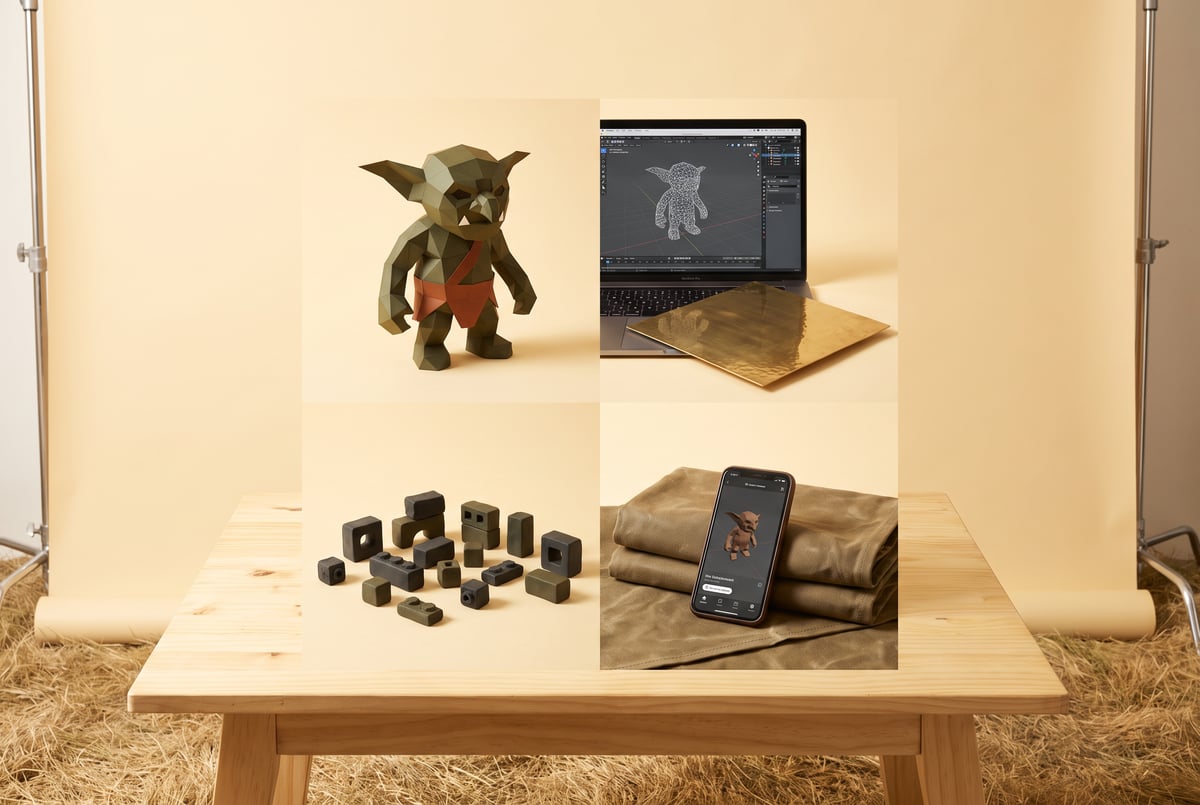
Qwen3.5-4B-GLB-3D-Coder is a 4B parameter coding model, built on Qwen/Qwen3.5-4B, that writes standalone Three.js HTML files which render a 3D asset in the browser and export it as a GLB file. It’s an independent preview release from a creator going by CCORE, not an official Qwen model. The point of it is narrow and practical: type a short description of a game asset, get back working code, export a GLB, and drop that file into an engine like Godot. It runs locally through GGUF quantizations, so you can generate assets without an internet connection or a cloud API bill once the model is downloaded.
TL;DR
- Qwen3.5-4B-GLB-3D-Coder is a 4B model fine-tuned to output self-contained Three.js HTML files with a working Export GLB button, not raw 3D meshes directly.
- It ships as two GGUF quantizations, Q4_K_M and Q8_0, both small enough to run on a single consumer GPU or even CPU inference through LM Studio.
- The workflow is text-in, HTML-out: you paste a system prompt, ask for an asset in plain English, save the generated HTML, open it in a browser, and click Export GLB.
- The model was trained across 25 game-asset domains including characters, weapons, vehicles, props, traps, and modular architecture pieces, each with example prompts in the model card.
- A November 2, 2026 checkpoint update replaced both quantizations with a version the creator reports has notably better visual quality, so older downloads should be deleted and re-pulled.
- An optional BF16 vision projector (644 MiB) can be loaded alongside either quantization for image-reference input, but it’s not required for normal text-to-asset use.
- Exported GLB files have already been used in a public demo, including a playable 3D RPG built by a community member using assets generated entirely by this model.

How do you set up Qwen3.5-4B-GLB-3D-Coder in LM Studio?
LM Studio handles GGUF models directly, so setup is mostly a download-and-load process. Search for “Qwen3.5-4B-GLB-3D-Coder” inside LM Studio’s model browser, or grab the GGUF files from the Hugging Face repo and point LM Studio at the local files. You have two quantization choices:
- Q4_K_M: smaller file size, lower memory footprint, faster inference, with some quality tradeoff.
- Q8_0: larger file, closer to full precision, better fidelity on more complex asset requests.
If you’re on a laptop GPU or want faster turnaround for quick iteration, start with Q4_K_M. If you have the VRAM to spare and want the best shot at clean geometry and correct animations on the first try, use Q8_0. Both are listed directly in the model’s file table on Hugging Face, and the filenames have stayed consistent across checkpoint updates, which matters because LM Studio and most local tools cache by filename.
Once loaded, set the generation parameters recommended by the model card: temperature 0.8, top K 40, top P 0.95, min P 0.0. These aren’t arbitrary defaults, they’re what the creator used during testing, and deviating from them can shift how reliably the model produces valid, exportable GLB code versus broken Three.js scenes.
What goes in the system prompt?
The model card specifies an exact system prompt, and using it as written matters more than with a general-purpose chat model, because this model was fine-tuned around that specific instruction format:
Create game assets for the Godot editor, which uses GLB files. Create whatever the user requests as a good-quality low-poly asset using only Three.js in one complete standalone HTML file. The HTML must show the asset and include an Export GLB button that downloads a working GLB. If the requested asset needs animation, add it and include the animation in the exported GLB; otherwise make it static.Paste that into LM Studio’s system message field before sending any requests. After that, user prompts should be short, specific, and in English for best reliability. Examples from the model’s own testing set include “Create a blue goblin brute,” “Build a jungle siege platform,” and “Create a tiny fox companion wearing a red scarf.” If you need the asset to move or open, say so explicitly, like “Create a wooden gate with an opening animation,” since the model won’t assume animation is wanted unless asked.
How do you get from generated code to a usable GLB file?
The model doesn’t output a GLB directly. It outputs a complete HTML file containing Three.js code that renders the asset in a browser and includes an Export GLB button. The steps are:
- Send your prompt with the system message active.
- Copy the generated HTML output and save it as a
.htmlfile. - Open that file in a web browser.
- Confirm the asset renders as expected.
- Click the Export GLB button to download the actual
.glbfile. - Import that GLB into Godot (or any engine/tool that reads GLB) like any other asset.

According to the model card, most generations work on the first attempt, particularly with English prompts, though some asset requests need a retry or a minor code fix. Because the full HTML is visible and editable, small issues (a misplaced material, a broken animation loop) can often be patched by hand rather than regenerating from scratch.
Is Qwen3.5-4B-GLB-3D-Coder worth running locally?
For anyone prototyping game assets who doesn’t want to model everything by hand or pay per-generation in a cloud tool, yes, with realistic expectations. The quality bar is “good-quality low-poly,” not photorealistic or production-ready AAA assets. The 25 trained domains cover a lot of common game development needs: characters, enemies, bosses, companions, weapons, armor, props, vehicles (ground, air, water), modular architecture, traps, and even niche categories like laboratory equipment and underwater structures. That breadth is the real selling point, since it means you can stay in one tool for most placeholder or stylized low-poly asset needs instead of switching between multiple generators.
The tradeoff is that at 4B parameters, this is a specialized tool, not a general 3D content engine. Complex, highly detailed, or photorealistic requests are outside its design. The creator is explicit that the current release is a preview, with a larger dataset and a bigger follow-up model (targeting 100,000 training examples and context lengths from 8K to 128K tokens) already planned. Running it locally through LM Studio means zero per-generation cost and no dependency on an external service staying online, which matters if you’re building a pipeline you want to rely on long-term.
What about the vision projector and image-reference input?
The model card includes an optional BF16 vision projector file (about 644 MiB) that can load alongside either GGUF quantization in a runtime supporting Qwen3.5 multimodal input. This lets you feed an image as a reference when requesting an asset, rather than relying purely on text description. It’s the original, unmodified Qwen3.5-4B vision encoder taken from the official Qwen3.5-4B GGUF release under Apache 2.0, so there’s no licensing friction in using it. For text-only asset generation, which covers most of the documented use cases and example prompts, you can skip this file entirely and save the disk space and memory overhead.
Frequently Asked Questions
What hardware do I need to run Qwen3.5-4B-GLB-3D-Coder?
The model card doesn’t publish exact VRAM figures, but as a 4B parameter model available in Q4_K_M and Q8_0 GGUF formats, it’s designed to run on consumer-grade GPUs through LM Studio, and Q4_K_M in particular is suited to more limited hardware. CPU inference is also possible with LM Studio, though generation will be slower.
Do I need Godot specifically to use the exported assets?
No. The system prompt is written around Godot’s GLB workflow because that’s the creator’s target use case, but GLB is a standard, widely supported 3D file format. Any engine or tool that imports GLB files, including Unity, Blender, or web-based 3D viewers, can use the exported assets.
Why would an old downloaded GGUF produce worse results?
The model card notes that both quantizations were replaced on November 2, 2026, with a checkpoint reported to have substantially better visual quality while keeping the same sampling settings and system prompt. The filenames didn’t change, so anyone who downloaded before that date is likely running the older, lower-quality checkpoint without realizing it, and should delete and redownload.

- Propellant load✓ Go
- Range safety✓ Go
- Weather✓ Go
- Final pollT–00:42
Can this model generate animated assets?
Yes, if asked explicitly. The system prompt instructs the model to add animation and include it in the exported GLB when the user’s request calls for it, otherwise it defaults to a static asset. Prompts like “Create a wooden gate with an opening animation” demonstrate this in the model’s documented examples.
Is the training dataset for this model publicly available?
The creator states plans to release the complete dataset, including additional examples generated during ongoing training, along with full Safetensors weights, following the same approach used with the creator’s previous 3D Coder model. As of the current preview, that expanded release had not yet shipped.