
Qwen-Image 2.1 Review: Is Its Transparency and Composition Any Good?
Hands-on tests of Qwen-Image 2.1 show its transparent image generation, multi-image composition, and cultural accuracy across global scenes.
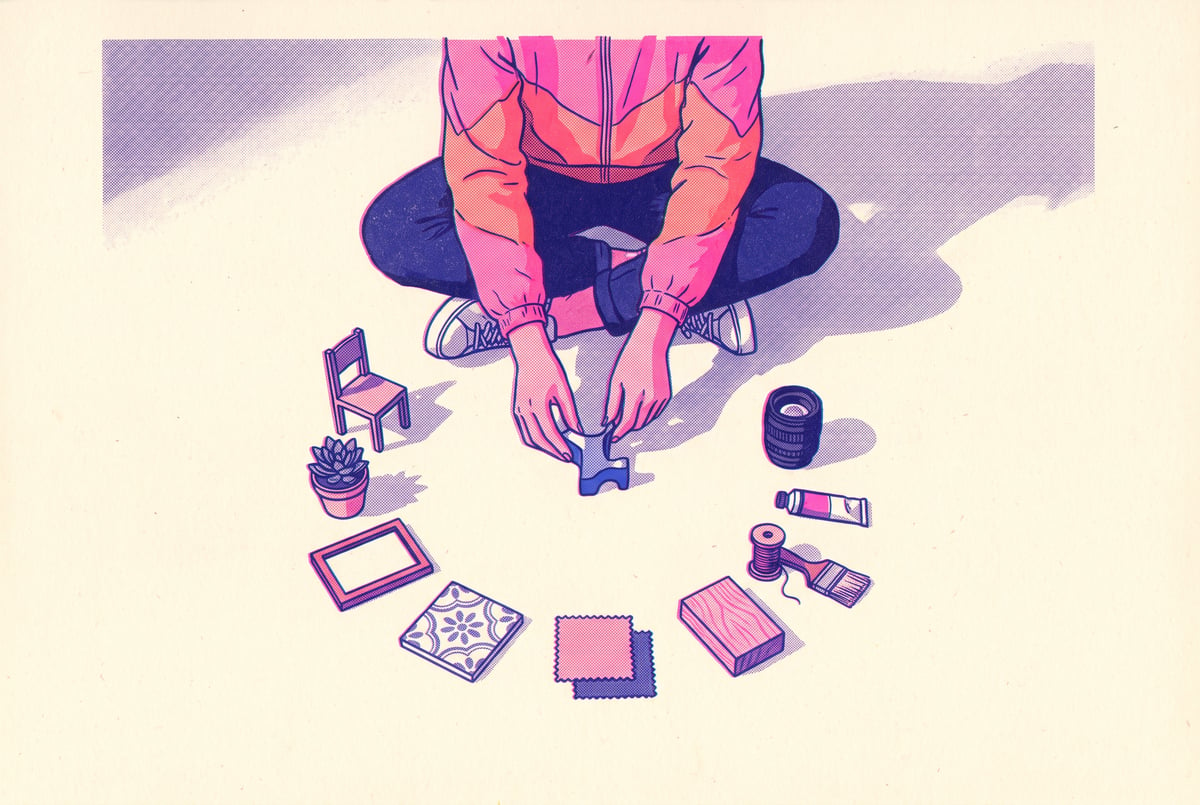
What is Qwen-Image 2.1 and what does it actually do?
Qwen-Image 2.1 is a 7 billion parameter image model that handles text-to-image generation, image editing, and native transparency (RGBA output) in a single system. That combination matters because most open models split those jobs across separate checkpoints or bolt on transparency as an afterthought. Qwen-Image 2.1 treats them as one workflow, which is why a hands-on run through furniture composition, cultural scene generation, and prompt-based editing gives a fuller picture of what it can do than a single benchmark image ever could.
The model runs locally through ComfyUI, using a diffusion model file, three text encoder components, and a VAE (variational autoencoder) to turn pixels back into a final image. Fully loaded, it draws close to 27 to 29 GB of VRAM, in line with other current-generation image models of this size class.
TL;DR
- Qwen-Image 2.1 combines text-to-image, editing, and transparency in one 7B parameter model instead of separate tools for each task.
- Native RGBA transparency worked cleanly in testing, producing a fire-and-gold phoenix with a properly transparent background on the first attempt.
- The model handled multi-image composition, arranging ten separately generated furniture pieces into one coherent, shadow-consistent lounge room.
- A harder composition test, assembling ten individual ingredients into a royal-style South Asian paan, produced a convincing, detailed result despite being an unusual, likely under-represented prompt.
- Rapid-fire cultural scene tests across roughly a dozen countries showed generally strong regional accuracy, though quality varied, with some scenes feeling sparse or slightly off.
- Prompt-based image editing (changing clothing, adding jewelry, removing an object) preserved the subject’s pose while improving overall image quality.
- Running the model locally requires around 28 GB of VRAM, putting it in the same hardware bracket as other leading open image models like Flux.
Remy is new. The platform isn't.
Remy is the latest expression of years of platform work. Not a hastily wrapped LLM.

How good is Qwen-Image 2.1’s transparency feature?
The transparency test is the clearest evidence that this isn’t just another text-to-image model with a marketing checklist. The prompt asked for an RGBA image of a phoenix made of fire and molten gold, wings fully spread, with no background. The output came back with a genuinely transparent background rather than a flat color or a poorly matted edge, which is the usual failure point for models that fake transparency through post-processing.
Native RGBA support is useful for anyone building assets for compositing work: game sprites, UI elements, product cutouts, or layered design files. Most open image models require a separate background-removal step after generation, which introduces edge artifacts around hair, fire, smoke, or anything with soft or irregular boundaries. Generating the transparency directly in the diffusion process, as Qwen-Image 2.1 does, sidesteps that problem entirely.
Can Qwen-Image 2.1 combine multiple reference images into one coherent scene?
This is where the model was pushed hardest, and it held up. The test generated ten individual furniture pieces from scratch (a sofa, armchair, coffee table, rug, lamp, bookshelf, potted plant, wall art, side table, and throw pillows), then fed all ten back into Qwen-Image 2.1 as reference images with a prompt asking it to arrange them into one cohesive lounge room.
The result held together on details that are easy for composition models to get wrong: shadow direction was consistent across objects, the plant’s shadow fell correctly against the wall, and the contrast between sunlight and shade looked physically plausible rather than pasted on. The rug placement felt slightly congested in the room, but overall the arrangement read as a real, designed space rather than a collage of disconnected objects.
A second, more unusual test pushed further: ten individually generated ingredients for a paan, a traditional South Asian betel leaf preparation with spices, lime paste, and sweet fillings, were fed back into the model with instructions to assemble them into a single dish presented in a Mughal royal court style. Unlike furniture or interior design, a royal paan presentation is a narrow, culturally specific composition unlikely to be heavily represented in general training data. The model still produced a coherent, detailed result with a fitting royal backdrop and the ingredients arranged in a way that looked intentional rather than random. That’s a meaningfully harder test than arranging generic furniture, and the model’s performance on it says more about its generalization than the interior design result does.
How accurate is Qwen-Image 2.1 with culturally specific scenes?
A run of rapid-fire prompts covering distinct cultural settings, including Egyptian calligraphy, a Bulgarian cobblestone street, an Uzbekistan ceramic tile market sign, a New York diner neon sign, a Penang street scene, a Rwandan setting with Kitenge-style patterned borders, Prague’s historic bridge, a Slovakian mountain lodge in the Tatras, a Soviet-style sign in Minsk, a golden-lit scene in Lviv, a Kabul mountain backdrop, Belgian chocolate imagery, and the old city of Sana’a in Yemen, gave a useful read on consistency.
Results varied in polish but stayed grounded in the right visual language for each region. The Rwandan border pattern and the golden backdrop in the Lviv scene stood out as particularly on-point. A couple of scenes, like the Uzbekistan mosaic sign, felt sparse or underdeveloped compared to the others. None of the outputs were culturally wrong in an obvious way, but quality wasn’t perfectly even across the full set, which is worth knowing if you plan to use this for location-specific or culturally sensitive work without a human review pass.
Is Qwen-Image 2.1 good at image editing?
The editing test involved a single portrait and a text prompt asking the model to add a red bridal dress, elegant gold jewelry, and remove an object from the subject’s hand, while keeping the original pose. The model followed all three instructions while keeping the pose intact, and the overall image quality came out looking sharper than the source. That’s the behavior you want from an editing model: targeted changes without collateral damage to composition or identity, plus no visible quality loss from the edit pass.
Is Qwen-Image 2.1 worth running locally?
For anyone already set up with ComfyUI and a GPU that can handle roughly 28 GB of VRAM, Qwen-Image 2.1 is a strong option right now. It matches or beats other current open image models on raw output quality, and having transparency and editing built into the same model as generation cuts down on the number of separate tools and workflows needed for a typical creative pipeline. The composition tests, especially the paan assembly, suggest the model generalizes well beyond the interior design and portrait scenarios most demos default to.
The VRAM requirement is the real gatekeeper. This isn’t a model for consumer laptops or older GPUs with 8 to 12 GB of memory. It sits in the same hardware tier as other serious open image models, so anyone without a high-VRAM card locally will need to rent GPU compute to run it.
Frequently Asked Questions
What makes Qwen-Image 2.1 different from other open image models?
It combines text-to-image generation, prompt-based editing, and native transparent (RGBA) output in one 7 billion parameter model, rather than requiring separate tools or models for each task.
How much VRAM does Qwen-Image 2.1 need?
Around 27 to 29 GB when fully loaded, which is consistent with other current-generation open image models and typically requires a high-end consumer or data center GPU.
Can Qwen-Image 2.1 generate transparent backgrounds directly?
Yes. It supports native RGBA generation, producing usable transparent backgrounds without a separate background-removal step, which helps avoid edge artifacts on complex shapes like fire or foliage.
Does Qwen-Image 2.1 handle multi-image composition well?
In testing, it successfully combined ten separately generated images (furniture pieces, and separately, food ingredients) into single cohesive scenes with consistent lighting and shadows.
Is Qwen-Image 2.1 reliable for culturally specific imagery?
It performed reasonably well across a wide range of regional prompts, generally capturing the right visual style and cultural markers, though output quality was uneven across different locations.