Is Local AI Worth It? The Cost Math vs ChatGPT and Claude
Local AI hardware costs thousands upfront yet often underperforms ChatGPT and Claude subscriptions. Here's the honest cost and speed breakdown.
Does running AI locally actually save money compared to ChatGPT or Claude?
No, not for most people, at least not right now. Local AI requires a large upfront hardware purchase (often thousands of dollars for a capable GPU or Mac Studio), delivers fewer tokens per second than cloud models, and can’t easily run multiple agents in parallel. A ChatGPT Plus or Claude Pro subscription costs $20 a month and gives you frontier-level intelligence with no setup. Unless you’re running that local hardware constantly for years, or you have specific needs around data privacy or offline access, the math doesn’t favor local.
TL;DR
- Local AI and open-source AI are not the same thing. Open-weights models like Kimi or the latest Chinese frontier-adjacent releases can be excellent, but they’re often too large to run on consumer hardware and instead get hosted on cloud GPU racks by providers.
- Hardware costs are steep and still compromise on performance. An RTX 4090 (now priced near $5,000) can barely run a compact model like Qwen3 at 25 to 40 tokens per second, which is the low end of usable speed. Stepping up to an RTX 5090 with 32GB of VRAM runs around $8,500 and still can’t match frontier output on larger models.
- Token throughput, not just “can it run,” is the real bottleneck. Getting one agent to 70 to 100 tokens per second is usable, but running multiple agents in parallel splits that throughput, something cloud subscriptions handle natively.
- Subscriptions have real limits too. Running a local rig 24 hours a day is something you can’t do affordably on a ChatGPT or Claude plan without eventually hitting quota caps and needing $200+ monthly tiers.
- Data sovereignty and independence from AI labs are the strongest arguments for local AI, not cost. Anthropic’s past restrictions on how subscribers could use tools like OpenClaw show that cloud access can be revoked or changed at a provider’s discretion.
- Local AI today is built for hobbyists and technical tinkerers, not average users looking to replace a subscription, because configuring hardware, quantization, and model settings involves a real learning curve even for experienced engineers.
Everyone else built a construction worker.
We built the contractor.
One file at a time.
UI, API, database, deploy.

What’s the actual price difference between local hardware and a subscription?
A ChatGPT Plus or Claude Pro subscription runs $20 a month, or $240 a year. Higher tiers exist at $100, $200, and even $500 a month for heavier usage. Local hardware flips that model: you pay a large sum upfront and then (ideally) use it for years to bring the effective monthly cost down.
On the lower end, an RTX 4090 lets you run a compact model like Qwen3’s smaller variants at roughly 25 to 40 tokens per second, which sits right at the edge of being usable for real work. The catch: the RTX 4090 itself now costs close to $5,000, a price inflated well beyond its original launch cost.
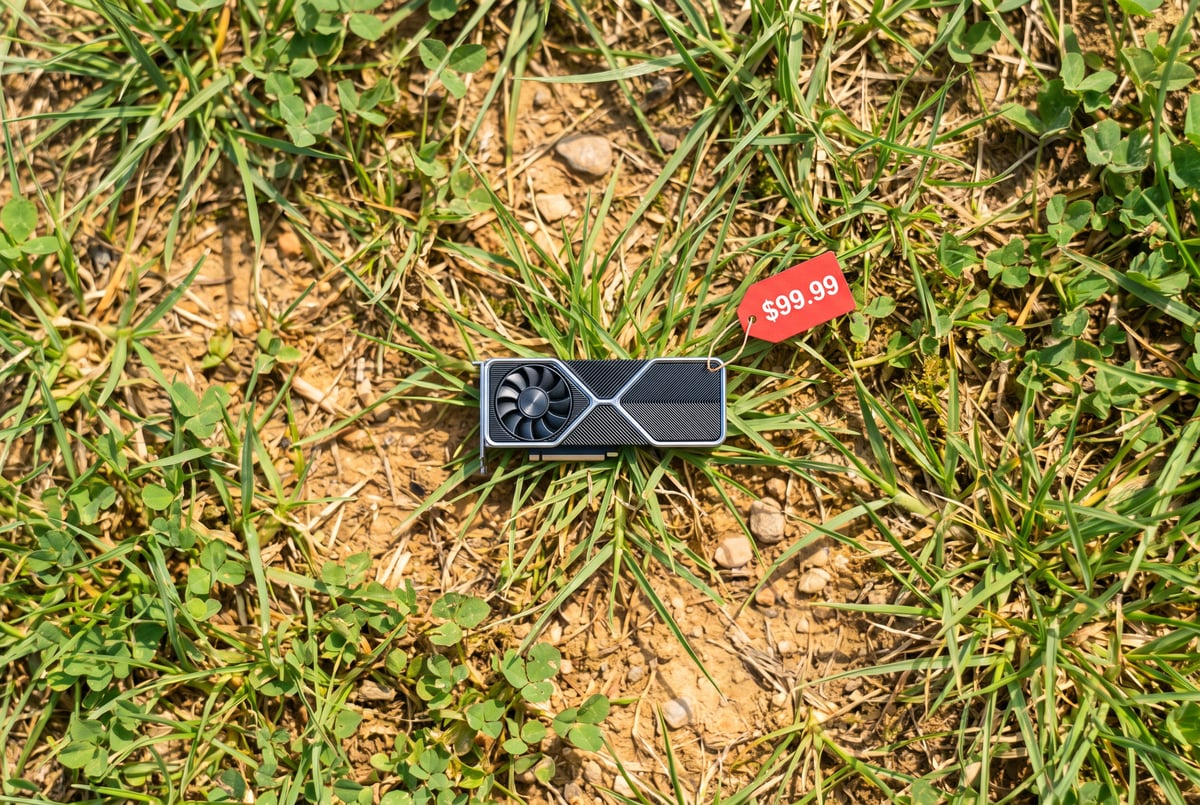
Step up to an RTX 5090 with 32GB of VRAM and you’re looking at around $8,500, and that’s assuming you can even find one in stock. At that price point you get somewhat better throughput, but you’re still running a single consumer GPU against workloads that frontier labs serve from racks of specialized hardware. The gap in raw capability doesn’t close just because you spent more.
Do the amortization math and a $8,500 GPU would need years of heavy, continuous use to beat the cost of a $20 or even $100 monthly subscription, and that’s before accounting for electricity, the time spent configuring it, or the performance you’re giving up.
Why does local AI feel slower even on expensive hardware?
Tokens per second is the number that matters most, and it’s the number local AI advocates rarely mention. A system producing only 15 to 30 tokens per second is barely usable, good for simple question-and-answer exchanges but not much else. Getting into the 70 to 100 token-per-second range makes a single agent genuinely usable for real tasks.
The problem shows up when you try to scale beyond one agent. Cloud providers like OpenAI and Anthropic can parallelize requests across massive GPU infrastructure. A single consumer GPU at home can’t do that in the same way. If you want to kick off several agents or tasks simultaneously, you’re splitting that already-limited token throughput across all of them, which tanks performance further.
This is the core reason local AI setups that look impressive in a screenshot or demo often fall apart when someone tries to actually use them for sustained, parallel work. Running one model well is one thing. Running the kind of multi-agent workflows that have become common with cloud AI tools is a different problem entirely, and local hardware generally isn’t built to solve it yet.
Is local AI worth it for anyone right now?
One coffee. One working app.
You bring the idea. Remy manages the project.
Yes, for a specific group: people who prioritize data sovereignty, independence from AI labs, or offline access over raw speed and cost efficiency. Enterprises handling sensitive data have strong reasons to keep AI processing in-house rather than sending information to a third party. Individuals who want a hedge against a future where AI labs restrict or change access to their models (which has happened before) also have a legitimate reason to explore local setups.
There’s also a narrower use case: having a model stored locally as a kind of offline backup, useful if you ever lose internet access entirely. For that scenario, you don’t need frontier-level intelligence or blazing speed, you just need something that answers basic questions without a connection.
But for the person just trying to get work done efficiently, today’s local AI setups generally lose on cost, speed, and ease of use. The models capable of matching frontier performance are enormous (trillions of parameters in some cases) and don’t fit on consumer-grade machines even after quantization, the process of shrinking a model’s precision to reduce its size at some cost to quality. To get genuinely competitive performance locally, you’d essentially need to build a small personal data center, which reintroduces all the cost and complexity problems this whole comparison is trying to avoid.
Why is local AI still so hard to set up?
Because there’s no standardization across hardware or models. Nvidia GPUs, Apple Silicon, Windows, Mac, and Linux all behave differently. Models themselves vary wildly too: different parameter counts, different architectures, and a growing split between Chinese and American open-weights releases, each with their own quirks.
Tools built specifically to simplify this process, like LM Studio, have made real progress in lowering the barrier to entry. But even the best tools in this space can’t make the process “dead simple” because they’re trying to abstract away genuine hardware and software fragmentation. Getting optimal performance still requires understanding quantization settings, context window tradeoffs, and GPU memory limits, knowledge that goes well beyond installing an app and typing a prompt.
That learning curve is the quiet cost that often gets left out of local AI cost comparisons. Time spent configuring a system is time not spent doing the work the AI was supposed to help with.
Frequently Asked Questions
Is local AI cheaper than ChatGPT or Claude in the long run?
Generally no. The upfront hardware cost (thousands of dollars for a capable GPU or Mac Studio) takes years of heavy, continuous use to amortize below the cost of a $20 to $100 monthly subscription, and that calculation ignores electricity and setup time.
What hardware do you need to run AI models locally?
A high-end consumer GPU like an RTX 4090 or RTX 5090 with substantial VRAM (24GB to 32GB or more) can run smaller open-weights models like compact Qwen3 variants, but matching frontier-level model performance typically requires multiple GPUs or specialized hardware setups.
Can local AI run multiple agents at once like cloud AI tools do?
Not well. A single consumer GPU has limited token throughput, so running multiple agents in parallel splits that capacity across all of them, significantly slowing down each individual task compared to cloud-based subscriptions.
What’s the difference between open-source AI and local AI?
Remy is new. The platform isn't.
Remy is the latest expression of years of platform work. Not a hastily wrapped LLM.
Open-source (or open-weights) AI means a model’s underlying weights are publicly available for anyone to use, often hosted on cloud infrastructure by providers. Local AI specifically means running that model on your own personal hardware, with no internet connection required.
Who actually benefits from running AI locally today?
People and organizations prioritizing data privacy, independence from AI lab policy changes, or offline access benefit most. For most individuals focused purely on getting work done efficiently, cloud subscriptions currently offer better speed and value.