What Is Grokbot? xAI's New Agentic Assistant Explained
Grokbot from xAI turns Grok 4.6 into named AI agents that plug into Gmail and Slack, learn tasks by watching you, and run on schedules.
What is Grokbot?
Grokbot is xAI’s new desktop and mobile app for building named AI agents that handle real work without touching code. Powered by Grok 4.6, it lets anyone spin up an assistant, give it a name and a job (research, email triage, chief of staff), connect it to tools like Gmail, Slack, or Google Calendar, and set it loose on a schedule. It’s less a coding tool and more a personal automation layer, closer to a simplified OpenClaw than to a developer-focused product like Cursor.
TL;DR
- Grokbot runs on Grok 4.6, xAI’s newest model, priced at $2 per million input tokens and $6 per million output tokens, and released alongside the app itself.
- Naming an agent defines its job. Type “research bot” or “email triage” and Grokbot infers the role and greets you with a suggested workflow before you write a single instruction.
- Plugins connect agents to real tools, including Gmail, Google Drive, Google Calendar, Notion, Slack, Granola, and various customer support and data analytics platforms.
- “Teach a task” records your screen while you perform a recurring action, then turns that demonstration into a repeatable skill the agent can run on its own later.
- Routines act like cron jobs, triggering agents on a time schedule or in response to events such as a new Slack message or a new Git commit.
- Each agent gets its own cloud computer with a browser, file manager, and terminal, so tasks run remotely rather than on your local machine.
- xAI now owns Cursor, positioning Grokbot as a non-coder-facing companion product rather than a direct Cursor replacement.
Built like a system. Not vibe-coded.
Remy manages the project — every layer architected, not stitched together at the last second.

How does Grokbot actually work?
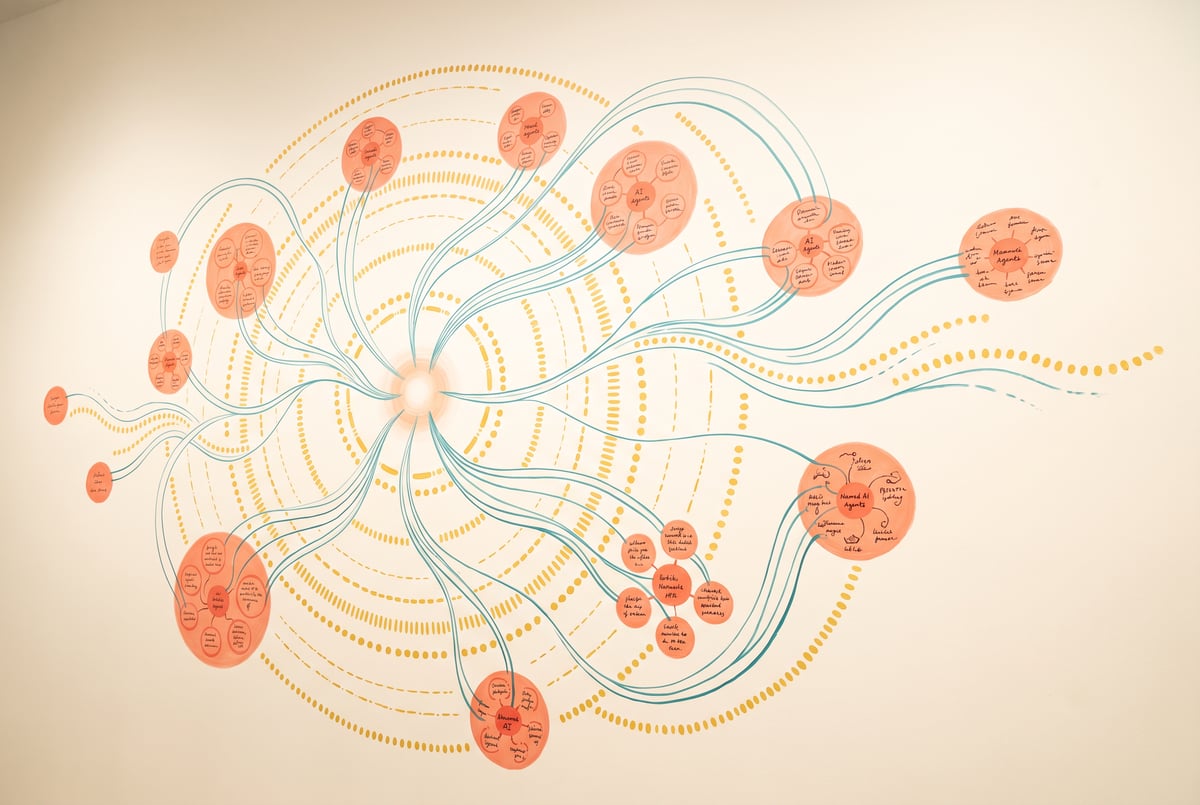
Grokbot’s core idea is that every conversation thread is its own agent. When you create a new one, the app asks what to name it, and that name alone shapes the agent’s opening pitch. Name something “researchbot” and it introduces itself as a research assistant that pulls sources and reports back. Name another “email triage” and it checks whether it has inbox access, then asks to connect Gmail if it doesn’t.
Once connected, agents behave like small autonomous workers. A research-focused agent can be told to monitor AI news and deliver a scheduled morning brief. An email agent can scan an inbox, draft replies, and flag pitches that need attention. A “chief of staff” agent can be pointed at the other bots and asked to manage them directly, coordinating tasks across the group.
Under the hood, each agent operates on its own cloud-based computer, not the user’s local machine. That environment includes a browser, a file manager, and a terminal, all visible to the user if they want to check what the agent is doing. Because the computer lives in the cloud, agents can keep working even when the user’s laptop or phone is closed, and progress can be checked later from a companion mobile app.
What can Grokbot connect to?
The plugin panel is where Grokbot turns from chatbot into automation hub. Supported integrations include Gmail, Google Drive, Google Calendar, Slack, Notion, and Granola, along with a range of agent orchestration, customer support, and data analytics tools. Connecting a plugin gives an agent permission to read, act on, or monitor that service, which is what allows an email agent to actually see a real inbox or a Slack-connected agent to react to new messages as they arrive.
This plugin layer is what separates Grokbot from a standard chat interface. Instead of copying information in and out of a conversation, the agent has standing access to the tools it needs and can act inside them directly.
How does “teach a task” work for non-coders?
One of Grokbot’s more distinctive features lets users train an agent by demonstration rather than instruction. Clicking “teach a task” starts a screen recording. The user then performs whatever action they want automated, clicking through the actual steps in a browser or app. Once finished, they stop the recording, and Grokbot processes the demonstration into a reusable skill.
From that point, the agent can repeat the task on command or as part of a scheduled routine, without the user writing a prompt describing the steps in words. This is aimed squarely at people who find it easier to show a computer what to do than to explain it in text, and it removes the need to understand any underlying code or API structure.
What are routines, and how do they differ from a single request?
Remy doesn't build the plumbing. It inherits it.
Other agents wire up auth, databases, models, and integrations from scratch every time you ask them to build something.
Remy ships with all of it from MindStudio — so every cycle goes into the app you actually want.
Routines are Grokbot’s scheduling and trigger system, functionally similar to cron jobs. Users can name a routine, write instructions for what it should do, and set conditions for when it runs. Options include fixed schedules (hourly, daily, monthly) as well as event-based triggers, such as firing whenever a new Slack message arrives or a new Git event occurs on a connected repository.
This turns individual agents into standing automations rather than one-off assistants. A research agent might run every weekday morning to compile an AI news digest. An email agent might trigger every time a new message lands, checking whether it needs a draft reply. Routines are what let Grokbot operate on autopilot once an agent and its tasks are set up.
Is Grokbot an OpenClaw or Cursor competitor?
Grokbot sits in an interesting spot relative to xAI’s other recent move: acquiring Cursor. Cursor remains squarely a coding tool built for developers who want to see and edit code directly. Grokbot is built for people who want agentic automation without any of that visibility into code, thinking traces, or model selection. You don’t choose a model or a reasoning mode. You name an agent, give it a job, connect it to your tools, and let it run.
That makes Grokbot more comparable to general-purpose agent frameworks like OpenClaw, but with a more polished, consumer-facing interface. It’s also being compared to coworking-style AI products aimed at non-technical users who want delegation rather than a coding assistant. A notable feature here is that agents can talk to each other. One agent can create and delegate to other agents, and Grokbot stores the conversation history between them, so multiple agents can collaborate toward a shared goal inside a single thread.
Is Grokbot worth using right now?
For anyone who wants automated research digests, inbox triage, or scheduled reporting without writing scripts or learning an API, Grokbot offers a fairly complete package: agent creation, tool integrations, learned skills, and scheduling, all through a plain-language interface. The tradeoff is that it’s early. The app launched alongside Grok 4.6 as a new product, so the plugin list, reliability of “teach a task” skills, and long-term pricing structure are all still developing. Early hands-on impressions describe it as functional and fast, powered by a genuinely competitive underlying model, even if it isn’t positioned as a frontier coding tool.
Frequently Asked Questions
What model powers Grokbot?
Grokbot runs on Grok 4.6, xAI’s latest model, priced at $2 per million input tokens and $6 per million output tokens at the time of release.
Do I need to know how to code to use Grokbot?
No. Grokbot is built specifically for people who don’t want to see code, choose models, or review reasoning traces. You interact with it entirely through naming agents, giving instructions, and connecting plugins.
Can Grokbot agents work while my computer is off?
Yes, in effect. Each agent operates on its own cloud-based computer rather than your local machine, so tasks can continue running and be checked later from the mobile app.
What is the difference between a “teach a task” skill and a routine?
Remy doesn't write the code. It manages the agents who do.
Remy runs the project. The specialists do the work. You work with the PM, not the implementers.
A “teach a task” skill is created by recording a screen demonstration so the agent learns how to do something. A routine is a schedule or trigger that tells an agent when to run a task, whether on a set time interval or in response to an event like a new Slack message.
How is Grokbot different from Cursor, given xAI owns both?
Cursor is a coding-focused tool built for developers who want to work directly with code. Grokbot is aimed at non-coders who want agentic automation for tasks like email, research, and scheduling, without ever seeing the underlying code or model settings.