Grokbot Price Drop: What the Cheaper Tier Opens Up for Agent Teams
Grokbot's subscription got cheaper, opening access to AI agent teams. Here's what the tier includes and how to structure your first setup.
What is Grokbot?
Grokbot is xAI’s agent platform built on top of Grok models, delivered through a chat interface that looks and feels like Telegram. Instead of one chatbot, you get a roster of individually named AI agents that can each hold their own conversations, use tools, control a browser, and message each other. You assign each agent a name, a role label, and a description that tells other agents what it’s responsible for, so a “chief of staff” bot can hand off a research task to a specialist bot without you managing the handoff yourself.
The pitch is straightforward: instead of babysitting a single assistant, you build a small team of narrow-purpose agents that delegate work among themselves, run scheduled routines, and take action on connected tools while you’re not looking at the screen.
TL;DR
- Grokbot’s monthly subscription has come down substantially, making the tool accessible to far more people who want to experiment with multi-agent setups instead of paying for a top-tier plan just to try it.
- The platform works best as a small leadership layer of a few core agents (something like a chief of staff, an operations lead, a content lead, and a finance lead) that delegate to narrower specialist agents underneath them.
- Each agent runs on its own browser and screen but can share logins and sessions, meaning one agent can authenticate into a tool like GitHub or a project manager and others can reuse that access.
- Agents can be given routines, which are scheduled or triggered jobs (like a weekly cleanup task) that run automatically without a manual prompt each time.
- The creator behind the source course frames Grokbot as distinct from coding-focused agent harnesses like Claude Code or Codex: those are for sitting down and driving production work, while Grokbot is for background and mobile-first automation you can check in on from your phone.
- A useful mental model for setup is the “four C’s”: context, connections, capabilities, and cadence, which together determine whether an agent team actually produces useful output or just busywork.
- Avoid the temptation to build one mega-agent that tries to do everything. It gets overwhelmed managing too many sub-agents, and a flatter team of specialists with clear job descriptions performs more reliably.
One coffee. One working app.
You bring the idea. Remy manages the project.

How much does Grokbot cost now?
Grokbot access has historically been tied to xAI’s higher-priced Super Grok subscription tier. The notable recent change is a steep drop in that entry price, moving the subscription from a premium tier costing roughly $200 a month down to around $30 a month. That’s a meaningful shift because it takes Grokbot from a tool reserved for power users and businesses with dedicated AI budgets to something an individual creator, freelancer, or small team can justify testing without much financial risk.
The lower price point matters less for the raw number and more for what it changes about who tries the product. At $200 a month, most people never got past a demo. At $30, a solo operator can run a small agent team for months while figuring out whether it earns its keep.
What does the subscription include?
Subscribing gives you access to the Grokbot interface itself: the ability to spin up multiple agents, chat with them individually or in group channels, and let them talk to one another. Within that access, several capabilities matter for anyone trying to build something useful rather than just poke around:
- Multiple agents per account. You’re not limited to one bot. A working setup can include a handful of leadership-style agents plus a longer tail of narrow specialists, each with a distinct name, role, and description.
- Group channels. Agents can be placed together in a shared channel (functionally similar to a Slack or ClickUp channel) where they discuss a shared problem, tag each other, and converge on decisions.
- Delegation between agents. An agent with a clear description of its own job can recognize when a task belongs to a different agent and route it there automatically instead of attempting it itself.
- Shared browser access. Each agent gets its own screen and can operate a browser independently, but agents can share authenticated sessions, so logging into a tool once can make it usable across the team.
- Routines. These are scheduled or event-triggered jobs, like a task that runs every Sunday night to archive completed work from the week. Trigger options are still limited compared to full automation platforms, but more (like email or calendar-based triggers) are reportedly being added.
How do you set up a Grokbot agent team?
The most common mistake is designing a single all-powerful agent and asking it to do everything. That approach breaks down quickly: the agent has too many sub-tasks to track, work gets duplicated, and gaps appear in plans because nothing has clear ownership.
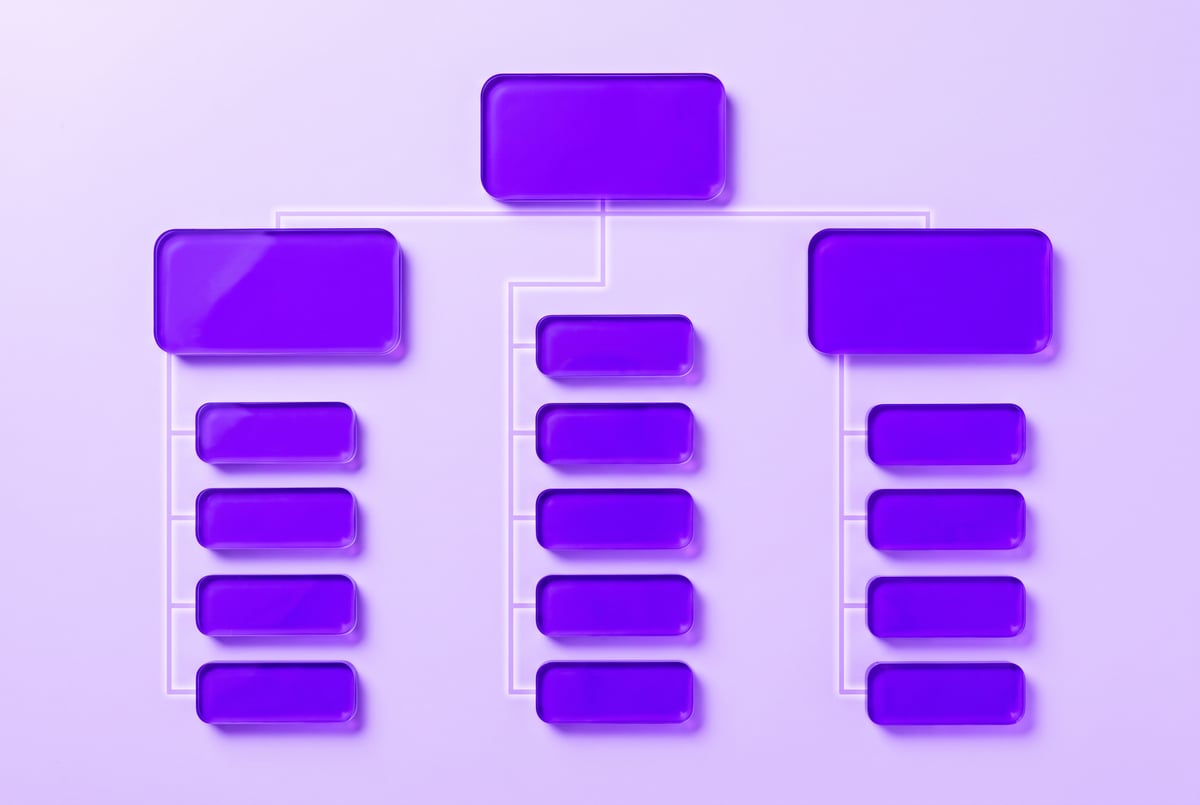
A more durable structure looks like a small org chart:
- You talk to a few core agents. Think of these as a personal executive team: something like a chief of staff, an operations lead, a content lead, and a finance lead. You rarely need to talk to anyone else directly.
- Each core agent knows its own specialists. The content lead might oversee a handful of narrow agents that each do one job well: one drafts scripts, one checks analytics, one manages posting schedules.
- Specialists can still cross-communicate. If a content agent needs data that lives with the finance agent, it can message that agent directly instead of routing everything back through you.
Built like a system. Not vibe-coded.
Remy manages the project — every layer architected, not stitched together at the last second.
This mirrors how a real small business delegates: you don’t personally assign every task to every employee, you talk to a few leads who each manage their own function.
What is the “four C’s” framework for building with it?
One practical way to think about setting up any agent team, in Grokbot or elsewhere, is a four-part checklist: context, connections, capabilities, and cadence.
- Context is information about you, your business, your goals, and how you work. Without it, an agent doesn’t know what a “good” output looks like even if it has every tool available.
- Connections are the integrations that let an agent read real data (email, calendar, project management tools) and take real action (drafting documents, creating tasks, generating files) instead of working off static instructions.
- Capabilities combine the first two: specific skills or instructions for doing a task well, like generating a client proposal in the right format using the right data source.
- Cadence covers how and when the agent works: whether it’s triggered on demand, runs on a routine schedule, or responds to specific events.
Skipping context is the most common failure mode. An agent with full tool access but no understanding of your priorities will produce technically correct but practically useless work.
Is Grokbot worth it compared to other agent tools?
It depends on the job. Coding-focused harnesses like Claude Code or Codex are generally better suited for sitting down at a desk and driving focused production work such as building software or generating content pipelines at scale. Grokbot is positioned differently: it’s built for background and mobile-first work, the kind of automation you set up once and then check on from your phone while away from your desk, or let run overnight.
At the lower price point, the cost of testing that distinction for your own workflow is much smaller than it used to be. Whether it’s “worth it” comes down to whether you have repeatable, delegable tasks (research, reporting, content drafts, weekly cleanups) that benefit from a team of narrow agents working semi-autonomously, versus tasks that need a human driving a single powerful tool in real time.
Frequently Asked Questions
How much does Grokbot cost per month now?
The subscription tier that includes Grokbot access dropped from roughly $200 a month to around $30 a month, making it far more accessible for individuals to try.
Do I need to be technical to use Grokbot?
No. The interface is designed to feel like a familiar chat app, and setup involves naming agents, writing plain-language descriptions of their roles, and connecting tools, rather than writing code.
Can Grokbot agents talk to each other?
Yes. Agents can be placed in shared group channels and can also message each other directly to delegate tasks, share data, or coordinate on a shared goal.
What’s the difference between Grokbot and tools like Claude Code or Codex?
Grokbot is generally used for background, mobile-accessible automation and agent teams, while Claude Code and Codex are more commonly used for hands-on production work at a desk, like building software or content pipelines.
What should my first Grokbot setup look like?
Remy is new. The platform isn't.
Remy is the latest expression of years of platform work. Not a hastily wrapped LLM.
Start small: a handful of core “leadership” agents you talk to directly, each overseeing a few narrow specialist agents with clearly defined roles, rather than one agent trying to handle every task.