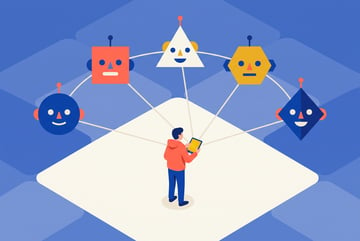
What Is Grok Bot? xAI's AI Teammate Tool, Explained
Grok Bot lets you build AI teammates with identities, tools, and logins. Here's how xAI built it, and how companies actually use it.
What is Grok Bot?
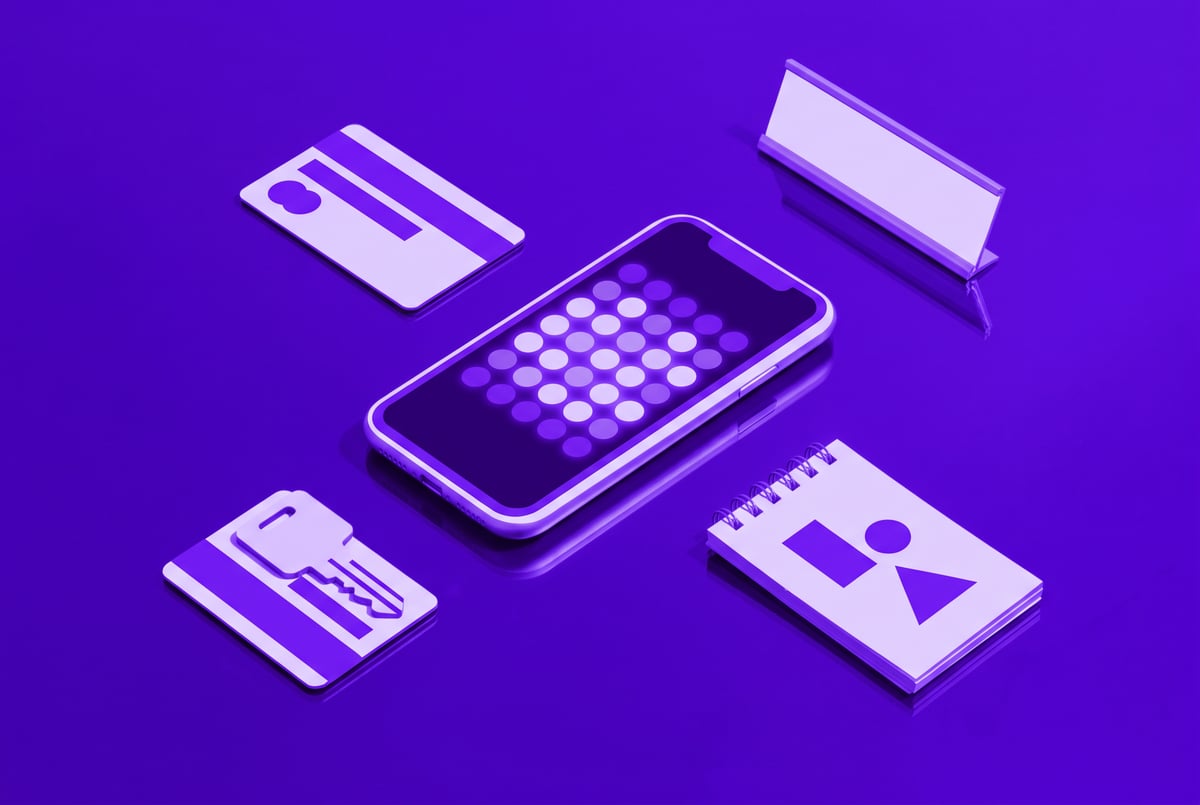
Grok Bot is a product from xAI that lets people and companies create AI teammates rather than just chat with a single assistant. Each bot gets its own identity, including things like a name, a phone number, a credit card, and access to tools and logins, so it can act more like a coworker than a chatbot window. It was built internally at xAI in about seven weeks by a small team, then rolled out externally, and it’s now built into the default DM experience on X, so users can message or tag a bot the same way they’d message a person.
TL;DR
- Grok Bot treats bots, not chats, as the core unit of work, meaning you organize tasks and context around a named teammate instead of a thread or a file.
- Bots get real identities and credentials, including their own phone number, credit card, and logins to tools like Google Ads, Facebook Ads, or Slack, so they can act on your behalf instead of just advising.
- The product was built around three principles: bots should have long-running goals, access to the same tools a human uses, and the ability to stay “always on” instead of waiting to be prompted.
- Internal reception followed a bell curve, with both highly technical, AI-forward employees and less technical staff adopting it quickly once it fit their workflow.
- Use cases span far beyond engineering, including marketing teams running ad campaigns, support teams reproducing and resolving tickets, and sales teams running research and outreach loops.
- A recent “team bots” feature lets one builder create a shared bot that an entire department uses, so a company can have one expert “sales bot” or “support bot” instead of many duplicate personal ones.
- Small businesses have become some of the most enthusiastic users, often turning to a bot for jobs like bookkeeping that they can’t easily hire a human for.

How does Grok Bot actually work?
Grok Bot’s design rests on three ideas the founding team settled on before writing code. First, bots run as long-lived agents with goals, not single-turn responders. Instead of answering one question and resetting, a bot can work toward an objective over an extended period. Second, bots get access to the same tools a human teammate would use: email, Slack, ad platforms, CRMs, or anything connected through integrations. The reasoning is straightforward: a bot can’t meaningfully contribute to a company’s work if it’s boxed out of the systems the work actually happens in. Third, bots are meant to be “always on,” meaning they can act proactively and surface ideas, flag issues, or finish tasks without needing to be re-prompted every time, closer to a background process than a request-response tool.
Practically, this means a user builds a bot by defining its identity, giving it a function or role, connecting it to the relevant tools and accounts, and then either handing it discrete tasks or, as trust builds, handing it a broader outcome to own. The team behind the product described seeing that trust curve play out with users again and again: someone starts by giving a bot a small task, notices it performs well, gives it access to more tools, then eventually hands it a full job to run independently.
What makes a bot different from a regular AI chat assistant?
The distinction is architectural and philosophical. A typical chat assistant is organized around a conversation; a Grok Bot is organized around an identity with persistent context, tools, and a defined scope of care. One of the builders described this as wanting a bot that “wakes up” caring about a single problem, the way you’d want to hire a person obsessed with one part of the business, rather than a single generalist system expected to track everything at once simultaneously.
This also shows up in how people choose to structure their bots. Some users prefer a “vertical” setup: one bot per customer or per project, handling everything related to that account end to end. Others prefer a “horizontal” setup: one bot per function, like an engineering bot, a marketing bot, and a support bot, each a specialist in its lane. The product doesn’t force either structure. According to the team, the goal was to build something flexible enough to “fit in your hand” regardless of how someone’s brain organizes work.
Who is actually using Grok Bot, and for what?
Inside xAI itself, teams outside engineering adopted bots for very concrete operational work. The performance marketing team gave a bot login access to Google Ads and Facebook Ads, set a budget, and had it coordinate with a separate design team’s bot to generate and A/B test creative assets. The support team used bots to reproduce reported issues and work tickets from intake to resolution. The sales team built bots that research leads and deals, then hand off the more repetitive, operational parts of the sales process to a shared “deal bot” used across the whole team, rather than each rep running their own separate instance.
Outside the company, the team flagged small businesses as an unexpectedly enthusiastic group of adopters. Small business owners often struggle to hire for narrow but necessary roles, like bookkeeping, and found they could stand up a bot to handle that function directly rather than going through a hiring process. For engineers specifically, bots have been described as filling a gap that coding-focused tools like Cursor don’t cover: the “outer loop” of gathering context from Slack conversations, bug reports, and feature requests, work that previously had to be manually copied into an agent. With Slack and X integrations, a bot can sit in the same channels and threads where that context already lives.
What are “team bots” and why do they matter?
Team bots are a feature that lets a single bot be shared across an organization rather than owned by one person. In this setup, one “bot master,” often a domain expert like a GTM engineer or support lead, builds and configures a bot, then shares access with the rest of the team. The result is one well-trained shared bot (for example, a sales bot or an engineering bot) that encodes a team’s best practices and institutional knowledge, instead of every individual spinning up their own separate, redundant version.
This matters because it extends the “software factory” pattern that had previously taken hold mostly among engineers automating their own coding workflows. With team bots, a similar automation pattern becomes available to non-technical functions: support, sales, marketing, operations. The framing used internally is that this turns departments into their own kind of factory, each running automated, bot-driven loops suited to their specific work rather than general-purpose chat.
Is Grok Bot worth using for a business?
Based on the use cases described, the appeal is strongest for teams with clearly defined, repeatable functions that are currently bottlenecked by headcount or manual coordination overhead, bookkeeping, ad campaign management, ticket triage, lead research. Businesses get the most value when they’re willing to progressively hand bots more autonomy: starting with narrow tasks, expanding tool access as trust builds, and eventually assigning an outcome rather than a checklist.
The tradeoff is that value scales with setup effort. The simplest version, one general bot handling light tasks, is easy to start with, but the team was explicit that deeper configuration, more tools, more defined scope, more shared team context, is what makes the product genuinely powerful. For a solo user or very small team, that invested setup time may or may not pay off compared to simpler point tools. For businesses already struggling to hire for a specific operational role, the calculus looks different, since the bot is effectively standing in as a new teammate rather than replacing an existing tool.
Frequently Asked Questions
What is Grok Bot used for?
It’s used to create AI teammates that handle ongoing business functions, such as managing ad campaigns, triaging support tickets, researching sales leads, or handling bookkeeping, rather than answering one-off questions.
How is Grok Bot different from a regular chatbot?
Grok Bot gives each bot a persistent identity, its own credentials and tool access, and a long-running goal, so it behaves more like a dedicated teammate than a single-session assistant.
Can multiple people share the same bot?
Yes. The “team bots” feature lets one person build and configure a bot, then share it across a department so the whole team uses one shared expert bot instead of separate individual copies.
Do you need to be technical to use Grok Bot?
No. The team reported that both highly technical, AI-forward employees and less technical staff adopted it readily, and some of the most enthusiastic external users have been small business owners without engineering backgrounds.
Where is Grok Bot available?
It’s integrated into X’s default direct message experience, so users can message or tag a bot the way they’d message another person, and it also connects to external tools like Slack and ad platforms.