GenSpark Design: What It Does and How to Get Free Credits
GenSpark Design turns screenshots into editable app mockups with layered, rebuildable screens. Here's how it works and how to try it free.
What is GenSpark Design?
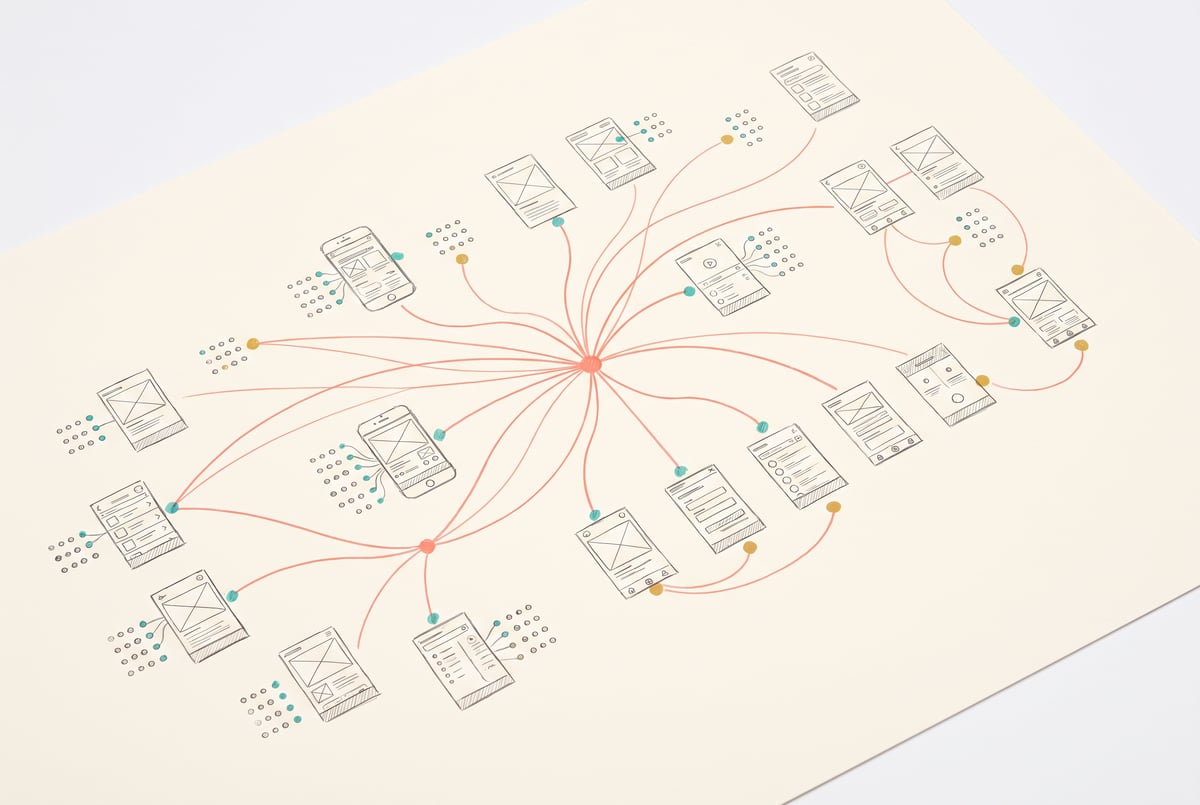
GenSpark Design is an AI tool that builds full, editable app mockups from existing screenshots or design references instead of generating a single static image. You feed it screenshots of a website or app, describe how you want the experience rebuilt (for example, “mobile first”), and it produces multiple connected screens, home feed, detail pages, search, filters, navigation, all as layered, editable components rather than flattened pictures.
TL;DR
- GenSpark Design generates complete, multi-screen app mockups from uploaded screenshots instead of one-off images, including home feeds, detail pages, search, and filters in a single pass.
- Every screen it produces is layered and editable, meaning you can click into text, colors, spacing, and layout and change them without regenerating the whole design from scratch.
- The tool sits inside a broader GenSpark workspace that also handles image generation, video, and website assets, so design work and supporting creative assets live in one place.
- Finished designs can be exported as components and design tokens, or handed off directly to GenSpark Code to start turning the mockup into a working product.
- GenSpark is currently offering free credits for new signups to try GenSpark Design, making it low-risk to test before committing to a paid plan.
- The tool was demonstrated by turning an existing website’s screenshots into a mobile app concept, showing how it preserves visual style while restructuring the layout for a different device.
How does GenSpark Design actually work?
Other agents start typing. Remy starts asking.
Scoping, trade-offs, edge cases — the real work. Before a line of code.

The core workflow starts with input, not a blank canvas. You upload screenshots of an existing site or app you want to redesign or adapt, then describe the target outcome in plain language. In the demonstrated example, a website’s screenshots were uploaded with the instruction to keep the overall visual style but rebuild the experience to feel mobile first.
From there, GenSpark Design doesn’t just spit out a single mockup image. It produces a full set of connected screens that make sense together as an app: a home feed, individual item or tool pages, a search and filtering interface, and a dedicated section for updates or news. That’s a meaningfully different output than a typical AI image generator, which would give you one static picture of an app screen with no relationship to any other screen.
The more practical detail is that everything generated is layered and editable after the fact. You can click into any individual screen, rewrite copy, swap colors, adjust spacing, or restructure the layout, all without starting the generation over. That puts it closer to how a design tool like Figma behaves (editable components, adjustable layers) than how an image generator behaves (fixed pixels you can only re-prompt).
What makes it different from using an image generator or Figma?
Standard AI image models, even strong ones, output finished images. If you want to change a button color or rework the layout after the fact, you’re re-prompting and hoping for consistency, not editing a layer. GenSpark Design is positioned differently: the output is structured and editable from the start, which matters if you’re actually trying to move toward a shippable design rather than a one-off visual reference.
The other distinction is scope. Because GenSpark Design lives inside a larger GenSpark workspace, the same environment that handles design can also generate supporting images, video, and website assets for the same project, and teams can collaborate on it together. That means a designer sketching out an app doesn’t necessarily need to hop between a mockup tool, an image generator, and a separate asset library. It’s one workspace covering multiple steps of a creative pipeline.
Figma remains the standard for professional interface design and still offers far deeper manual control, team workflows built over years, and a massive plugin ecosystem. GenSpark Design isn’t trying to replace that depth. It’s aimed at the earlier step: getting from “here’s an existing product or reference” to “here’s a full, structured, editable mockup” very quickly, with less manual screen-by-screen construction.
What happens after the mockup is done?
Once a design is finalized, GenSpark Design supports exporting it as components and design tokens, the kind of structured output a development team or a design system would actually use, rather than a flat export. From there, the same design can be brought into GenSpark Code to begin turning the mockup into a working product. That hand-off from design to code is the part worth paying attention to: it suggests the tool is built around a pipeline (reference screenshots to mockup to components to working code) rather than being a standalone mockup generator that dead-ends at a picture.
Seven tools to build an app. Or just Remy.
Editor, preview, AI agents, deploy — all in one tab. Nothing to install.
For builders who want to go from concept to functioning prototype quickly, that chain matters more than the visual quality of any single screen. A nice-looking mockup that has to be manually rebuilt in a separate tool for development adds a step; one that exports directly into a code generation step removes it.
Is GenSpark Design worth trying?
For anyone regularly mocking up app ideas, whether that’s a solo builder validating a concept or a small team iterating on a redesign, the pitch is speed and continuity: upload references, get a full multi-screen app structure back instead of a single image, and keep editing without regenerating from zero. Whether it’s “worth it” depends on how much you value that structured, editable output versus the depth and ecosystem of an established tool like Figma.
The practical way to find out is to test it against a real project. GenSpark is currently offering free credits to new signups specifically for GenSpark Design, which removes the cost barrier to running that comparison yourself. Try feeding it screenshots of something you already know well, your own app or site, and see whether the generated screens hold up to editing and whether the component export is clean enough to actually use downstream.
Frequently Asked Questions
What is GenSpark Design used for?
It’s used to turn existing screenshots or design references into full, multi-screen app mockups, including layouts like home feeds, detail pages, search, and filters, with every screen editable afterward.
Does GenSpark Design replace Figma?
Not really. It’s built for quickly generating a structured starting mockup from references, while Figma remains the deeper, more established tool for manual interface design, team workflows, and plugins. Many builders would use GenSpark Design to get a fast first draft and then refine further in a dedicated design tool if needed.
Can GenSpark Design outputs be turned into working code?
Yes. Finished designs can be exported as components and design tokens, and the same project can be brought into GenSpark Code to begin building a working product from the mockup.
How do I get free credits for GenSpark Design?
GenSpark has offered free credits to new users who sign up specifically to try GenSpark Design. Availability and amount can change, so check current signup terms directly when you create an account.
Is GenSpark Design part of a larger platform?
Yes. It sits within the broader GenSpark workspace, which also includes tools for image generation, video, website assets, and code generation, allowing design and related creative assets to be handled in one place with a team.