Claude Projects: Which Plans Get Access, and Why Opus Eats Your Limits
Claude's redesigned projects feature runs multiple threads at once but is limited to Pro and Max plans, defaulting to Opus on high effort.
What is Claude Projects and who can use it?
Claude’s redesigned projects feature turns a single conversation into something closer to a team lead directing multiple workers. Instead of running separate, isolated chats for each piece of a task, you brief one main conversation and it spins up a thread for each job, each thread running its own full Claude session that reports back when finished. This version of projects is available only on Anthropic’s Pro and Max subscription plans, and it’s currently in beta. If you’re on a free plan or a Team plan, you don’t get this exact feature. Team plan users instead see “nested sessions,” a related but more limited version of the same idea.
TL;DR
- Projects now run multiple threads from one conversation instead of forcing you to juggle separate chats that can’t see each other.
- Access is restricted to Pro and Max plans, with the feature still in beta, so free and Team plan users get different (or no) versions of it.
- Every thread defaults to Opus running on high effort, which is Anthropic’s most capable but most resource-intensive setup, and it burns through usage limits fast if left unchecked.
- Team plan users get nested sessions instead, which brief sub-sessions from the main chat rather than sharing full memory, and those run locally rather than in the cloud.
- Docs, slides, design, and dashboards are separate from projects access and are available on all plans, including free, since they came out of beta in October.
- Checking project settings before starting a thread is the main way to avoid unexpectedly high usage, since the Opus/high-effort default isn’t obvious until you go looking for it.
One coffee. One working app.
You bring the idea. Remy manages the project.

How does the new projects feature actually work?
A project used to just be a folder holding chats that had no awareness of each other. If you were working on something with multiple moving parts, you were the one copying context between chats and running them in parallel yourself.
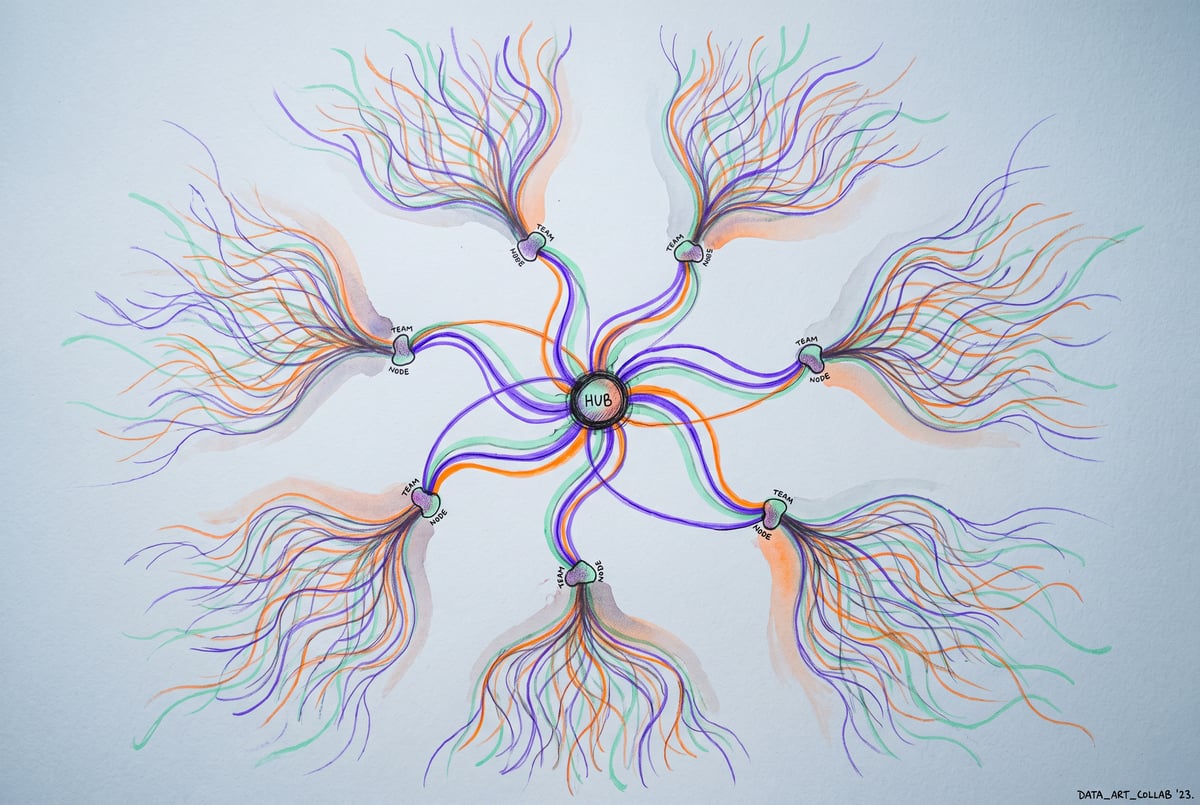
The redesign changes the structure. Now a project is one conversation that delegates. You send a single message describing several tasks, and Claude starts a separate thread for each one. Each thread is a full Claude session with its own plan, visible as a running to-do list that ticks off steps as it completes them. These threads appear as cards under your original message, so you can click into any one of them to work with it directly, or just ask the main conversation for a status update across all of them without opening anything.
The part that makes this functional rather than just convenient is shared context. Project instructions and project memory reach every thread automatically. If you correct something in one thread, that fix carries into every thread that starts afterward. A shared library collects every file you’ve uploaded and every file the threads produce, so nothing gets scattered across a dozen separate chat histories.
Threads also run in the cloud by default, meaning they keep working after you close your laptop, and you can check progress or redirect them from your phone. If a task needs local files, you can tell Claude to run that specific thread on your machine instead.
Why does the Pro/Max restriction matter?
The restriction matters because it draws a line between who gets the full multi-threaded workflow and who doesn’t. Free users don’t get projects in this form at all. Team plan users get something adjacent called nested sessions: sub-sessions that receive a one-time brief from the main chat rather than continuous shared memory, and which run locally on your computer instead of in the cloud. That’s a meaningfully different experience, closer to delegation-by-instruction than to a persistent shared workspace.
For individual users deciding between Pro and Max, the practical question becomes usage limits rather than access, since both tiers get projects. The real cost shows up in how the feature behaves by default once you’re using it.
Why does the Opus default burn through usage limits so fast?
Every thread you start inside a project defaults to Claude Opus, Anthropic’s largest and most capable model, running on high effort. High effort settings generally mean the model spends more computation reasoning through a task, which produces better results but consumes usage allowance faster than a lighter configuration.
If you fire off a message that spawns three or four threads, as described in Anthropic’s own demonstrations of the feature, you’re not spending the usage of one conversation, you’re spending it multiplied across every thread, each running at the most expensive setting available. For anyone on a capped plan, that can eat through a usage window quickly without much warning.
Plans first. Then code.
Remy writes the spec, manages the build, and ships the app.
The fix is straightforward but not automatic: check project settings before you start a thread and adjust the model or effort level if you don’t need Opus-level reasoning for a given task. Plenty of work, like drafting a quick note or doing a simple lookup, doesn’t need the top-tier model running at maximum effort. Leaving the default in place for everything is the fastest way to run through a usage allowance on tasks that didn’t need it.
Is Claude Projects worth switching to from coding tools or other chat apps?
For non-technical users, the appeal is consolidation. Before this update, deciding which version of Claude to use (chat, the coworking mode, or Claude Code for file-heavy work) was itself a decision you had to make upfront. The coworking mode has now folded into chat, and projects work across both the conversational and code-touching sides of Claude. You set your context (instructions, memory, files, connectors) once, and it’s available whether you’re chatting, writing code, or checking in from your phone.
For technical users already comfortable running multiple terminal sessions or juggling tools like Claude Code, VS Code, or Cursor, the appeal is less about access and more about visibility. The redesigned session view adds a to-do list, an environment card showing whether a session is local or cloud-based, a context meter with a one-click compact option, and support for split-screen views of two chats at once. None of that changes what Claude can do, but it changes how legible the work is while it’s happening.
The feature isn’t complete. Projects remain in beta on Pro and Max, and cloud-based threads don’t automatically inherit skills or settings configured on your local machine. You have to enable skills within your Claude account separately for threads to use them. For long-running builds that need persistent decision history and tighter control, a dedicated agentic workflow outside of Claude’s own interface may still make more sense. For shorter, well-scoped jobs, projects are built to handle the coordination work that used to fall on the user.
Frequently Asked Questions
Which Claude plans get access to the new projects feature?
Pro and Max plans get the full projects feature with multi-threaded conversations and shared cloud-based memory. Team plan users see a different implementation called nested sessions, which briefs sub-sessions individually rather than sharing continuous memory, and runs locally rather than in the cloud. Free plan users don’t get this projects feature at all.
Does Claude Projects cost extra on top of a Pro or Max subscription?
The transcript and general availability information don’t indicate a separate charge beyond the existing Pro or Max subscription cost. The feature is bundled into those plans while in beta.
Why does Claude default to Opus on high effort inside project threads?
Opus is Anthropic’s most capable model, and high effort settings generally produce more thorough reasoning on complex tasks. Defaulting to this combination favors output quality over usage efficiency, which is why checking project settings before running tasks is worth doing if you want to conserve your usage allowance.
Are Claude’s docs, slides, and design tools also restricted to Pro and Max?
No. Docs, slides, and design artifacts came out of beta in October and are available on every plan, including free. Dashboards, which pull live data from connectors, are in beta but limited to paid plans.
What happens if I’m not on Pro or Max but still want better chat organization?
Seven tools to build an app. Or just Remy.
Editor, preview, AI agents, deploy — all in one tab. Nothing to install.
Several interface improvements apply regardless of plan, including side chats (a separate pane for questions that don’t belong in your main conversation), sortable chat sections in the sidebar, and split view for working on two chats side by side.