Claude Meetings Explained: Your New AI Meeting Assistant
Claude can now join video calls, take notes, build slides live, and chase down action items. Here's how Claude Meetings actually works.

What is Claude Meetings?
Claude Meetings is a feature from Anthropic that lets Claude join video calls as a visible participant, not just a silent transcription bot. It listens to the conversation, takes notes, and can actively produce work during the call itself, like a slide deck, a spreadsheet, or a summary document, based on what’s being discussed in real time. It’s part of a broader push from Anthropic to turn Claude into a workspace that includes its own versions of spreadsheets (Sheets), documents (Docs), presentations (Slides), a collaborative whiteboard, and a business intelligence dashboard (Data).
TL;DR
- Claude Meetings lets Claude sit in on video calls and act on the conversation, generating slides, spreadsheets, or notes while the meeting is still happening, instead of producing a summary afterward.
- Several companies already offer AI notetakers, but the distinction here is that Claude doesn’t just transcribe. It executes tasks like building a presentation or crunching numbers on the spot.
- Because Claude sits in on the discussion itself, it captures the reasoning behind decisions, not just the final conclusion, which means it can later explain why a team chose one option over another.
- The feature ships alongside Claude’s other new workspace tools (Sheets, Docs, Slides, Whiteboard, Data), all of which can be generated from a single prompt rather than built manually.
- Claude Meetings fits into Anthropic’s larger strategy of making Claude a unifying layer across existing enterprise software rather than a replacement for any one tool like Zoom or Excel.
- Anthropic has highlighted enterprise adoption numbers, including large customers like JPMorgan Chase, where Claude is reportedly used by a large share of employees on a regular basis.
- Independent research on enterprise AI adoption (notably the MIT “state of AI in business” report) found heavy informal chatbot use inside companies even when formal AI projects showed little measurable return, a nuance often lost in headline coverage.

How does Claude Meetings actually work during a call?
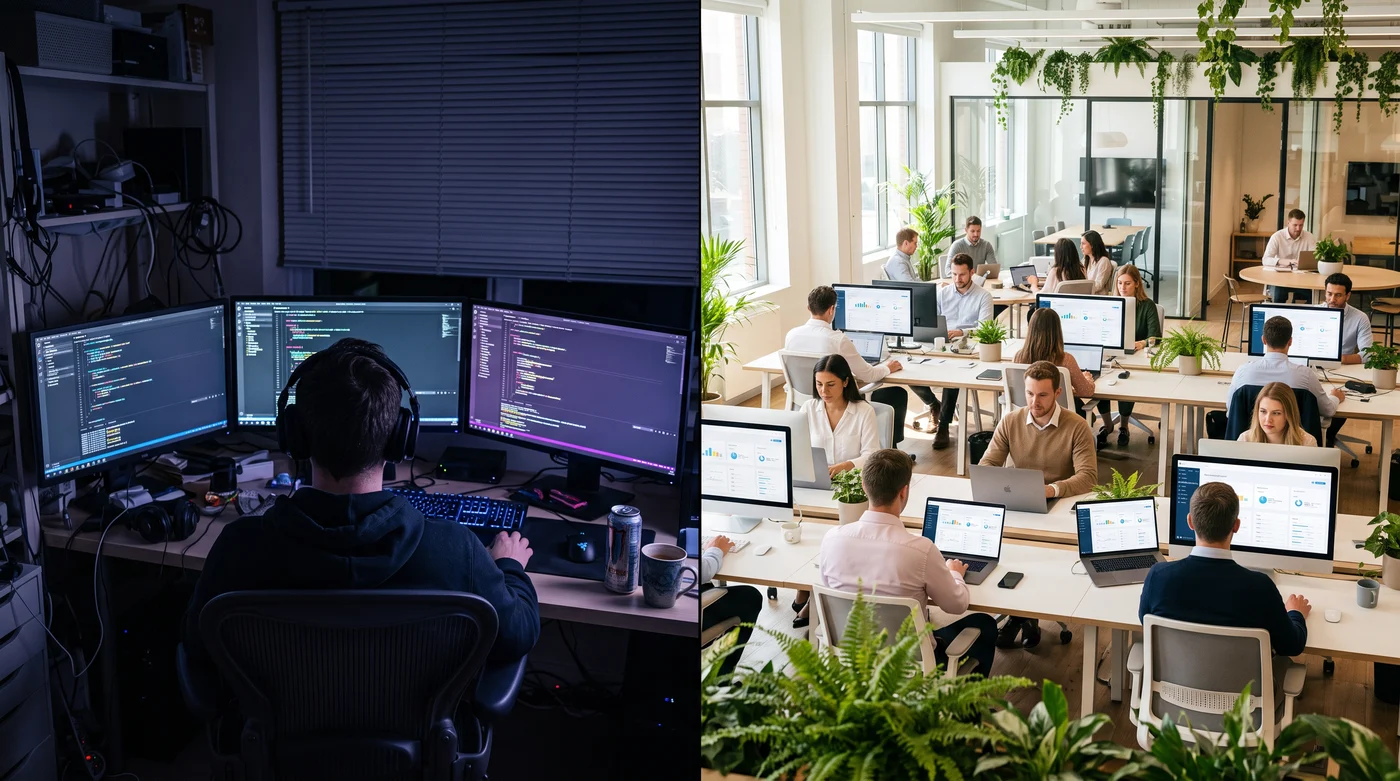
Claude joins the video call as a participant you can see and address directly, similar to how a human notetaker would show up as another tile on the screen. From there, it tracks the conversation and can be asked to do things live: draft a presentation that reflects what was just discussed, build a quick spreadsheet model around numbers someone mentioned, or pull up a document related to the topic at hand. Because Claude has access to the other workspace tools Anthropic has built, Sheets, Docs, Slides, Whiteboard, and Data, it can generate those artifacts in the moment rather than after the meeting ends.
This matters because traditional meeting assistants mostly operate after the fact: they record the call, transcribe it, and generate a summary or action list once everything wraps up. Claude Meetings compresses that lag. If someone in the meeting asks for a quick visual or a recalculated budget, Claude can produce a working draft before the call is over.
How is this different from existing AI notetakers?
The core difference is passivity versus participation. Most AI meeting tools on the market record and summarize, essentially acting as a transcript-plus-highlights service. Claude Meetings is built to be an active participant that can be directed mid-conversation to produce real output.
The second difference is context retention. Because Claude is present for the actual discussion, not just the final decision that gets written into a document afterward, it has access to the reasoning, disagreements, and constraints that shaped that decision. A final meeting summary might say “we’re moving forward with Option B.” Claude, having sat through the meeting, also knows why Option A was rejected, what the marketing team wanted, what the engineering team pushed back on, and what trade-offs were accepted. That context can be useful weeks later if someone tries to revisit a decision without knowing the original reasoning.
Why does Anthropic want Claude inside your meetings?
Anthropic’s broader strategy, visible across Sheets, Docs, Slides, Whiteboard, Data, and now Meetings, is to position Claude as a layer that sits on top of a company’s existing tools rather than competing with each one individually. The pitch isn’t “replace Excel with Claude Sheets” or “replace Zoom with a Claude-only meeting app.” It’s that Claude can operate inside whatever software a company already uses, connecting to platforms like Salesforce, Workday, Asana, Dropbox, Shopify, and others through integrations, while acting as the single interface a person actually talks to.
In that framing, Claude Meetings isn’t just a note-taking feature. It’s a way for Claude to plug into one of the most information-dense parts of a business: the live discussion where decisions actually get made, budgets get debated, and disagreements get resolved before they’re flattened into a single bullet point in a report.
Is Claude Meetings worth using for real teams?
- Name
- Maria Alvarez
- Date of birth
- SSN
- Diagnosis
- Balance due
- $412.80
For teams already using Claude for other work, Meetings is a natural extension rather than a separate purchase decision: it removes the gap between “what was discussed” and “what gets documented and acted on.” The practical value shows up in a few places: faster turnaround on meeting artifacts (slides, notes, follow-ups), fewer dropped action items since Claude can follow up with participants afterward, and better institutional memory since the reasoning behind a decision is preserved, not just the outcome.
The tradeoffs are the same ones that come with any AI notetaker: privacy and consent considerations for having an AI system present in sensitive conversations, dependence on Claude correctly understanding spoken context (which can be messier than written prompts), and the usual judgment calls about how much decision-making authority to hand to an AI that’s drafting documents in real time. Anthropic has emphasized enterprise use cases heavily, including large-scale deployments like JPMorgan Chase reportedly having a substantial portion of its workforce using Claude regularly, which suggests the company is building this feature with big organizations in mind first.
What does this mean for other workplace software?
The subtext of Claude Meetings, and Anthropic’s other workspace tools, is that the value of many standalone software products is shifting. A spreadsheet tool’s value used to come partly from the skill required to use it well; formulas, pivot tables, and charts took time to learn. If Claude can generate the same output from a plain-language request, the skill barrier drops, and the tool itself becomes less of a differentiator.
That doesn’t necessarily mean existing software disappears overnight. Anthropic’s integrations with tools like Salesforce, Canva, Webflow, and Shopify suggest a coexistence model for now, where Claude works through existing platforms via connectors rather than forcing a full replacement. But as AI models get better at replicating the functions those platforms offer, the pressure on single-purpose software to justify its own interface, rather than being accessed through an AI assistant, is likely to keep building.
Frequently Asked Questions
What exactly does Claude do during a meeting?
It joins as a visible participant, listens to the conversation, and can be asked to take notes, draft documents, build slides, or create spreadsheets based on what’s being discussed, producing these in real time rather than only after the call ends.
Is Claude Meetings the same as a transcription tool?
No. Transcription tools record and summarize after the fact. Claude Meetings participates during the call and can generate working documents or presentations live, based on direct instructions from meeting participants.
Does Claude Meetings work with Zoom and Teams?
Anthropic’s broader strategy is to have Claude work across whatever communication tools a company already uses rather than requiring a replacement platform, consistent with its approach of integrating with existing enterprise software through connectors.
Can Claude follow up on action items after the meeting?
Yes. Because Claude retains context from the meeting, including decisions and who was assigned what, it can follow up with participants afterward to check on progress and help keep tasks documented.
Do companies actually use Claude at scale already?
Anthropic has pointed to large enterprise customers, including JPMorgan Chase, where a substantial share of employees reportedly use Claude regularly, suggesting meaningful enterprise adoption ahead of features like Meetings rolling out broadly.