
Budget AI Rig Cost: A Local LLM Server Parts Breakdown Under $800
Full parts and pricing for a sub-$800 local AI server: Xeon CPU, 64GB RAM, and one RTX 3060 12GB, with real token speeds tested.
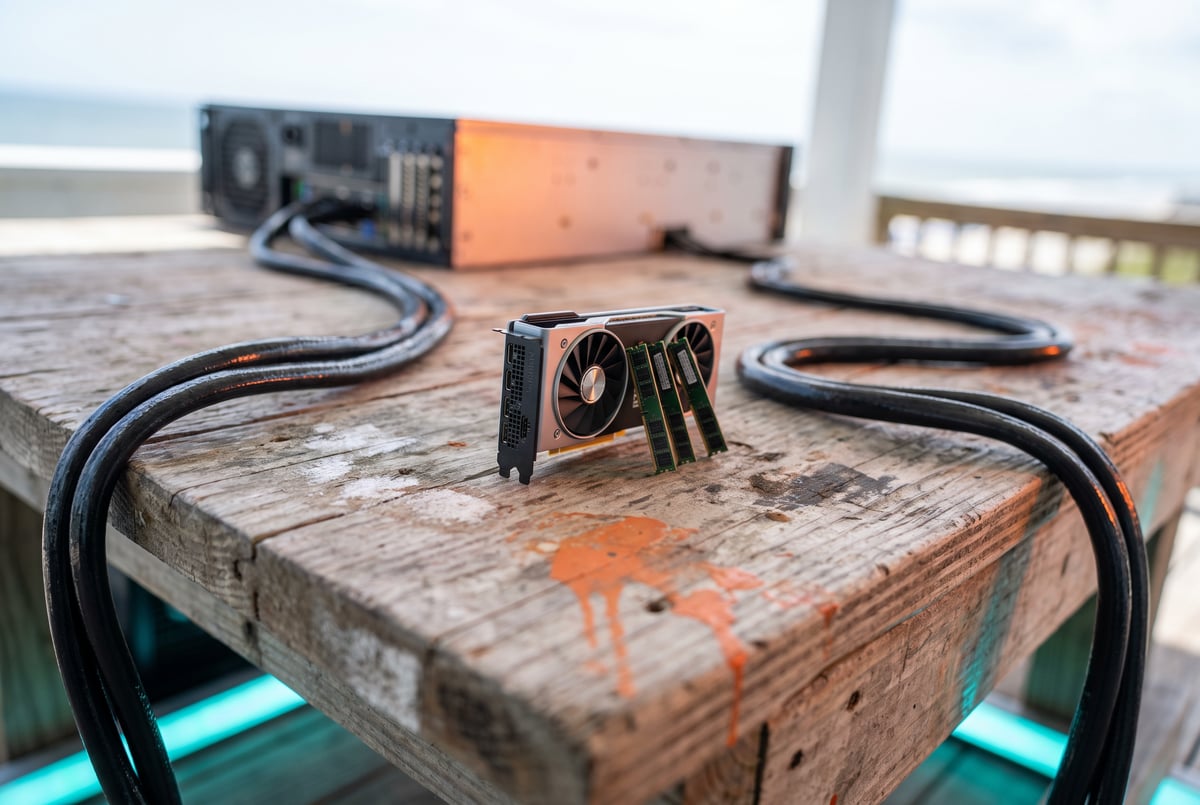
How much does a budget local AI server actually cost?
A working local AI server built from a used Xeon CPU, 64GB of RAM, and a single RTX 3060 12GB GPU can be assembled for around $769 to $825, depending on which CPU you choose. That price covers a secondhand server-grade processor (roughly $20 to $75), 64GB of RAM (about $250), a used RTX 3060 12GB (around $325), and a small power connector adapter (about $5). It’s not a fast machine by modern GPU-cluster standards, but it runs real models, handles vision tasks, and can even drive an agent framework with some caveats.
TL;DR
- A sub-$800 local AI rig is achievable using a used dual-Xeon-era server CPU, 64GB of DDR4 RAM, and one RTX 3060 12GB GPU, based on real eBay pricing for each part.
- The CPU choice matters more for price than performance: swapping an Intel Xeon E5-2696 V4 (22 cores, about $26.95 to $75 shipped depending on listing) for a lower-core E5-2695 V4 (18 cores, around $20) saves money without a noticeable hit to tokens-per-second for most users.
- With one RTX 3060 12GB, the system reached decode speeds in the mid-40s to high-40s tokens per second, and speculative decoding pushed things faster once the model settled into repetitive patterns.
- Prefill on long documents climbed into the 800s tokens per second, while a single heavy reasoning run that generated 32,000 output tokens took over 600 seconds total and averaged 49.2 tokens per second.
- The single-GPU setup drew around 350 watts at peak, a modest power footprint for a machine that can run vision models, transcribe handwriting, and serve an OpenAI-compatible API endpoint for agent frameworks.
- Running agent frameworks like Hermes is possible but constrained: the test machine capped its context window at 64K and could only run batch size one, meaning no sub-agents without more RAM or a second GPU.
- Adding a second RTX 3060 roughly doubles the GPU cost, pushing total build price to around $1,100, which buys more VRAM headroom for larger context windows and batch processing.
Everyone else built a construction worker.
We built the contractor.
One file at a time.
UI, API, database, deploy.

What parts make up a $769 to $825 build?
The core bill of materials is short. You need a CPU, RAM, a GPU, and a connector to adapt the power cable. Everything else (motherboard, case, PSU) is assumed to already exist in a server chassis, since this build reuses a server-class platform rather than starting from a consumer desktop.
Here’s the breakdown from actual secondhand pricing:
- 64GB of RAM: around $250
- Intel Xeon E5-2696 V4 (22 cores, not part of Intel’s standard retail lineup, so it won’t show up on Intel’s official product pages): roughly $26.95 to $75 shipped depending on the listing
- Intel Xeon E5-2695 V4 (18 cores, the budget alternative): around $20
- RTX 3060 12GB GPU: approximately $325, with prices trending upward on the used market
- 6-pin to 8-pin power connector: about $4.99, and you only need one for a single-GPU setup
Add those up with the cheaper CPU and the total lands at $769. Swap in the higher core count E5-2696 V4 and the total rises to around $825. Both numbers assume you’re buying used server parts, mostly from eBay, which is where this kind of pricing is realistic. GPU prices specifically are worth tracking over time since they fluctuate, and used RTX 3060 pricing has been climbing rather than falling.
Does the CPU choice actually affect performance?
Not much, in practical terms. The two CPUs compared here, the Xeon E5-2696 V4 (22 cores) and the Xeon E5-2695 V4 (18 cores), differ mainly in sustained all-core clock behavior, which depends partly on whether your motherboard’s BIOS supports that feature. The more expensive chip “shines” in that specific scenario, but the expectation is that most users won’t see a meaningfully different tokens-per-second number between the two chips in day-to-day use.
That makes the cheaper E5-2695 V4 the more sensible pick for anyone optimizing purely for cost. Saving roughly $50 to $55 on the CPU while giving up four cores is a reasonable trade when the GPU is doing the heavy lifting for inference anyway.
What kind of performance does a single RTX 3060 12GB deliver?
Decode speed on this single-GPU setup ran in the mid-40s tokens per second for sustained generation, with speculative decoding kicking in during repetitive sections of output and pushing speeds higher. On one long reasoning task that generated around 32,000 output tokens over roughly 617 seconds, the average came out to 49.2 tokens per second, which is a solid number for a 12GB card running local inference.
Prefill performance (how fast the model processes input before generating a response) scaled up with longer documents, reaching into the 800s tokens per second on heavier prefill workloads. VRAM hit rate stayed good throughout testing, and PCIe traffic usage sat around 56.2%, which is notably efficient given the constraints of a single 12GB card.
Power draw peaked around 350 watts with one GPU installed, a modest number that keeps this build friendly for home electrical circuits and doesn’t require industrial cooling or a dedicated power circuit.
- ✕a coding agent
- ✕no-code
- ✕vibe coding
- ✕a faster Cursor
The one that tells the coding agents what to build.
The GPU also handled a vision stack during testing, successfully reading handwritten notes from an image (a recipe timing note) despite imperfect handwriting legibility. That’s a meaningful data point for anyone considering this build for document OCR or multimodal tasks, not just text generation.
Is running an agent framework like Hermes realistic on this hardware?
Yes, with real limitations. Connecting an agent framework to a local server like this one is done through a custom OpenAI-compatible endpoint (an internal HTTP URL with a specific port and the standard /v1 API path). No API key is required on an internal network, though exposing this kind of setup to the open internet isn’t advisable without serious security considerations.
The practical constraint is context window and batching. This build ran with a 64K context window, which is workable but tight. Batch size defaults to one, meaning the system can’t run sub-agents (agents spawning their own helper agents) without either more RAM, a second GPU, or both. Running sub-agents meaningfully requires batch two or batch four, which this single-GPU, 64GB-RAM configuration can’t comfortably support. With 128GB of DDR4 RAM, sub-agent support becomes feasible, though actual performance impact at that scale wasn’t measured in this build.
One practical recommendation: dial back the reasoning setting from extra-high to medium once you’re running inside an agent harness, since extra-high reasoning burns through tokens quickly on multi-step tasks.
Is it worth adding a second RTX 3060?
It depends on what you’re optimizing for. Adding a second RTX 3060 roughly doubles the GPU cost, pushing the total build to around $1,100. In exchange, you get more usable VRAM, which opens the door to larger context windows (pushing past 64K toward 128K) and batch size two, enabling actual sub-agent functionality in agent frameworks rather than queuing every task serially.
For someone running single-shot inference, document analysis, or one agent at a time, the single-GPU $769 to $825 build is probably enough. For anyone planning to run multiple concurrent agents or needing a bigger context window for long documents and extended conversations, the two-GPU setup at roughly $1,100 is the more practical investment.
Frequently Asked Questions
What’s the cheapest way to build a local AI server?
Based on this build, the cheapest route is a used server CPU like an Intel Xeon E5-2695 V4 (around $20), 64GB of RAM (around $250), a single RTX 3060 12GB GPU (around $325), and a power connector adapter (around $5), totaling close to $769 when sourced secondhand, primarily through eBay.
Can a single RTX 3060 12GB actually run local LLMs well?
Yes. Testing showed decode speeds in the mid-40s to high-40s tokens per second with vision capabilities enabled, and prefill speeds reaching into the 800s tokens per second on longer documents. It’s not the fastest setup available, but it’s functional for real workloads including agent frameworks and document transcription.
Does the specific Xeon CPU model matter for AI performance?
Not significantly for most use cases. The core difference between higher-core and lower-core Xeon options in this comparison shows up mainly in sustained all-core clock scenarios, which depends on BIOS support. Most users won’t notice a meaningful tokens-per-second difference, making the cheaper CPU option the more sensible buy.
Can this budget build run agent frameworks like Hermes?
Remy doesn't write the code. It manages the agents who do.
Remy runs the project. The specialists do the work. You work with the PM, not the implementers.
Yes, but with constraints. The system connects through a standard OpenAI-compatible API endpoint, but a single GPU and 64GB of RAM limits the context window to around 64K and restricts batch size to one, which means no sub-agent capability. Running sub-agents requires more RAM (around 128GB) or a second GPU.
Is it better to build with one GPU or two?
A single RTX 3060 12GB keeps costs near $769 to $825 and handles single-task inference, vision recognition, and basic agent connections well. Two GPUs raise the cost to around $1,100 but enable larger context windows and batch processing needed for genuine sub-agent workflows.