
How to Make Faceless AI VTuber Videos for Educational Content
A practical look at making faceless educational videos with AI VTuber avatars, pixel art characters, and Fish Audio voice synthesis.
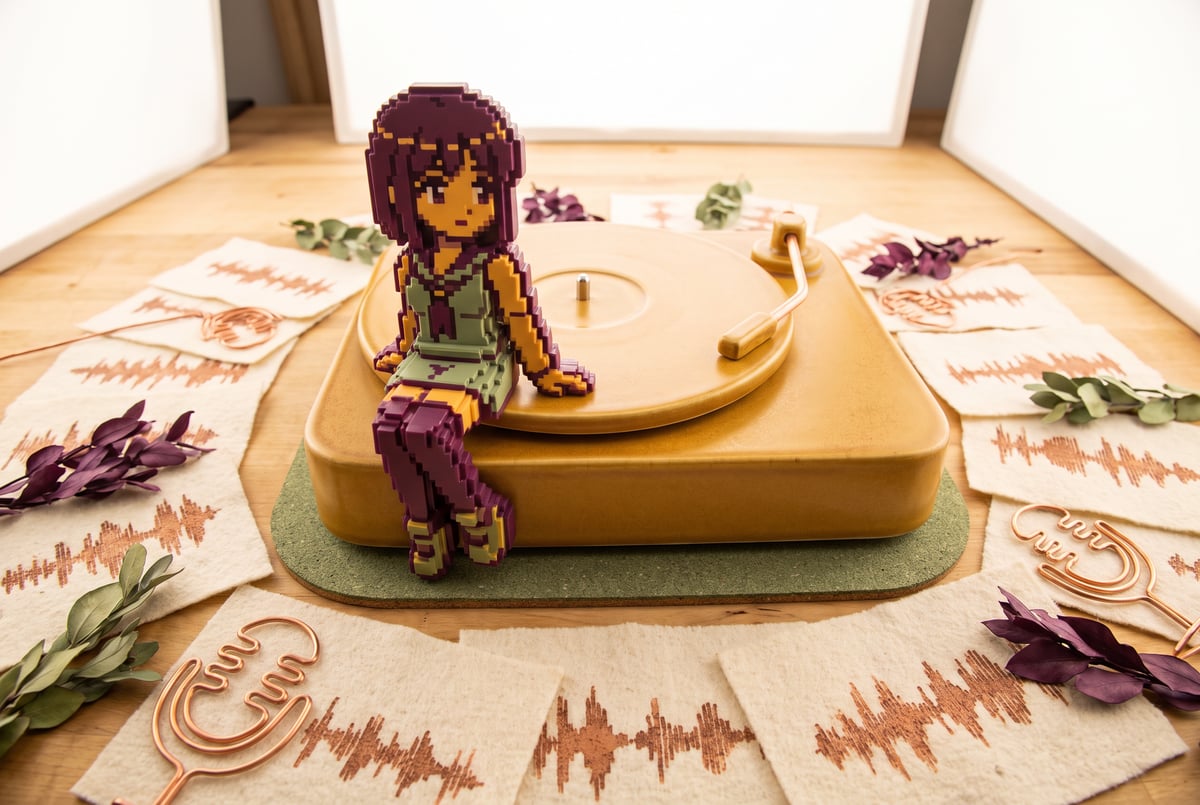
What is an AI VTuber video and how is it different from a talking-head AI avatar?
An AI VTuber video replaces a realistic AI-generated human face with a stylized animated character, usually pixel art, anime-inspired, or illustrated in a flat cartoon or watercolor style. The creator behind one recent experiment built a fully AI-generated educational video this way: static character assets split into frames, recombined and animated to simulate movement, paired with AI-generated voice in Japanese. The result sidesteps a problem that photorealistic AI avatars still haven’t solved: human faces generated by AI tend to look close enough to real to feel wrong, while stylized characters don’t trigger that same discomfort.
TL;DR
- Stylization avoids the uncanny valley because pixelated or anime-style characters don’t invite the same scrutiny a near-photorealistic AI face does.
- Frame-splitting technique involves creating character assets and dividing them into pieces that get recombined and animated like a sprite, rather than relying on a single AI video generation pass.
- Fish Audio was used for voice synthesis, and the creator says they tested more AI-generated voices on that platform in a month than they’d listened to real people.
- Language and accent choices mask AI artifacts, since voices with distinctive rhythm or accent make it harder for a listener’s brain to flag the voice as synthetic.
- Post-processing audio through libraries trained on human speech adds a layer of naturalness that helps smooth over robotic or automated-sounding artifacts.
- Background noise layering is a simple trick to cover up subtle audio glitches that come from AI voice generation.
- The technique doesn’t transfer well to realistic human avatars, the creator notes, because the visual fidelity isn’t high enough yet to avoid looking off.

Why does this work better with pixel art than with realistic human avatars?
The core issue is the uncanny valley: the closer an artificial face gets to looking human without actually being human, the more unsettling it becomes to viewers. Photorealistic AI-generated talking heads often sit right in that gap. Viewers notice something’s off, even if they can’t articulate what, and it undermines trust in the content.
Stylized characters dodge this entirely. Anime style, pixel art, watercolor, or cartoon illustration all set clear expectations up front. The audience isn’t expecting photorealism, so small animation imperfections or repetitive motion don’t read as “broken,” they just read as “stylized.” The creator behind this experiment specifically chose heavily pixelated characters leaning on anime conventions, since that aesthetic is already widely familiar and accepted, especially among audiences who consume a lot of animated or gaming content.
The practical workflow involves creating static character assets first, then dividing them into frames. Breaking a character into component frames makes it easier to animate selectively (mouth movement, blinking, small gestures) without needing full AI video generation for every second of footage. This is closer to traditional sprite animation than to AI video synthesis, which keeps production more controllable and consistent.
How does Fish Audio fit into the voice generation process?
Fish Audio is the voice synthesis platform used to generate the spoken audio for the video, which was produced in Japanese rather than English. According to the creator, the platform’s voice quality was strong enough that they listened to more AI-generated voices from it over the course of a month than they listened to actual human voices in the same period.
Even with strong output, AI voice generation isn’t flawless. The creator describes moments where something about the voice breaks the illusion, an “automatic effect” that occasionally slips through even on a good platform. Matching voice tone and language closely to a target audience helps, but doesn’t eliminate the issue entirely.
A few specific mitigation tactics came up:
Choosing voices with an accent or distinctive rhythm makes it harder for a listener to immediately flag the voice as synthetic, since the brain has less of a “neutral” baseline to compare it against. Japanese voices in particular were cited as carrying a rhythm that helped sell the effect.
Running the generated audio through standard sound processing or mastering libraries also helps, somewhat unintentionally. Because those libraries are typically trained on large datasets of real human speech, applying them to synthetic voice tends to impart subtle qualities associated with human vocal patterns, smoothing over some of the artificial edge.
Layering in light background noise is a simpler trick: a bit of ambient sound masks the quiet automated-sounding glitches that can otherwise be noticeable in a clean, silent audio track.
None of these steps make the voice indistinguishable from a human recording. The creator is explicit that it’s “not 100% perfect.” But combined, they close much of the gap.
Is faceless AI VTuber content worth the production effort?

For creators who want to publish educational content without appearing on camera, this approach offers a middle ground between static slideshow-style explainer videos and full AI-generated talking heads. It requires more upfront asset creation (designing a character, planning how it splits into animatable frames) than simply typing a script into a text-to-video tool. But it avoids the visual trust problem that comes with realistic AI avatars, and it gives creators a consistent, ownable visual identity, similar to how traditional VTubers build a persona around a character rather than their own face.
It’s also worth noting the audio language choice matters for audience fit. Producing content in Japanese with anime-style visuals works well for audiences already comfortable with that aesthetic and language, but a creator targeting an English-speaking audience would need to rework the voice generation and possibly the visual style to match. The creator notes this setup can be built in English as well, so the technique isn’t locked to one language, but the specific voice qualities that made the Japanese version convincing would need to be re-found in another language’s voice options.
The honest framing from the creator is that this was something of an experiment, even described as one of the more “embarrassing” things posted to the channel, which suggests the technique is still rough around the edges rather than a polished, repeatable production pipeline. That’s a useful signal for anyone considering this: it’s promising, but still early, and quality will depend heavily on the specific voice and visual assets chosen.
What are the current limitations of this technique?
The biggest limitation is that it doesn’t generalize to realistic human avatars. The entire approach leans on stylization to sidestep visual quality issues, so anyone hoping to apply the same frame-splitting and voice-generation workflow to a photorealistic digital human will likely run into the uncanny valley problem the stylized version avoids.
Voice generation, even on a capable platform, still has occasional tells. The creator describes it as not 100% perfect, with moments that break immersion. The mitigation techniques (accented voices, background noise, post-processing) are workarounds rather than fixes to the underlying generation quality.
There’s also a production complexity cost. Splitting characters into frames and animating them to simulate natural movement takes more design work than simply generating a single AI avatar or using a video template. For creators without animation or design background, that’s a real barrier, even if the final output looks more convincing than alternatives.
Frequently Asked Questions
What makes an AI VTuber avatar look more convincing than a realistic AI face?
Stylization sets different visual expectations. Pixel art, anime, or cartoon styles don’t ask viewers to judge the character against real human faces, so small imperfections in animation or voice don’t trigger the same unease a near-photorealistic AI face would.
What is Fish Audio used for in this workflow?
Fish Audio is an AI voice generation platform used to produce the spoken audio track, in this case in Japanese. It was chosen for the quality and variety of voices available, though the output still occasionally has noticeable artificial qualities.
Can this technique be done in English instead of Japanese?
Yes, the creator notes the setup can be built in English as well. The choice of Japanese in this case was tied to voice quality and rhythm available on Fish Audio, not a technical limitation of the method itself.
Does this approach work for realistic human avatars?

No. The creator specifically notes this doesn’t work well with real-looking people because the visual quality isn’t high enough yet, putting realistic AI avatars into uncanny valley territory that stylized characters avoid.
How do creators make AI-generated voices sound less robotic?
Common tactics include choosing voices with distinct accents or rhythms, layering light background noise to mask subtle artifacts, and running the audio through post-processing libraries trained on human speech to add more natural vocal qualities.