Mac Mini M4 Pro vs Mac Studio vs RTX 5090 vs DGX Spark: Which Local AI Hardware Is Right for Your Stack?
Four local AI hardware options, four different use cases. Here's how to choose between Mac mini M4 Pro, Mac Studio, RTX 5090, and Nvidia DGX Spark.
The Memory Constraint That Actually Determines Your Local AI Hardware Choice
Buying a Mac mini M4 Pro 64GB versus a Mac Studio M4 Max 128GB versus an RTX 5090 32GB versus an Nvidia DGX Spark 128GB coherent unified memory isn’t really a GPU benchmark question. It’s a memory architecture question. Get that wrong and you’ll spend serious money on hardware that bottlenecks on the one thing that determines whether a model runs well or runs at all.
The reason this matters now, specifically, is that the open-weight model ecosystem has crossed a threshold. A few months ago, running a genuinely useful local model meant accepting significant capability compromises. That’s no longer the full story. Llama 4 Scout and Maverick, GPT-OSS-20B and GPT-OSS-120B under Apache 2.0, Gemma 4, Qwen’s embedding and agent-focused models — these are real tools, not demos. The hardware question has become worth answering seriously.
So here’s how to think through it.
What Actually Constrains Local Inference
Before comparing machines, you need the right mental model for what limits local AI performance.
Memory capacity determines which models you can load at all. A 70B parameter model in Q4 quantization needs roughly 40GB. A 13B model needs around 8GB. If the model doesn’t fit in memory, it either doesn’t run or it pages to disk and becomes unusably slow.
Other agents start typing. Remy starts asking.
Scoping, trade-offs, edge cases — the real work. Before a line of code.

Memory bandwidth determines how fast tokens generate once the model is loaded. This is why Apple Silicon’s unified memory architecture matters — the CPU and GPU share the same pool, and that pool has high bandwidth. An M4 Max has ~400 GB/s of memory bandwidth. An RTX 5090’s GDDR7 has higher peak bandwidth, but it’s isolated to the GPU.
Unified vs. discrete memory is the architectural divide. Apple Silicon and the DGX Spark’s Grace Blackwell chip both use coherent unified memory — one pool accessible to all compute units. The RTX 5090 has 32GB of GDDR7 that lives on the card. Two RTX 5090s gives you 64GB total, but not a single 64GB pool. Models that don’t fit on one card require tensor parallelism, which adds complexity and overhead.
Software maturity is underrated. The runtime layer — llama.cpp underneath, Ollama for daily use, MLX for Apple-native performance, vLLM for serious Nvidia serving — works differently across these platforms. CUDA has the deepest ecosystem. Apple Silicon has the most friction-free daily experience. AMD’s Strix Halo systems have attractive hardware specs but a less mature software story.
Noise and power matter if this machine lives on your desk. An RTX 5090 under load is loud and draws significant power. A Mac mini is nearly silent and sips electricity.
Mac Mini M4 Pro 64GB: The Honest Entry Point
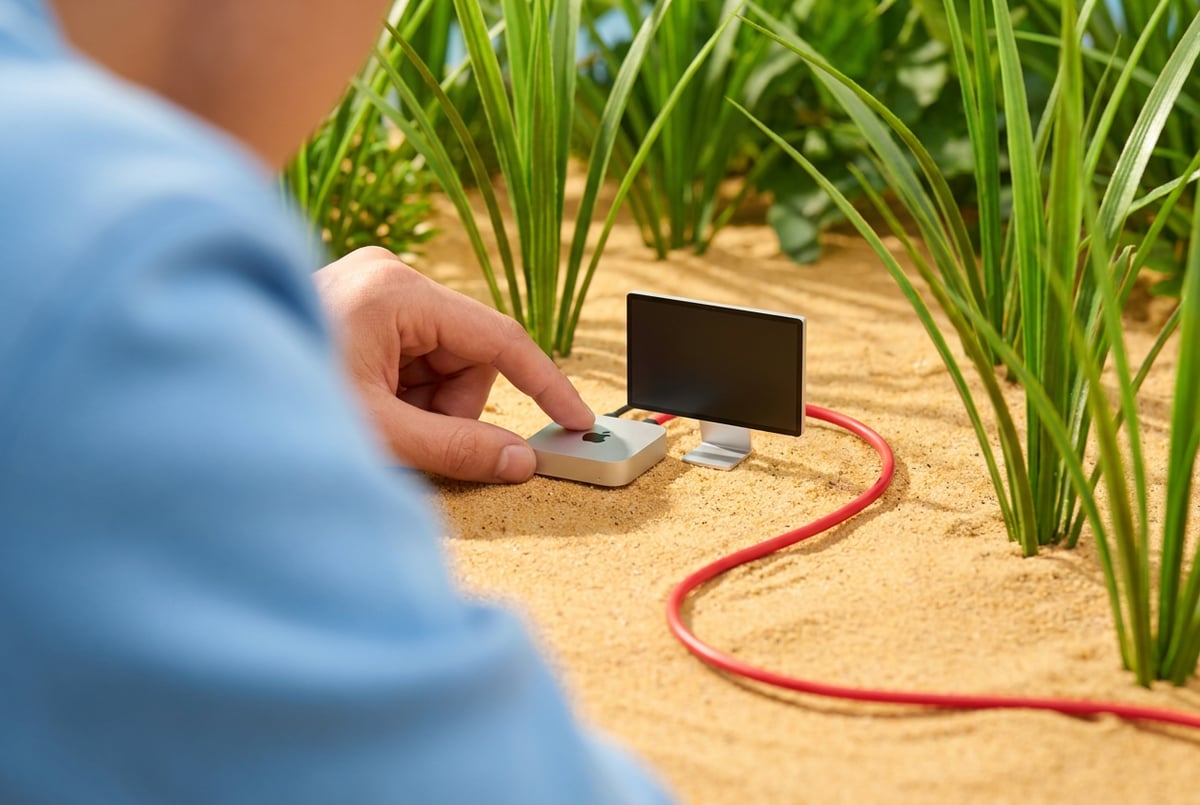
The Mac mini M4 Pro with 64GB unified memory is the right starting point for most knowledge workers running local AI. Not because it’s the most capable option, but because it matches the actual workload.
What 64GB gets you: you can run a solid 32B or 34B model comfortably, keep an embedding model loaded simultaneously (Qwen’s embedding models are lightweight), and have memory left for the OS and other applications. For local RAG with SQLite and sqlite-vec, local transcription with Whisper, and a coding assistant via Continue in VS Code — this machine handles all of it without drama.
The runtime story on Apple Silicon is genuinely good. Ollama runs cleanly, exposes an OpenAI-compatible local server, and other tools like Open Web UI can point at it immediately. MLX gives you a more native performance path when you want to squeeze more out of the hardware. LM Studio works well for model evaluation before committing to a model in your daily stack.
The honest limitation: 64GB starts to feel tight when you want to run a 70B model at reasonable quality quantization while keeping other things loaded. You’ll find yourself making tradeoffs. The M4 Pro also has fewer GPU cores than the M4 Max, which affects throughput on larger models.
Price-to-capability ratio here is strong. If you’re doing private document search, local writing assistance, meeting transcription with Whisper, and occasional coding help — this machine earns its place without requiring you to justify a larger purchase.
Mac Studio M4 Max 128GB: When Memory Headroom Matters
The Mac Studio with M4 Max and 128GB unified memory is where the Apple Silicon path becomes genuinely serious for local AI work.
Everyone else built a construction worker.
We built the contractor.
One file at a time.
UI, API, database, deploy.
128GB means you can run a 70B model at Q4 quantization with room to spare. You can keep multiple models loaded — a fast small model for cheap inference calls, a larger generalist, an embedding model — without constantly swapping. The M4 Max has significantly more GPU cores than the M4 Pro, which translates to better token throughput.
The memory bandwidth on the M4 Max is also higher than the M4 Pro, which matters for generation speed on large models. You’ll notice the difference on 34B+ models.
For the local-first knowledge worker who handles sensitive documents, runs long-context work, or wants to build a serious personal memory system with Postgres and pgvector rather than SQLite, the Mac Studio is the right call. The 256GB and 512GB configurations exist if you want to run truly large models locally, though the cost curve gets steep.
The Mac Studio also scales better for agentic workloads. Long-running agents that loop over documents, call tools, and maintain state benefit from having memory headroom — you’re not fighting the OS for resources while a multi-step workflow runs.
One thing worth being direct about: the Mac Studio is not a CUDA machine. If your workflow involves tools that require CUDA — certain fine-tuning libraries, specific inference optimizations, vLLM for serving a team — Apple Silicon is not the right path regardless of memory size.
RTX 5090: CUDA Throughput With Real Tradeoffs
The RTX 5090 gives you 32GB of GDDR7 and the full CUDA ecosystem. For a local-first developer or small team running inference at volume, this is a different kind of machine.
The throughput story is real. CUDA has years of optimization work behind it. vLLM, which handles batching and OpenAI-compatible serving for real workloads, runs best on CUDA. TensorRT-LLM and NeMo are available when you need to push further. If you’re running evals, batch jobs, or serving multiple users from a local machine, the RTX 5090 is faster per token than Apple Silicon at equivalent model sizes.
The 32GB constraint is the problem. A 70B model at Q4 doesn’t fit. You’re limited to models that fit in 32GB, which means 34B at reasonable quantization or smaller. Two RTX 5090s gives you 64GB total, but as noted above, that’s not a unified pool — you’re sharding the model across cards, which adds complexity and not all runtimes handle it cleanly.
The maintenance overhead is real. Drivers, CUDA version compatibility, heat management, power draw — this is a project, not an appliance. If you enjoy that kind of system work, fine. If you want to spend your time on the actual AI work rather than the infrastructure, the friction is a genuine cost.
The RTX 5090 makes most sense for the local-first developer profile: someone building software, running agents, testing models at volume, and trying to reduce cloud inference spend on repetitive inner loops. The economics work when you’re absorbing enough batch inference that the hardware pays for itself against API costs.
Nvidia DGX Spark: The Appliance Argument
The DGX Spark is a different kind of product. It puts a Grace Blackwell chip on your desk with 128GB of coherent unified memory — not discrete GPU memory, unified memory in the same architectural sense as Apple Silicon, but with CUDA and the full Nvidia software stack.
Remy doesn't build the plumbing. It inherits it.
Other agents wire up auth, databases, models, and integrations from scratch every time you ask them to build something.
Remy ships with all of it from MindStudio — so every cycle goes into the app you actually want.
128GB of coherent unified memory on a desktop is a meaningful number. Most cloud inference instances don’t offer that per node. It means you can run a 70B model comfortably, experiment with larger models, and do local fine-tuning without the memory gymnastics required on a discrete GPU setup.
The value proposition is packaging. You’re not buying a parts list and assembling a CUDA workstation. You’re buying a product with a defined story around local inference and fine-tuning. Nvidia’s software stack — vLLM, NeMo, TensorRT-LLM — works natively. The coherent memory means you don’t have the multi-GPU sharding problem of dual RTX 5090s.
The honest question is whether the packaging premium is worth it versus building a comparable CUDA workstation. That depends entirely on how much you value not spending weekends on driver issues. For a team or organization that wants CUDA-native local AI without a dedicated ML infrastructure person, the DGX Spark’s appliance model has a real argument.
For a solo developer who enjoys building systems, a custom CUDA workstation with one or two RTX 5090s might make more sense economically. For a privacy-focused organization that wants to run serious models locally without cloud dependencies, the DGX Spark’s combination of memory, CUDA support, and defined product story is compelling.
Which Machine for Which Workload
Use the Mac mini M4 Pro 64GB if: you’re a knowledge worker running private document search, local writing, Whisper transcription, and light coding assistance. You want a machine that feels like a computer, not a project. You’re comfortable keeping frontier cloud models for hard tasks and using local models for the repetitive, context-heavy, private work. This is the right entry point for the majority of people asking this question.
Use the Mac Studio M4 Max 128GB if: you need to run 70B models, want memory headroom for multiple simultaneous models, or are building a serious personal memory system with Postgres and pgvector. Also the right call if you want to run longer agentic workflows without memory pressure. The step up from Mac mini is justified when 64GB starts feeling like a constraint in practice, not in theory.
Use the RTX 5090 (single or dual) if: you’re a developer or small team running inference at volume, need vLLM for serving, are doing fine-tuning, or have workflows that require CUDA-specific tooling. Accept the maintenance overhead as part of the deal. Single card is simpler; dual card gives more memory but adds sharding complexity.
Use the DGX Spark if: you want CUDA-native local AI without building a custom workstation, need 128GB of coherent unified memory with full Nvidia software stack support, and are willing to pay the appliance premium for a defined product experience. Most compelling for teams or organizations with compliance or sovereignty requirements.
Other agents ship a demo. Remy ships an app.
Real backend. Real database. Real auth. Real plumbing. Remy has it all.
The model portfolio you’re running matters here too. A fast local model for cheap calls, a stronger generalist, a coding model, Qwen embeddings for RAG, Whisper for speech — this stack fits comfortably on 64GB Apple Silicon for most knowledge workers. It needs 128GB when the generalist model gets larger or you’re running multiple agents simultaneously. It needs CUDA when serving becomes infrastructure. If you’re building agents that chain across these models and want to orchestrate them without writing all the glue code yourself, MindStudio handles that orchestration layer — 200+ models, visual workflow builder, and the ability to mix local and cloud endpoints in the same pipeline.
The memory architecture question also comes up in a different context: when you’re building applications on top of local inference rather than just using it. Tools like Remy take a spec-driven approach — you write annotated markdown describing your application, and it compiles into a complete TypeScript backend with SQLite, auth, and deployment. The generated code is real and inspectable, which matters when the application is handling private data that you don’t want leaving your infrastructure.
For the retrieval layer specifically: if you’re on Apple Silicon and want to keep things simple, SQLite with sqlite-vec is a single file, easy to back up, and sufficient for personal RAG. Postgres with pgvector is the right call when you need relational data, metadata filtering, and permissions alongside vector search — the “grown-up default” as the source material puts it. The choice of embedding model matters here; Qwen’s embedding models are a solid default for local RAG and cheap to run. For more on how this compares to other retrieval approaches, Karpathy’s LLM wiki method cuts token use by up to 95% on small knowledge bases — worth understanding the tradeoff before committing to a chunking-heavy RAG pipeline.
The open-weight model landscape that runs on all this hardware is moving fast. Gemma 4 and Qwen 3.5 represent different points on the capability-size tradeoff for local deployment — Gemma 4 optimized for smaller footprints, Qwen strong on tool use and multilingual work. And if you’re evaluating models for agentic coding specifically, Qwen 3.6 Plus has frontier-level performance on agentic coding tasks as a cloud option when local models aren’t enough for the hard cases.
The hardware decision is ultimately a routing decision. You’re deciding which work stays local — private, repetitive, context-heavy — and which work goes to frontier cloud models for the rare, hard, high-value tasks. The machine needs to match the local workload you’re actually committing to, not the most impressive benchmark you read about last week.
Buy the memory you need for the models you’ll actually run. Everything else follows from that.