10 Real Use Cases for GPT Image 2 You Can Try Right Now
GPT Image 2 excels at product packaging, UI mockups, infographics, and brand assets. Here are 10 practical use cases with prompts to get started.

What Makes GPT Image 2 Worth Your Attention
GPT Image 2 isn’t just another image generator. It’s one of the most instruction-following image models available right now — which means the gap between what you describe and what you get is smaller than with most alternatives.
If you’ve tried earlier models and walked away frustrated by garbled text, ignored details, or outputs that completely missed the brief, GPT Image 2 is worth revisiting. It handles complex prompts reliably, renders readable text inside images, and maintains stylistic consistency across variations — three things that used to require significant post-processing or iteration.
This article covers 10 practical GPT Image 2 use cases, each with a starting prompt you can use right now. Whether you’re a solo creator or running a larger content operation, at least a few of these should fit your workflow immediately.
For background on the model itself, the GPT Image 2 overview covers architecture, capabilities, and how it compares to previous versions.
Use Case 1: Product Packaging Mockups
Why it works
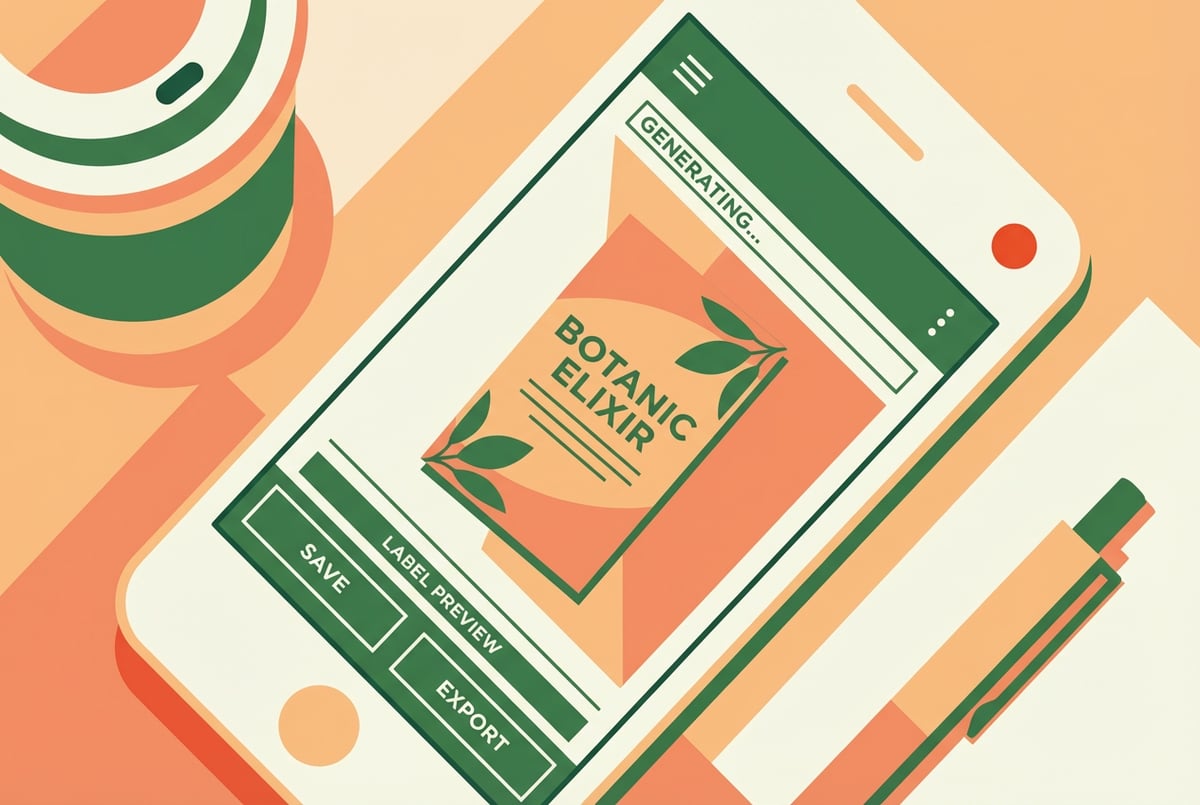
Packaging design used to require a designer, a brief, back-and-forth revisions, and days of turnaround. GPT Image 2 can generate realistic packaging mockups from a prompt in seconds — useful for concept validation before committing to a full design sprint.
The model handles 3D surfaces, label text, shadow, and material texture better than most alternatives. You can generate a glass jar with a handwritten-style label, a kraft paper box with spot color, or a sleek matte pouch with minimal branding.
Starter prompt
A product mockup of a cylindrical glass jar containing artisan honey. The label is white with black serif font reading “Golden Grove Raw Honey.” The label includes a small illustrated bee. Studio lighting, white background, high resolution, photorealistic.
When to use it
- Early-stage brand concepting
- A/B testing label designs before print production
- Social media content for pre-launch products
- E-commerce listing images for prototypes
If you’re running an online store, AI product photography templates for e-commerce can help you set up repeatable workflows around this kind of output.
Use Case 2: UI and App Screen Mockups
Why it works
Designers and product managers often need quick visual mockups to communicate ideas before any code exists. GPT Image 2 can generate plausible-looking app screens, dashboard layouts, and mobile interfaces with reasonable visual fidelity.
It’s not a wireframing tool, and it won’t output production-ready designs. But for stakeholder presentations, pitch decks, or early-stage concept reviews, it’s fast and effective.
Starter prompt
A clean mobile app screen for a personal finance app. The screen shows a dark-mode dashboard with a circular spending chart, three category cards (Food, Transport, Entertainment), and a bottom navigation bar. Modern UI design, iOS style, flat design with subtle gradients.
When to use it
- Pitch deck visuals
- Product roadmap presentations
- User research discussion guides
- Social media posts for app launches
Use Case 3: Infographics and Data Visualizations
Why it works
GPT Image 2’s ability to render text accurately inside images makes it more useful for infographic generation than most models. You can describe a layout — header, three-column stat block, source line at the bottom — and get something close to usable.
It’s best for conceptual infographics rather than precise data charts. If you’re visualizing a process, a comparison, or a set of key stats, the model handles this well. For precise bar charts or line graphs, you’ll still want a design tool.
Starter prompt
A clean infographic titled “3 Reasons Remote Teams Outperform.” Three vertical columns, each with an icon, a bold statistic, and two lines of explanation text. Color palette: navy, white, and coral. Professional, editorial style, 1200x628px layout.
When to use it
- Blog post featured images
- LinkedIn and Twitter content
- Email newsletter headers
- Report covers and summaries
The AI infographic generator templates for data visualization resource shows how to operationalize this for recurring content needs.
Use Case 4: Social Media Ad Creatives
Why it works
Paid social teams burn through ad creative fast. Testing multiple versions of a concept — different hero images, different backgrounds, different visual treatments — used to require a designer for each iteration. GPT Image 2 changes the math.
You can generate five visual variations of the same concept in minutes. Not all will be ready to use without post-processing, but many will be close. The model handles lifestyle photography, product-on-background compositions, and text overlays reasonably well.
Starter prompt
A Facebook ad creative for a premium coffee subscription. A flat lay of coffee beans, a ceramic mug, and a small leather journal on a warm wood surface. Soft natural light from the left. Leave the right third of the image clear for text overlay. 1200x628px, photorealistic.
When to use it
- Rapid creative testing
- Seasonal campaign variations
- New market launches where brand photography doesn’t exist yet
- Retargeting ad refreshes
For more on scaling this across campaigns, AI banner and ad creative templates for digital campaigns covers the workflow side.
Use Case 5: Brand Asset Generation
Why it works
Startups and small teams often need brand assets — icons, pattern libraries, illustration sets — before they have a design budget. GPT Image 2 can generate consistent visual assets if you’re specific about style.
The key is to define your visual system in the prompt and keep it consistent across generations. Specify the color palette, illustration style, stroke weight, and mood. The model won’t maintain a global style memory across sessions, but within a well-structured prompt, it produces coherent sets.
Starter prompt
A set of 6 flat-style icons on a white background: a leaf, a water drop, a sun, a hand, a recycling symbol, and a globe. All icons use the same 2px stroke, rounded corners, and the color #3DAA72. Clean, minimal, consistent sizing.
When to use it
- Brand identity exploration
- Marketing collateral illustration sets
- App icon design iterations
- Website decorative graphics
Use Case 6: YouTube Thumbnails and Blog Headers
Why it works
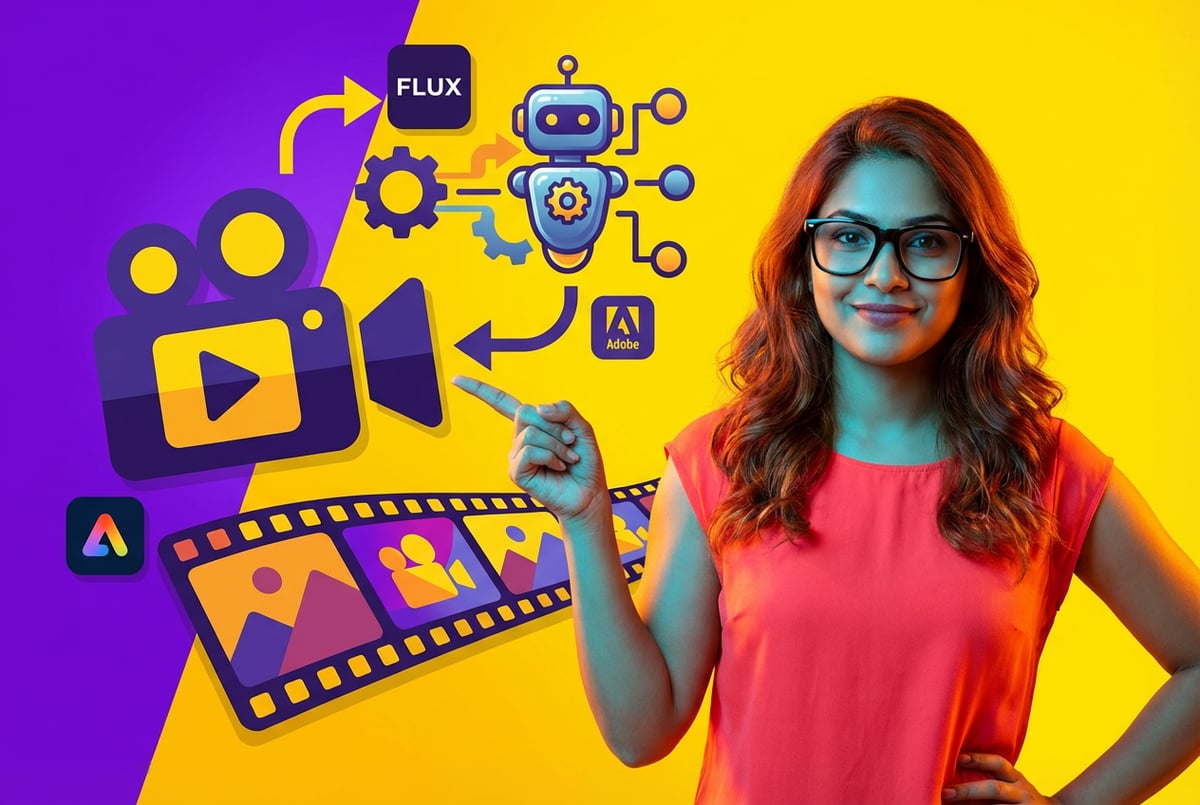
Thumbnails are one of the highest-leverage visuals in content marketing — a better thumbnail directly affects click-through rate. GPT Image 2 handles the high-contrast, bold-text visual style that performs well on YouTube and in blog listings.
You can generate a photorealistic background scene with a clear area reserved for overlaid text, or generate the full thumbnail including text in the image. The model’s text rendering is reliable enough for short phrases.
Starter prompt
A YouTube thumbnail for a video about building wealth in your 30s. A confident person in business casual standing in front of an upward-trending chart. Bold text reads “STILL BROKE?” in white with a red drop shadow. High contrast, dramatic lighting, cinematic feel.
When to use it
- YouTube content at any publishing frequency
- Blog featured images
- Email newsletter headers
- Course module visuals
The AI thumbnail generator templates for YouTube and blogs resource shows how to systematize this if you’re producing content regularly.
Use Case 7: Before-and-After Marketing Images
Why it works
Before-and-after visuals are one of the most effective formats for demonstrating transformation — home renovation, fitness, skincare, software interfaces, interior design. GPT Image 2 can generate both sides of the split, styled consistently.
This is particularly useful when you don’t have real before-and-after photography, or when you want to create aspirational “after” images that represent your product’s outcome.
Starter prompt
A split-image before-and-after comparison. Left side: a cluttered, poorly lit home office with tangled cables and stacked papers. Right side: the same office, organized and minimal, with cable management, a clean desk, and warm ambient lighting. Realistic photography style, same camera angle on both sides.
When to use it
- Product landing pages
- Email campaigns
- Testimonial graphics
- Paid social ads
There’s a full guide on creating AI-powered before-and-after images for marketing if you want to go deeper on this format.
Use Case 8: Professional Headshots and Team Photos
Why it works
Not everyone has access to professional photography. GPT Image 2 can generate realistic-looking professional headshots and team photo compositions — useful for websites, LinkedIn profiles, or internal documentation where placeholder images are needed.
The model handles portrait lighting and background consistency well. For existing photos, you can also describe background replacement or lighting enhancement (though this typically requires an image editing workflow with image input capabilities).
Starter prompt
A professional headshot of a woman in her 30s, short dark hair, wearing a navy blazer, smiling confidently. Soft studio lighting, light gray background, shallow depth of field, DSLR photography style.
When to use it
- Team page placeholders before photo shoots
- LinkedIn profile images for new hires
- Author bios on blogs and course platforms
- Pitch deck team slides
The AI headshot generator templates for professional profiles covers this use case with ready-to-use templates.
Use Case 9: Concept Art and Illustrations
Why it works
For games, books, courses, and presentations, original illustration is expensive and slow. GPT Image 2 can generate stylistically consistent concept art — character designs, environment illustrations, scene compositions — across a range of styles.
The model handles both photorealistic and stylized illustration well. You can specify medium (watercolor, digital painting, pencil sketch), mood, lighting, and subject with good reliability.
Starter prompt
A digital painting of a futuristic underwater research station. Bioluminescent sea life drifts past large circular windows. Interior lights cast a warm amber glow. The mood is quiet and exploratory. Concept art style, cinematic composition, detailed environment.
When to use it
- Game concept art
- Children’s book illustrations
- Online course visual assets
- Presentation backgrounds
- Science fiction novel covers
For e-learning teams specifically, the piece on how an e-learning platform generates course visuals with AI shows what this looks like at scale.
Use Case 10: Fashion and Product Lookbooks
Why it works
Fashion brands, retail teams, and DTC companies need lookbook content constantly — seasonal drops, campaign resets, new colorway launches. Traditional photo shoots are expensive. GPT Image 2 can generate editorial-style clothing and product compositions that work for digital lookbooks.
The model handles fabric texture, drape, and model composition reasonably well. You’ll get the best results when you’re specific about lighting style, setting, and the feeling you want to convey.
Starter prompt
An editorial fashion photograph of a linen summer dress in sage green. The model is standing in a sun-drenched Mediterranean courtyard, looking away from the camera. Natural light, film photography aesthetic, warm tones, editorial magazine style.
When to use it
- Seasonal lookbook generation
- New product launch imagery
- Email campaign headers
- Social media lifestyle content
How to Scale These Use Cases Beyond One-Off Generation
Running a prompt once is easy. Getting consistent, production-ready output across hundreds of assets is where most teams hit friction.
The patterns that work at scale:
- Template prompts — Build a standardized prompt structure for each use case, with variables you swap out (product name, color, season, etc.)
- Batch generation — Run the same prompt structure across a full product catalog or content library in one pass. Batch AI image generation covers how to set this up.
- Connected workflows — Route generated images directly into your existing tools. You can connect AI image models to Airtable, Shopify, HubSpot, or Google Sheets to automate visual content pipelines without manual file handling.
For teams doing this seriously, boosting productivity with AI image and video automation workflows is worth reading alongside this.
Where Remy Fits
If you want to build a custom image generation tool around any of these use cases — a branded headshot generator, a product mockup tool for your e-commerce team, or a thumbnail creator for your content operation — Remy lets you spec that out as an application and compile it into a working full-stack app.
You describe what the tool does, the inputs it takes, and the outputs it produces. Remy handles the backend, database, auth, and deployment. You end up with a dedicated app your team can use, not a prompt you have to remember.
That’s useful when you want to lock in a workflow — a specific prompt structure, a consistent output format, a review queue — without building it all from scratch or maintaining a pile of scripts.
You can try it at mindstudio.ai/remy.
Frequently Asked Questions
What is GPT Image 2 best at compared to other AI image models?
GPT Image 2 stands out for prompt adherence and text rendering. It follows detailed, multi-part instructions more reliably than many competitors, and it renders short text strings inside images accurately — something most models still struggle with. For a direct comparison, see GPT Image 2 vs Imagen 3 and GPT Image 2 vs Gemini image generation.
Can GPT Image 2 render text accurately inside images?
Yes, better than most models. Short phrases, product labels, and UI text render correctly in most cases. Longer passages (paragraphs) still have a higher error rate, so it’s best to keep in-image text to headlines and short callouts.
How do I get consistent style across multiple GPT Image 2 generations?
Consistency comes from your prompt structure. Define the style elements explicitly — lighting, color palette, composition, visual treatment — and keep those constants in every prompt. Within a session or a batch, the model can produce coherent sets if you’re specific. Style isn’t saved between sessions automatically, so template prompts are the practical solution.
What are the limitations of GPT Image 2 for business use?
The main limitations are: it can’t process complex data visualizations accurately (charts with many specific data points), it doesn’t maintain style memory across separate sessions, and outputs sometimes need post-processing before they’re production-ready. It’s also not a replacement for brand guidelines or a design system — it generates images, not editable design files.
Is GPT Image 2 better than Midjourney for commercial work?
Depends on the use case. Midjourney generally produces more polished aesthetic output for pure art and photography. GPT Image 2 is more useful when your prompt is complex, includes text, or needs to follow specific structural instructions. For brand assets specifically, how Recraft V4, Imagen 3, and Midjourney compare is a useful reference.
Can I use GPT Image 2 outputs commercially?
OpenAI’s usage policies generally permit commercial use of generated images. Review the current terms directly on OpenAI’s platform, as policies can change. You own the outputs you generate, but OpenAI’s content policy still applies — certain categories of content are restricted regardless of use.
Key Takeaways
- GPT Image 2 is most useful when your prompt is complex, includes in-image text, or needs to follow specific structural requirements.
- Product packaging, UI mockups, infographics, ad creatives, and thumbnails are the highest-ROI use cases for most teams.
- The quality gap between a rough prompt and a polished output is large — specificity matters more than length.
- At scale, template prompts and automated pipelines make these use cases production-viable, not just demos.
- If you want to wrap any of these into a proper internal tool, Remy lets you spec and build that without starting from scratch.