Andrej Karpathy's LLM Wiki: Build a Personal Knowledge Base with Obsidian and Codeex in 5 Minutes
Karpathy's LLM Wiki architecture, extended with a CRM and journal layer. Here's how to build it with Obsidian and Codeex today.
Andrej Karpathy Published a Blueprint for a Personal Knowledge Base. Here’s How to Build It.
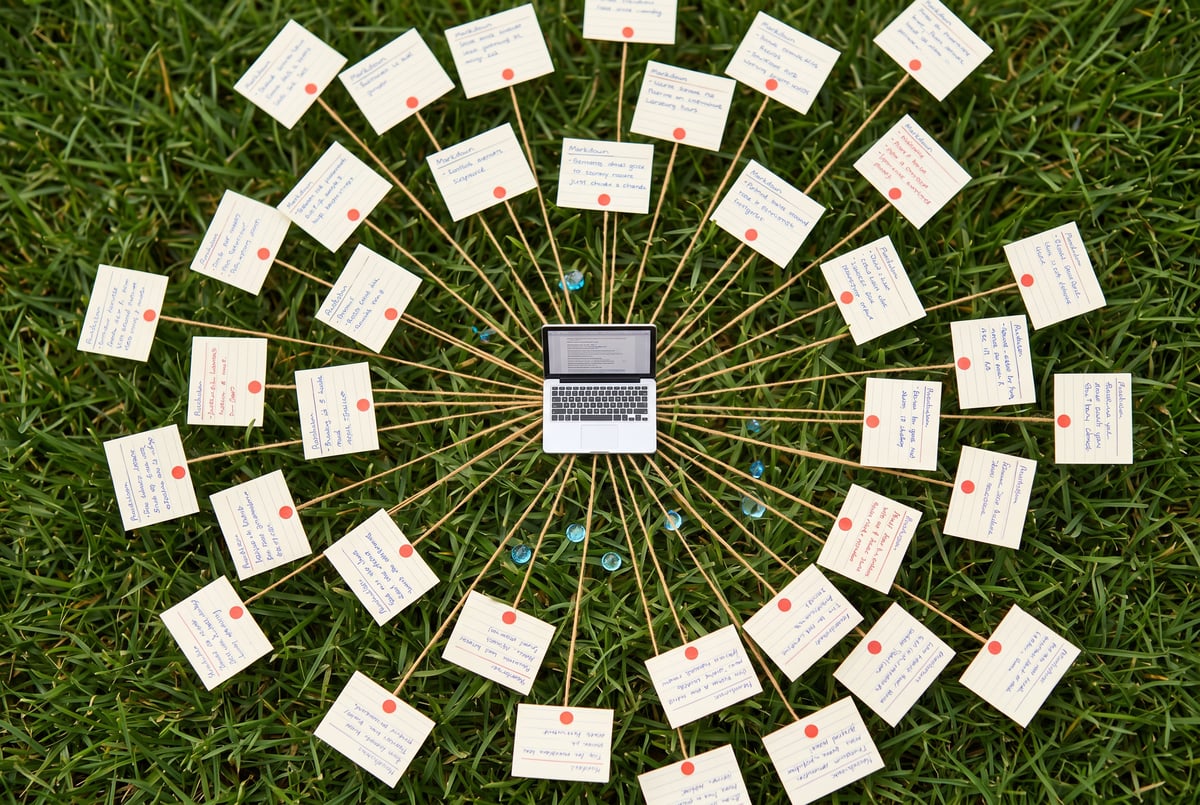
Andrej Karpathy published a GitHub page describing an LLM wiki architecture — a structured Obsidian vault where an AI agent continuously converts raw saved content into an interconnected markdown knowledge base. Most people read it, thought “that’s clever,” and moved on. The ones who actually built it discovered something more useful than a note-taking upgrade: a system that gets smarter the more you use it, without any manual curation.
This post is about building that system — specifically, the Andrej Karpathy LLM Wiki GitHub architecture extended with a CRM layer, a journaling layer, and hourly Codeex automation that processes everything without you touching it. The base architecture is Karpathy’s. The extensions are practical additions that make it a daily-use tool rather than a demo.
You’ll need two free tools: Obsidian (a local markdown vault) and Codeex (an AI-native IDE with an automations feature). That’s the entire stack.
Why Most Second Brains Are Just Expensive Trash Cans
The standard second brain setup is: save article → forget article. You clip a YouTube transcript, drop it in Notion or Roam, and never look at it again. The information doesn’t compound. It just accumulates.
One coffee. One working app.
You bring the idea. Remy manages the project.

Karpathy’s insight is that the problem isn’t storage — it’s structure. Raw transcripts and articles are high-entropy inputs. An LLM can reduce that entropy: extract concepts, cross-link related ideas, build entity pages for tools and people and themes. The output is a wiki that’s actually queryable, not a pile of markdown files.
The difference is the agent layer sitting between your raw inputs and your knowledge base. Without it, you have a dump. With it, you have a system that builds itself.
There’s a secondary insight buried in the architecture that most write-ups miss: the agent’s behavior is entirely controlled by a single plain-text file called agents.md, sitting in the root of your vault. You can read it in Obsidian, edit it directly, and the agent’s behavior changes immediately — no code deployments, no config files, no environment variables. This is the part that makes the system genuinely maintainable over time.
What Karpathy’s Architecture Actually Specifies
The GitHub page lays out a minimal folder structure. When you prompt Codeex to build it — using the exact prompt “Build out the wiki architecture based on Karpathy’s LLM wiki here [GitHub URL]. The current second brain folder is the folder that Obsidian is connected to. It is currently empty.” — you get five components:
/raw — immutable source material. Web clips, transcripts, articles. Nothing gets edited here after it lands.
/wiki — AI-generated markdown pages. These are the structured outputs: concept pages, entity pages, synthesis pages, comparison pages. The agent creates and updates these as it processes files from /raw.
agents.md — the prompt file. This is the operational spec for every agent behavior: how to ingest a source, how to answer a query, what to do with YouTube videos, how to handle CRM entries. It reads like a plain-English instruction manual because that’s exactly what it is.
index.md — the catalog. Every wiki page gets an entry here. When you ask the agent a question, it reads the index first to understand what’s available before pulling specific pages.
log.md — the audit trail. Every ingestion, every query, every wiki update gets logged here with a timestamp and a short summary.
That’s the whole base architecture. Intentionally minimal. The value comes from what accumulates inside it over time, not from the structure itself.
One thing Codeex will do if you’re not careful: generate 51 files when you only need 5. The fix is a follow-up prompt — “please remove all the extra crap and just build what’s explicitly called for in Karpathy’s game plan” — and it prunes back to the minimal spec. Worth knowing before you spend time cleaning up an over-generated scaffold.
The Input Layer: Obsidian Web Clipper
Getting content into /raw is the daily-use friction point. If it’s annoying, you won’t do it. The Obsidian Web Clipper (a Chrome extension, available from the obsidian.md website) reduces this to a single click.
The useful detail: it automatically pulls full transcripts from YouTube videos. You navigate to any YouTube video, click the clipper, and the entire transcript lands in your /raw folder as a markdown file with front matter — source title, source URL, date saved, and a web-clip tag. No copy-paste, no third-party transcript service.
For articles, it pulls the full text. For most pages, it captures whatever readable content is on the page.
Setup requires two things: set the vault name in the clipper’s settings to match your Obsidian vault name exactly (check the bottom-left corner of Obsidian for the exact string), and set the note location to RAW so clips land in the right folder. After that, the input layer is essentially zero-friction.
One limitation worth knowing: the web clipper doesn’t automatically pull the YouTube channel name into the front matter. You’ll need to add a line to agents.md instructing the agent to extract the channel name from the source URL when processing YouTube clips and add it to the original source file’s front matter. This is a one-line edit to a markdown file — the kind of customization the architecture is designed for.
For meeting notes, Granola can auto-inject transcripts directly into the knowledge base, which means your in-person conversations and Zoom calls feed the same system as your web clips. The input layer becomes comprehensive without requiring manual effort on any individual source.
Extending the Architecture: CRM and Journal
Karpathy’s base architecture is a wiki. The useful extensions are a CRM and a journal — both added by editing agents.md and creating two new folders.
The CRM is triggered by telling the agent “I’m giving you information for the CRM.” The agent then creates or updates a markdown file in /CRM named after the person. The prompt that wires this up: “If I tell you I’m giving you information for the CRM, either update the person in the CRM or add the person to the CRM. CRM files should always be a person’s name.” A /CRM/index.md file maintains an alphabetical list with short bios. When you’re heading to a conference and want to remember where you met someone, you ask the agent — it checks the CRM records and surfaces the relevant entry.
The journal is triggered by starting any chat with the prefix journal. The agent treats the subsequent text as a journal entry, writes the full conversation to a dated markdown file in /journal, and — this is the part that makes it different from just writing in a notebook — grounds its response in three sources: the wiki, past journal entries, and the CRM. If you’re journaling about a creative block, it doesn’t respond with generic advice. It responds with specific content you’ve previously saved that’s relevant to that exact problem, plus patterns it’s noticed from prior journal entries on similar themes.
The journal response in practice looks like: “The vault has several creator strategy pages. I’m pulling those in rather than answering from a blank slate.” Then it synthesizes what’s in the wiki with what you just wrote. The response is grounded in your own saved knowledge, not in what a general-purpose LLM would say to anyone.
This is the architecture’s core value proposition: the journal becomes a query interface for your accumulated knowledge, not just a place to write things down.
The Automation Layer: Hourly Processing Without Manual Triggers
The manual workflow — clip content, open Codeex, tell it to process /raw — works but doesn’t scale. The solution is Codeex’s Automations feature.
Create a new automation with these settings:
- Work tree: local, pointed at your second brain project folder
- Schedule: hourly (or whatever cadence fits your input volume)
- Prompt: “If there are any unprocessed files inside the raw directory, please process them. Once everything is processed, please commit and push the current version of the directory to the main branch on GitHub.”
- Model: GPT-5.5 on high reasoning
The GitHub push at the end of each run is the backup layer. Create a private repository, connect it once, and every hourly run ends with a commit. Your vault is versioned and backed up without any manual intervention.
After this is running, your daily workflow is: clip content with the web clipper, journal when you want to, add CRM entries when you meet people. The automation handles everything else — processing raw files, updating the wiki, cross-linking related pages, updating the index, logging changes, and pushing to GitHub. The system runs whether you’re paying attention to it or not.
The model choice matters here. High-reasoning GPT-5.5 produces significantly better wiki pages than a weaker model — better concept extraction, better cross-linking, better synthesis. The hourly automation is running on your behalf; it’s worth using the strongest model available for it.
What the Graph View Tells You
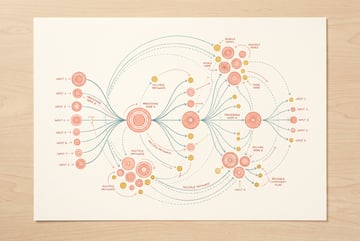
Obsidian’s graph view shows every note as a node and every link as an edge. When you first build the system, the graph is sparse — a handful of nodes with thin connections. After a few weeks of regular use, it looks like a dense network. Concepts that appear across multiple sources cluster together. People in your CRM connect to ideas they’ve discussed with you. Journal entries link to the wiki pages that informed the agent’s responses.
This visual isn’t just aesthetic. It’s diagnostic. If a section of your knowledge base is isolated — no incoming or outgoing links — that’s a signal the agent isn’t cross-linking properly, which usually means a gap in agents.md. If a concept node has dozens of connections, that’s a topic you’ve been thinking about a lot, which is useful to know.
The graph also makes the compounding nature of the system legible. Each new source you add doesn’t just add one node — it potentially connects to dozens of existing nodes, enriching the whole network. This is what makes the system different from a flat file dump.
For anyone thinking about how this architecture scales into a production application — say, a team knowledge base or a client-facing research tool — the spec-driven approach becomes relevant. Remy takes a similar philosophy to a different problem: you write an annotated markdown spec describing your application, and it compiles that into a complete TypeScript backend, SQLite database, auth, and frontend. The spec is the source of truth; the generated code is derived output. The parallel to agents.md as the source of truth for agent behavior is direct.
The agents.md File Is the Whole System
Here’s the opinion: the most underappreciated part of this architecture is that agents.md is just a markdown file you edit in Obsidian.
Every behavior change — how YouTube clips are processed, what triggers a journal entry, how CRM records are structured, what gets logged — is a text edit. No redeployment. No config management. No environment variables. You open the file, change a line, save it, and the next time the agent runs, it behaves differently.
This is a better interface for agent configuration than most production agent systems provide. Most agent frameworks bury behavior in code, in config files, in environment variables scattered across a repository. Here, the entire operational spec is in one readable file that non-technical collaborators could edit.
If you want to add a new behavior — say, breaking out company mentions into a separate /companies folder, or adding a weekly synthesis prompt that summarizes what you’ve been reading — you add it to agents.md. The architecture is designed to be extended this way. You can read more about how Karpathy’s LLM wiki approach compares to RAG for token efficiency — the short version is that the structured wiki approach uses dramatically fewer tokens than embedding-based retrieval on small knowledge bases.
For teams building more complex agent workflows — multiple agents, external integrations, model routing — MindStudio handles the orchestration layer: 200+ models, 1,000+ integrations, and a visual builder for chaining agents and workflows. The Obsidian/Codeex setup described here is a personal system; MindStudio is where that kind of architecture scales to teams and production use cases.
Building It
The sequence, compressed:
- Install Obsidian, create a new vault, note the folder path.
- Install the Obsidian Web Clipper Chrome extension, set vault name and note location to
RAW. - Open Codeex, add the vault folder as a new project.
- Prompt Codeex with the Karpathy wiki build prompt (linking to his GitHub page).
- If it over-generates, prompt it to prune back to the minimal spec.
- Clip a few pieces of content with the web clipper.
- Prompt Codeex to process the files in
/raw— verify the wiki starts building. - Edit
agents.mdto add the CRM and journal behaviors (or prompt Codeex to update it for you). - Create a private GitHub repo, connect it, verify a push works.
- Set up the hourly Codeex automation with the process-and-push prompt.
After step 10, the system runs itself. You interact with it through the web clipper (input), through Codeex chat (queries and journaling), and through Obsidian (reading the wiki that’s been built).
The full walkthrough of building an AI second brain with Obsidian covers some of the same territory from a Claude Code angle — worth reading if you want to compare the two approaches before committing to a setup. And if you’re interested in how self-evolving memory systems work with Obsidian hooks, that post covers an adjacent pattern where session logs automatically feed back into the knowledge base.
Remy is new. The platform isn't.
Remy is the latest expression of years of platform work. Not a hastily wrapped LLM.
The system compounds. A vault you’ve been feeding for three months is qualitatively different from one you started yesterday — not because the architecture changed, but because the knowledge base it’s drawing from is denser, more interconnected, and more specifically tuned to what you actually think about. That’s the point.